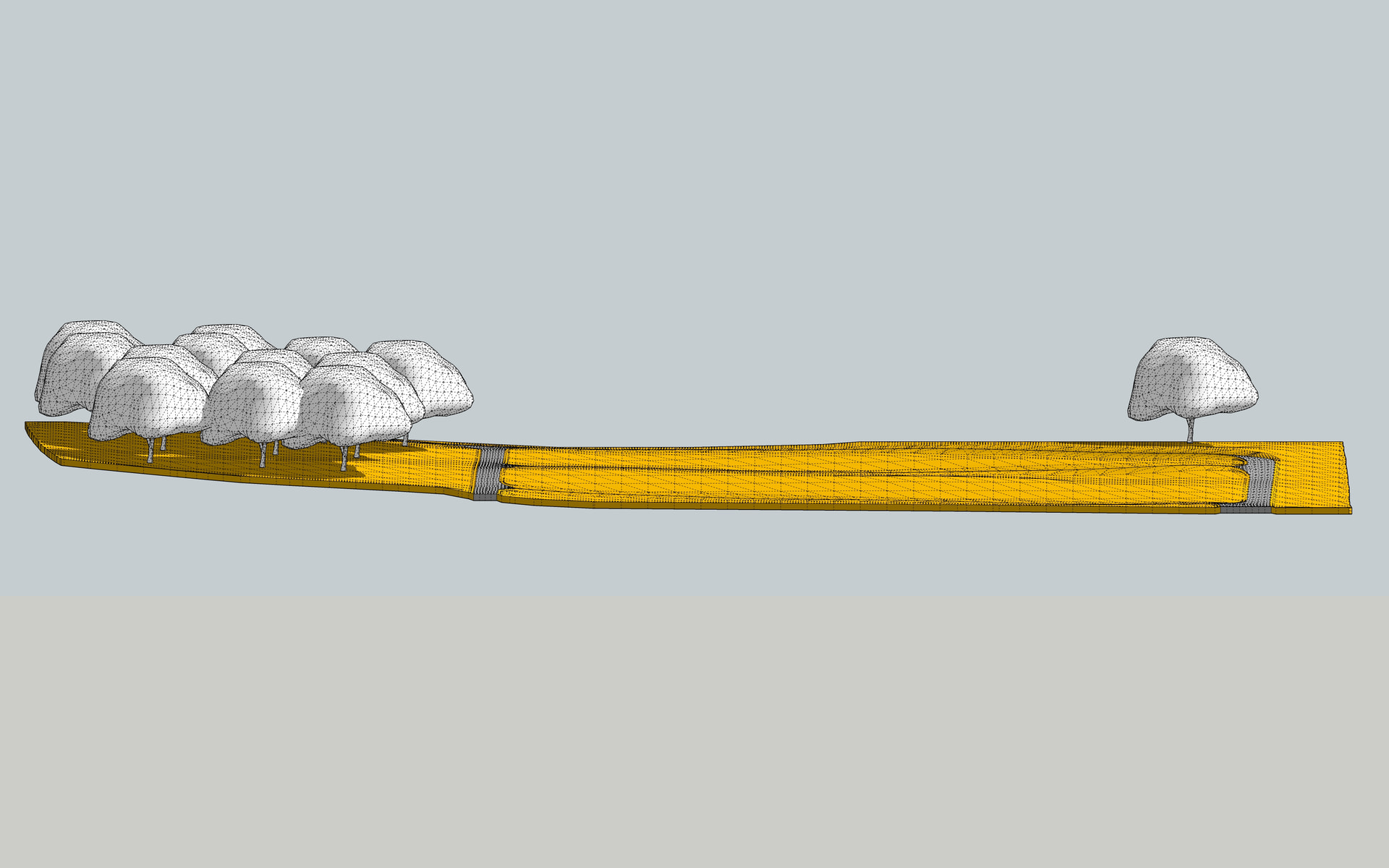
In SketchUp you can change the number of segments of Arcs, Circles or Curves.


- 362 vs. 1792 entities
From a post about ‘flat path’
Can you tell me how did you do it?
Yes, something like that
Would you mind sending me the file you created?
Explain what steps you took and where you got stuck and I will try to explain in more detail to help you learn to do it yourself.
I tried to create a simple plugin for flattening the road surface using gemini, it creates nice one after a few tries.
First drop the road profile on the surface, after that copy the road paths, make them have equal segments, explode the curves if welded, select both paths and click on the plugin. It will move each endpoint to the average of its pair..Curviloft will create a nice surface, delete some terrain and refill and you are done.. 
Hi @kenancakir, have you tried to create with Gemini a plugin that will smooth out certain sections of a path (middle of the road)?
Hi, i tried..
First, it use laplacian smoothing and here is the resault.. It deforms all the path and cause deformations..
Second, i want more spesific smoothing and it gave another code..
Lastly, i asked it to smooth the red line like the blue line and it gave me this.. All codes are saved, if you want any of them i can send you..
Thanks for the info. Now that I’ve learned the term ‘laplacian’, I’ve created a video (in Blender) to show Gemini exactly what I want and I’ll see how and if it can create a ruby script for SketchUp that will smooth a path only in certain areas where I indicate it and only in one axis.
I’m hoping to get an extension for SketchUp that will smooth out curves (edges) and bumps on the Z axis, without constantly flattening the entire path from one end to the other.

Thanks again, @kenancakir!
Starting from this post about delete nested groups, I asked Gemini to create a plugin for me that would delete groups inside nested groups by selecting them according to certain criteria (name, material, number of vertices, dimension).
ms Same Group
The plugin is still in testing and is currently unpublished.

Id like to think im a moderate user of SU and literally cant keep up with half of the stuff on here at the moment. Maybe im more of a basic user lol
nah, think of being a SU user like being an engineer. some are generalist, some are specialised. my dad started as generalist, then specialised in chemistry, and later as network security. I have a cousin building roads, his dad builds gas stations. I have a friend on an off shore, another one assembling helicopters. and off course I know a few building engineers.
they all have the title, some are in fields that are growing really fast, some choose to diversify, doesn’t mean the rest are loosing value 
edit : but off course, we can’t rule out the hypothesis that you are, in fact, actually bad. and mihai really good. 

You are probably correct, still at basic level after 5 years lol. SU still impresses me a lot, iv been trying to get to grips with AutoCAD advanced steel and it is very painful.
I’ve seen that SketchUp users prefer to position themselves at a certain level. Rather, I think it’s important to learn to use the program at your own pace, as best you can.
3D Basecamp
Thanks!
Thanks Mihai.s