to be pedantic…
ones that were applied some time ago appear correctly in the ‘in model’ palette.
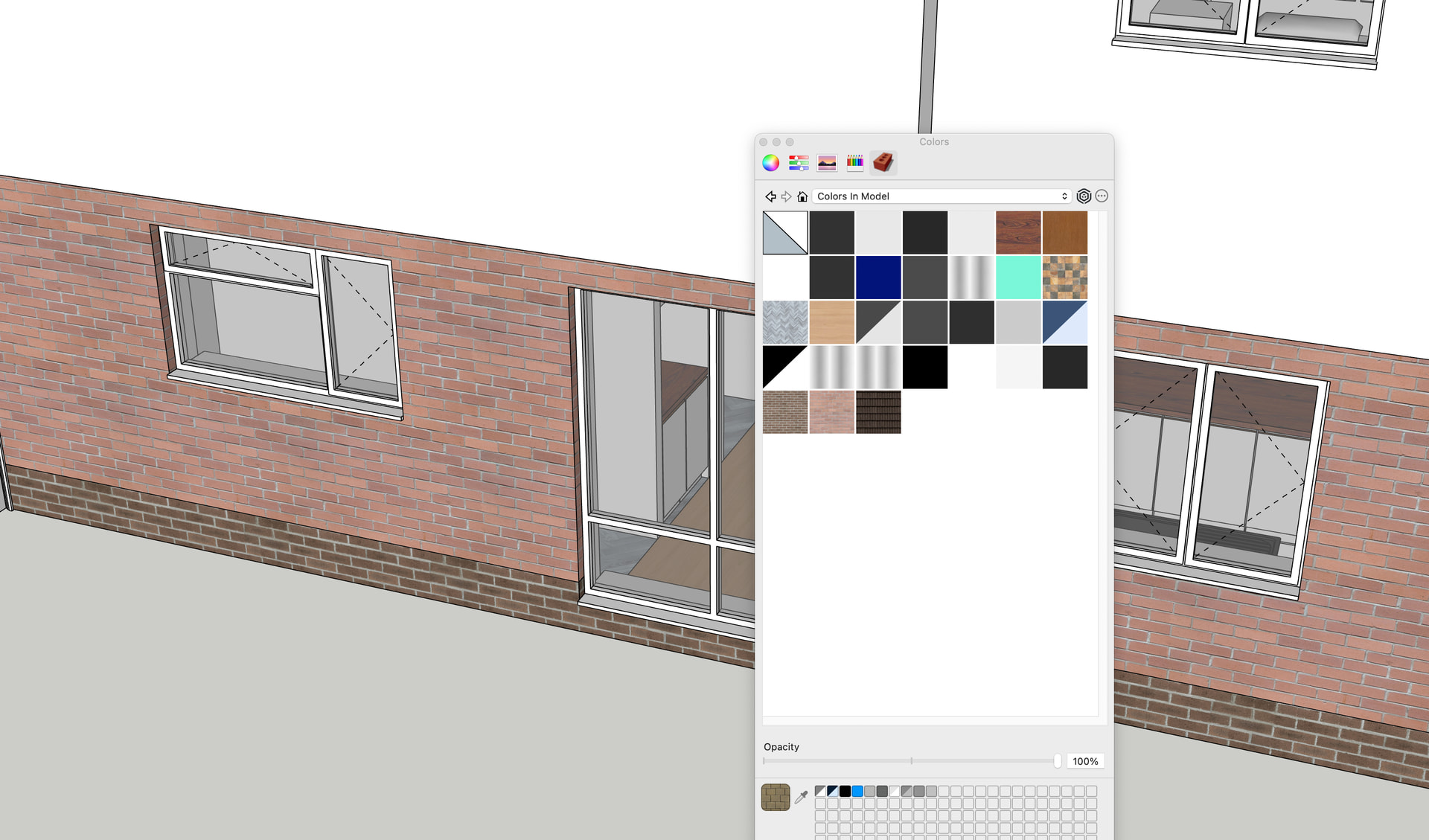
right now, if i apply a texture it just has its background colour with no image texture, and it doesnt seem to be moving into “in model palette’
to be pedantic…
ones that were applied some time ago appear correctly in the ‘in model’ palette.
right now, if i apply a texture it just has its background colour with no image texture, and it doesnt seem to be moving into “in model palette’
I wonder whether I’m the only one here who thinks the materials palettes in su26 are a big step backwards?
1 - there is no description list to choose from (eg clay tile, grey) only a little cube with a fuzzy texture that you can’t make out.
2 - you can’t see the texture unless you click on it and find it is the wrong one
3 - once you do find one you want, it loads into your “in my model” palette as an equally tiny and indiscernible cube.
The flat pictures of materials were better!!!
aah - i just found the flat panel option. but still no description. “Roofing_03_01K” tells me nothing!!!
I’m wondering whether some of the categories on mine are ones that have been carried over from earlier versions. I’ve been using SU for years, and until recently I had to copy the materials and templates etc from the old version to the new version.
SU have finessed that now, and it does it all for you, (plugins excepted) except that i think maybe (a) it can’t necessarily find the old default image textures and (b) sometimes doesnt replace a folder but instead adds a new one alongside - like your “bricks” and my “Asphalt & Concrete” or “Asphalt AND Concrete”…
Agreed, it’s terrible.
My materials palettes still don’t work.
it makes me think of this bug from a few years back
also reported here
I suppose the obvious question is, where are the image files supposed to be, because my SketchUp is not finding them.
I’m guessing there is a folder for default images files, as supplied with the application, and a second folder for the images that go with user- made textures. My sketch finds the second, but not the first.
(And the folder address I need is Mac based)