Real nice! Questions:
- I didn’t know they made a porter (or is that a feature request?).
- Did you get the normal map from somewhere or make it yourself?
- Remind me: IIRC, you made your own plugin to UV map the label onto a singly curved surface?
Real nice! Questions:
Robert, If you’re asking about the label, I found it doing a search of the web. Wanted to do a dark beer and a porter came to mind. Haven’t drank in thirty odd years so a little out of the loop when it comes to beer.
Worked out the normal map in Gimp from an image I found online. No plugins for painting the label. I isolate the area where the label goes and native paint / projected texture to paint it on the bottle. Done it enough on various types of bottles it goes pretty quick.
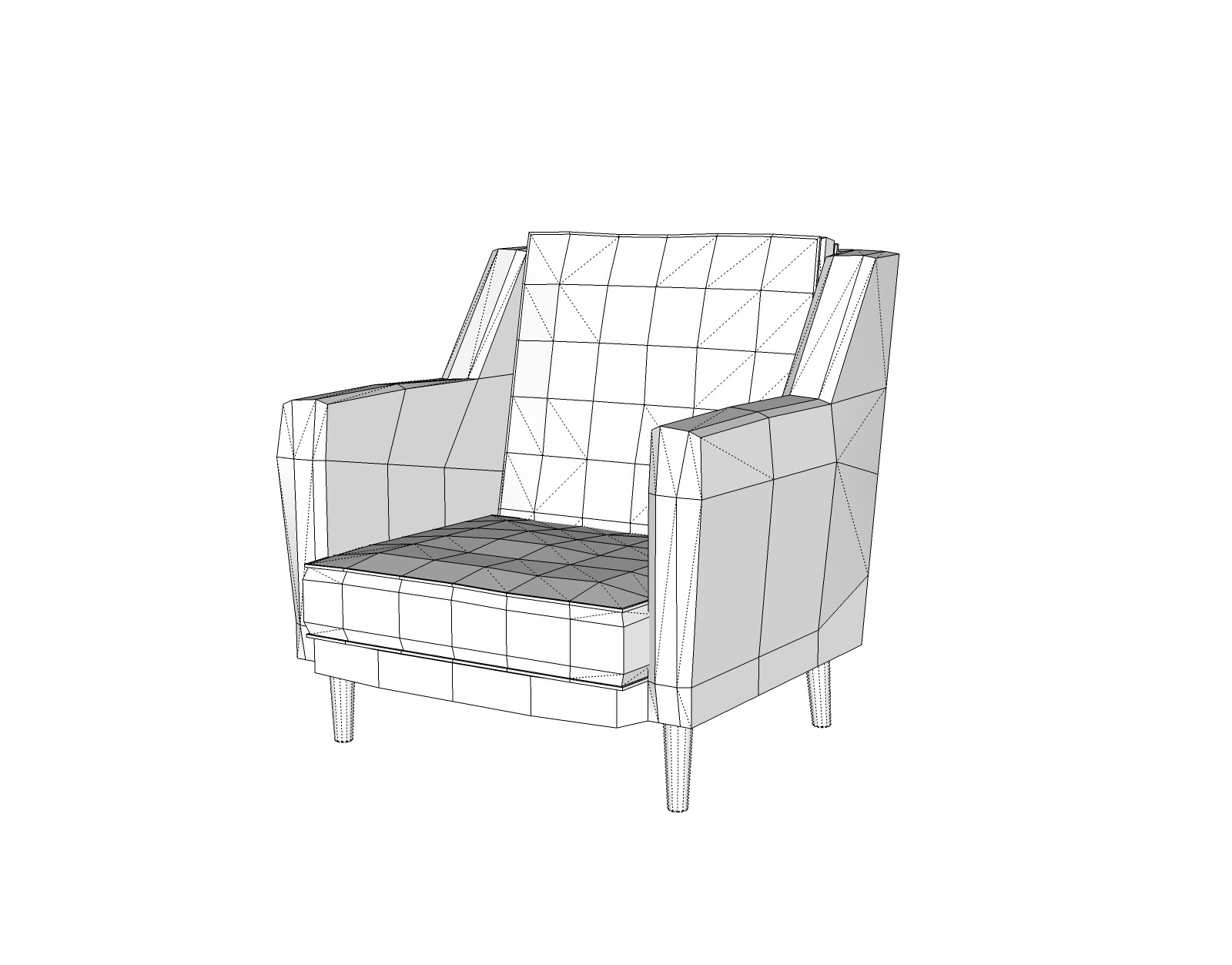
Been kind of busy with other stuff lately. Finally took the time to do some modeling. Mid mod style club chair. SubD for everything but the chair legs. 
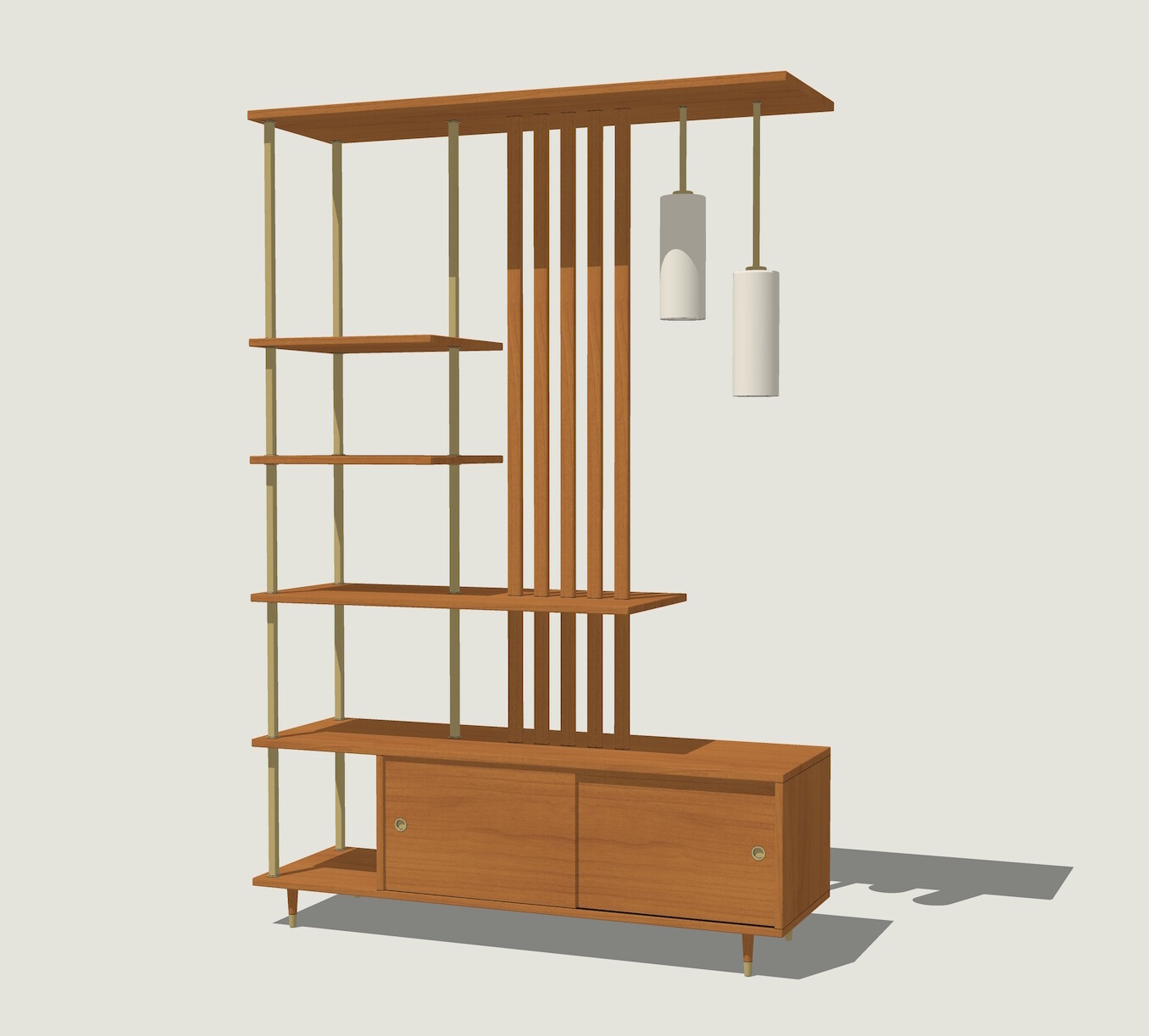
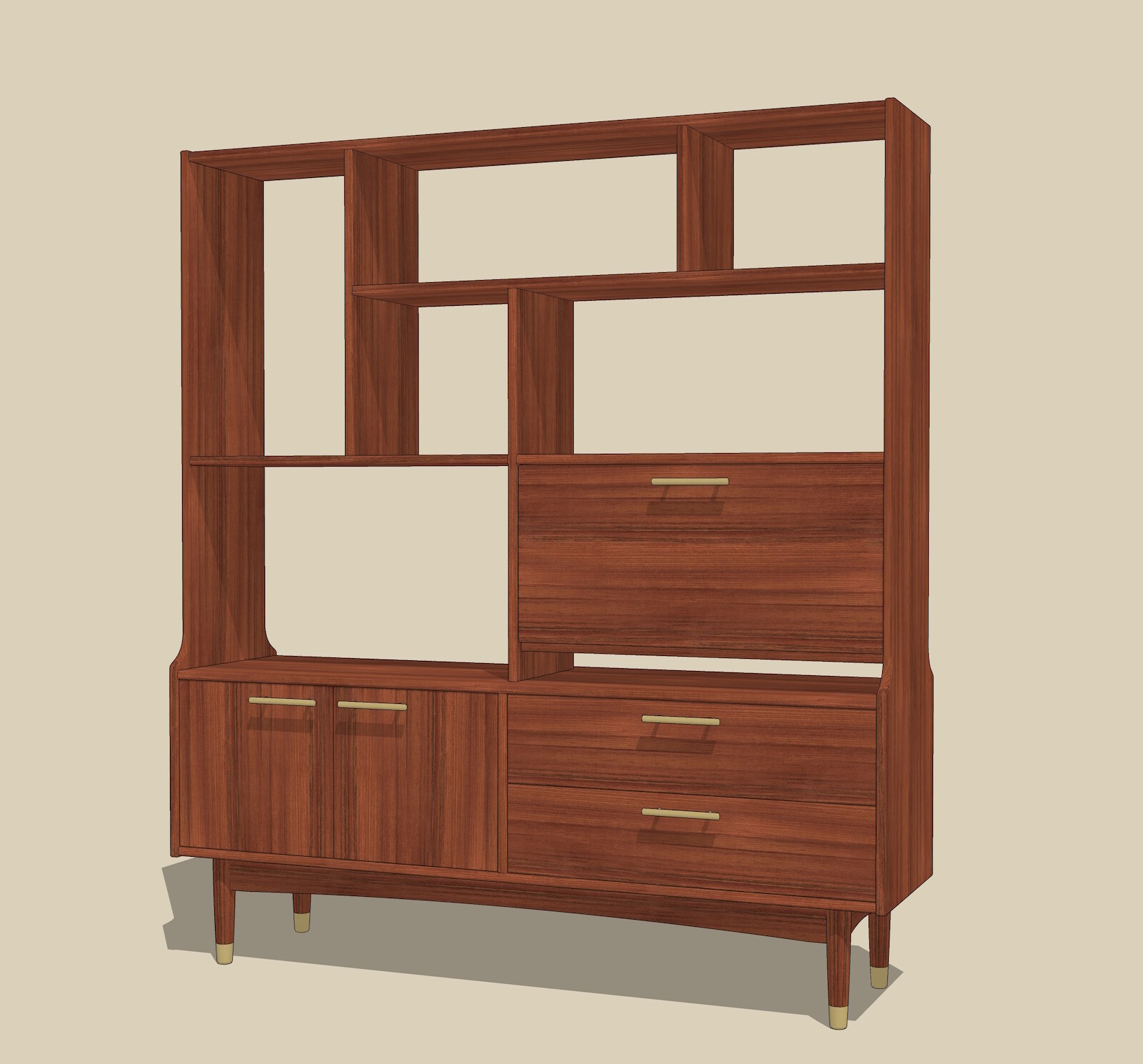
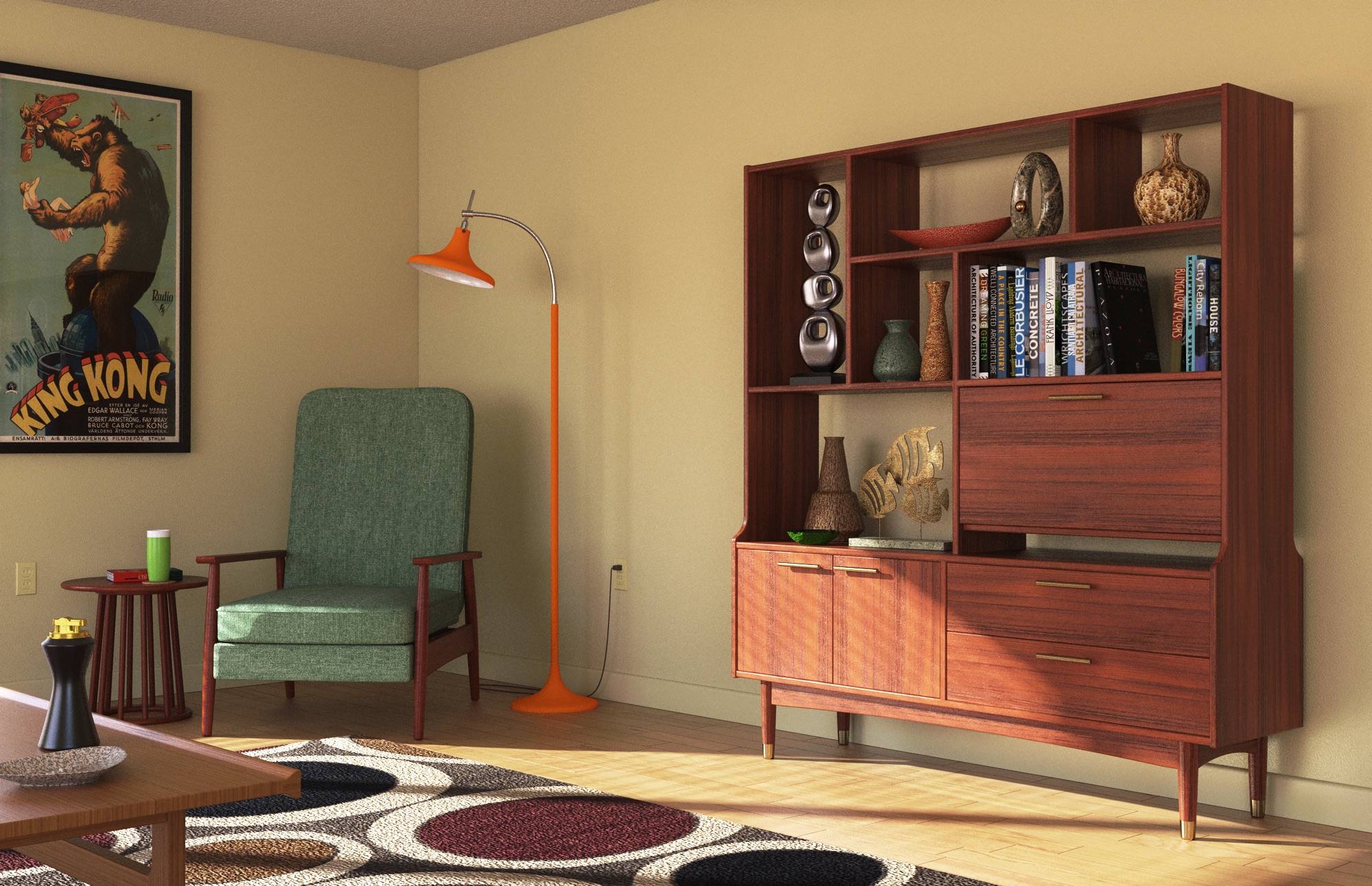
Found a couple of pics of this mid mod room divider. Figured I’d model it up for the parts file. Took some guesswork on measurements but I think things worked out.
I think it worked out, too.
Nice presentation as usual.
Thanks Mr. Dave. 
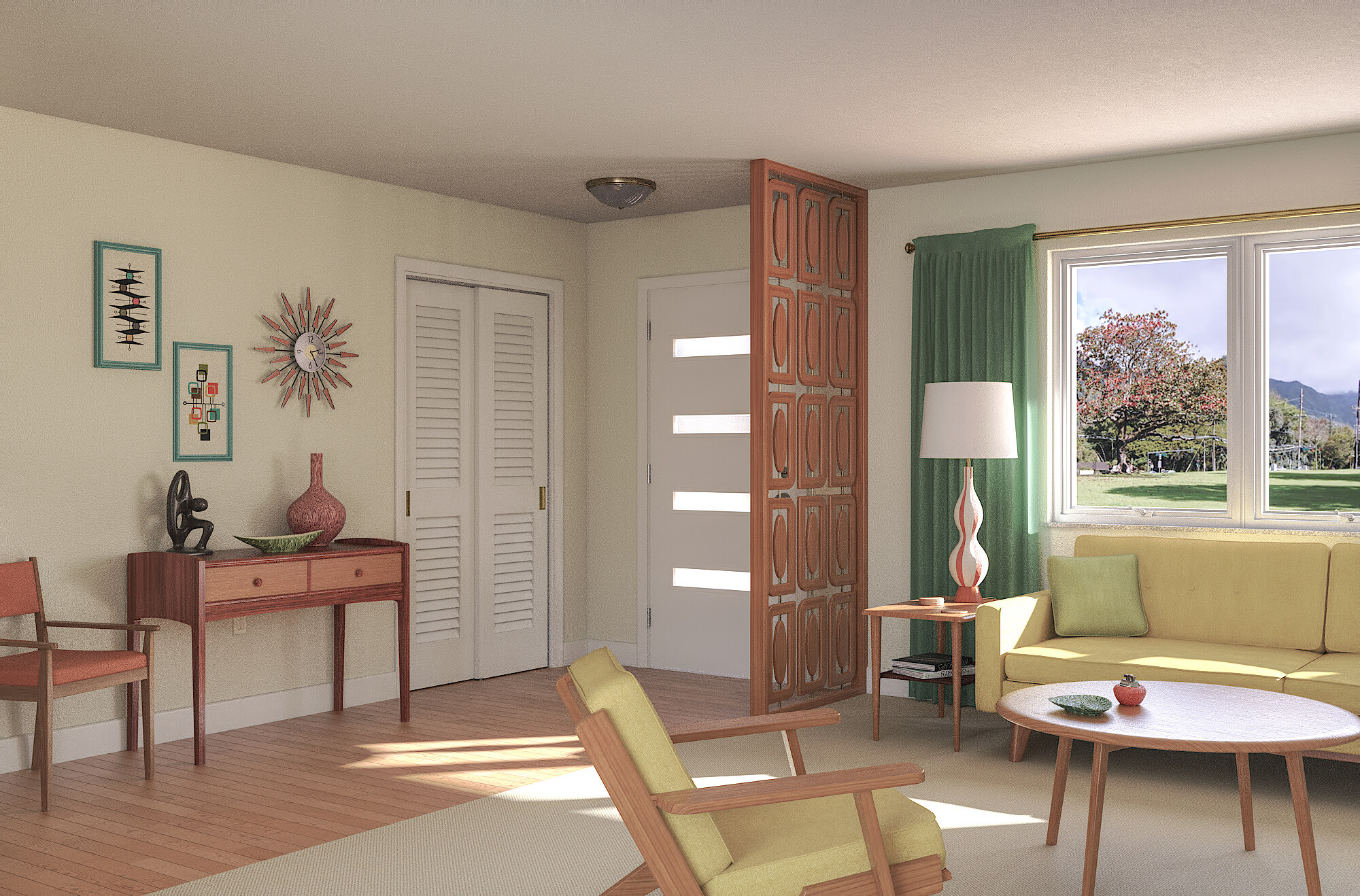
Drug out an older model for some rendering practice. Rendered with Twilight. Post pro tone mapping in Affinity Photo.
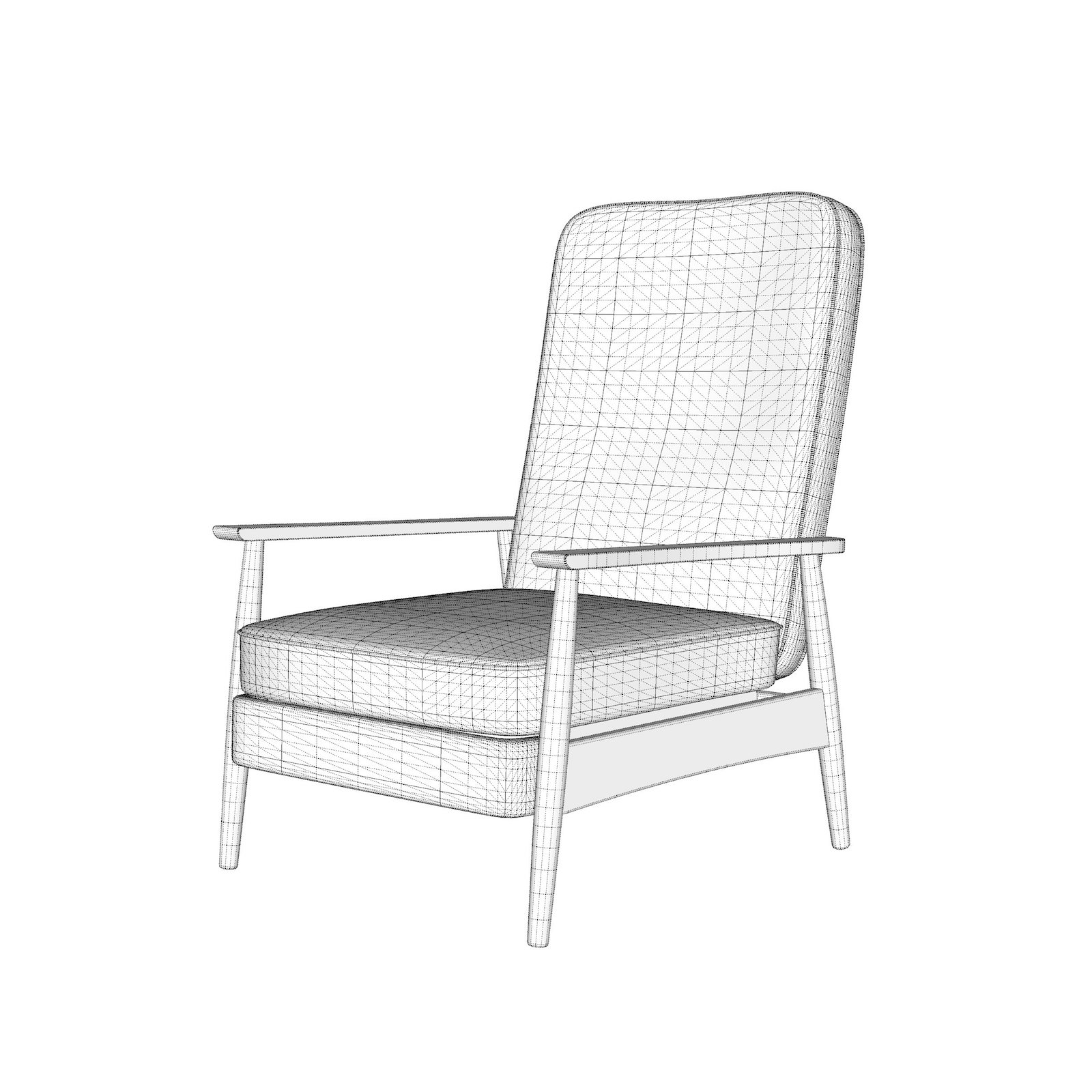
Another mod chair. In the style of a recliner designed by M. Baughman. Got as close as I could get working off a couple of pics. 

Stumbled on some reference images for this piece. Don’t know how long they’ve been languishing in my files. Think I’ll put together a little render scene for this.
Just a little more late night modeling and rendering practice. Rendered with Twilight V2 Pro, some post processing with Affinity Photo.
Nice! Are things like the King Kong movie poster and the book titles transparent .pngs or something else? I’m struggling to get text to render correctly in V-Ray.
Thanks Saul. The book covers and the King Kong poster are .jpeg images that are imported as textures and applied to their respective object. The trick if there is one is to find an image with good enough resolution to be readable, but not so big that they start bogging your model down. Have never used V-Ray so can’t comment on any struggles you may be having.
They look great!
The issues I’m having are almost certainly user-related. V-Ray always does an excellent job when I somehow manage to use it the right way. At the moment I need to get text within transparent .pngs to display properly, but I’m clearly missing a step or five.
I remember them 
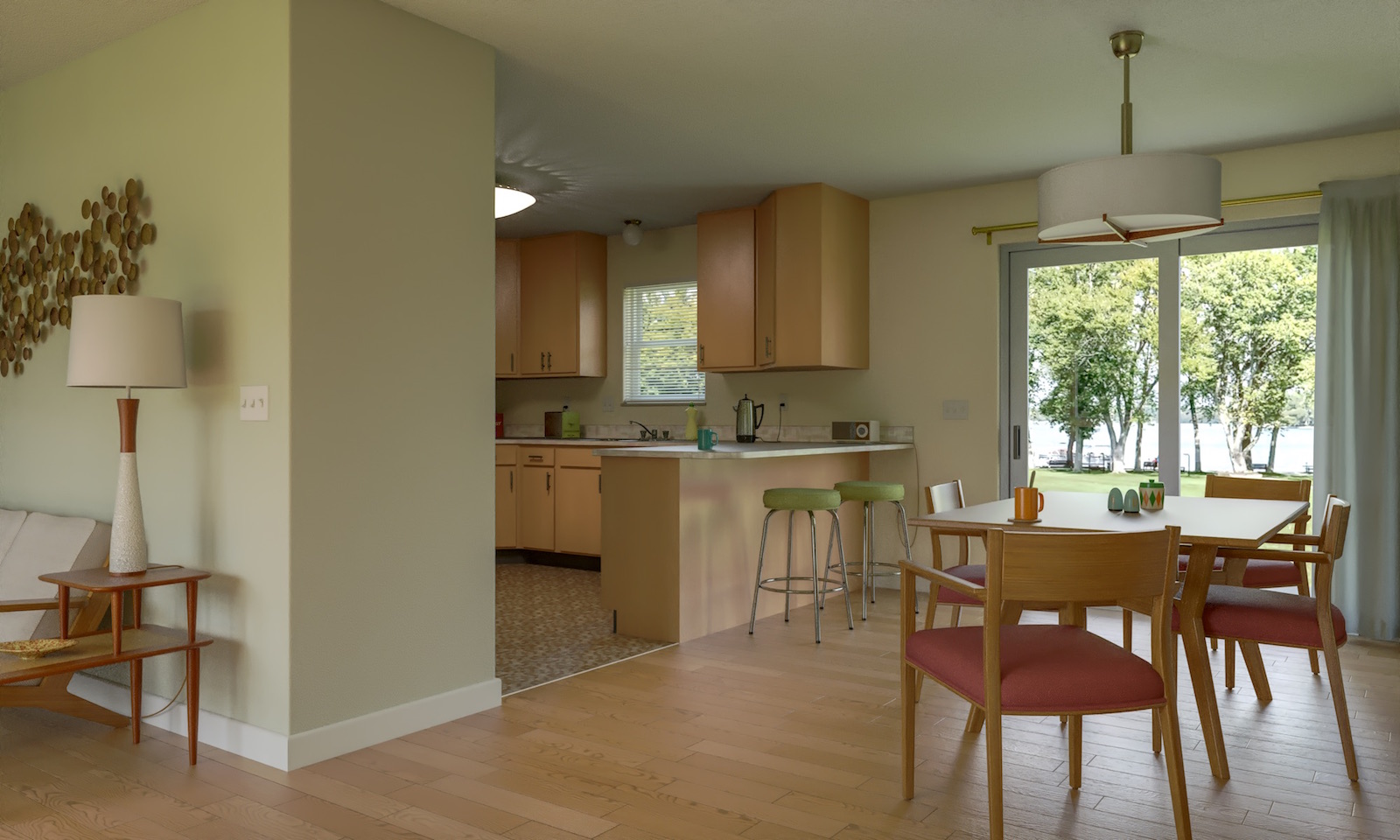
Very nice. Just needs light switches on the wall entering the kitchen.
The kitchen switches are just around the corner 
 Threw a bunch of recent models into a scene to render