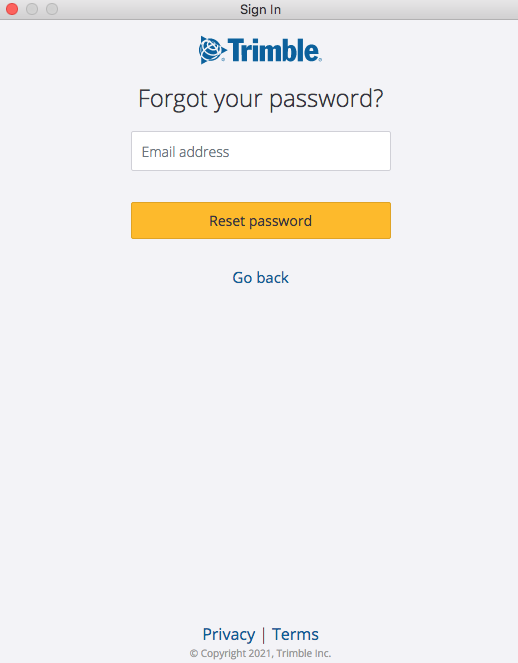
FWIW, the login used here on the forum is a different one than the ‘Trimble Id’.
There are not connected or tied to your Trimble ID.
At some point, all Google accounts where hooked up on a (automated created) Trimble ID and it was only necessary to remember the Google password.
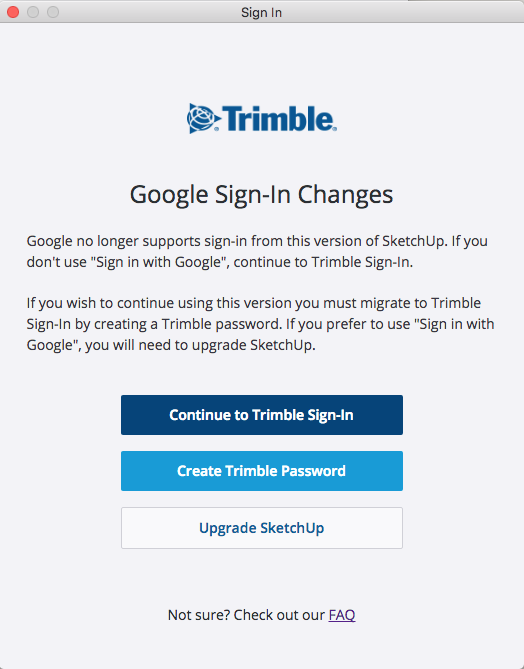
Then things changed, Google wouldn’t let you sign in through their system to have access to the Trimble ID that was tied to that Google ID.
Long time users that once owned a Google sign ‘for all things to SketchUp’ had to make sure they set the password for the Trimble ID that required some more security (special character, number, capital)
You could consider this as being a ‘transitional phase’.
Things will get stricter in the future. Trimble has introduced the new log in with possible two-way authentication on several of their products, already.
SketchUp is a very small part of Trimble, things take time to implement in a large company.
The fact that SketchUp choose to keep the 2017 version alive (instead of forcing to use the Webversion) and that it’s not getting any updates anymore will cause some problems, especially with the continuously updated Trimble Sign in, trying to keep up with the latest updates of browsers etc.
Although one is not allowed to have more than one Trimble ID, according to the Eula, it might very well be that you have created one extra ‘on the fly’ by using either the Apple sign in or the Google sign in, instead of the yellow Trimble Sign in.
Or have multiple email address’s.
Browsers that are set up to remember log in’s and passwords sometimes automatically fill in the credentials and these might stick when logging in on another division of Trimble (or SketchUp)
If you have also installed another browser and it was (accidentally) set as the default, things might go haywire.
In short:
The learn section of SketchUp and the Warehouses of SketchUp only use the Trimble ID sign in.
This forum doesn’t use the Trimble ID but it’s own Discourse ID.
In theory, one could use one password for both, but it is not recommended. (One could use a password app to get a hold and control on them (I might have 300+ different passwords)