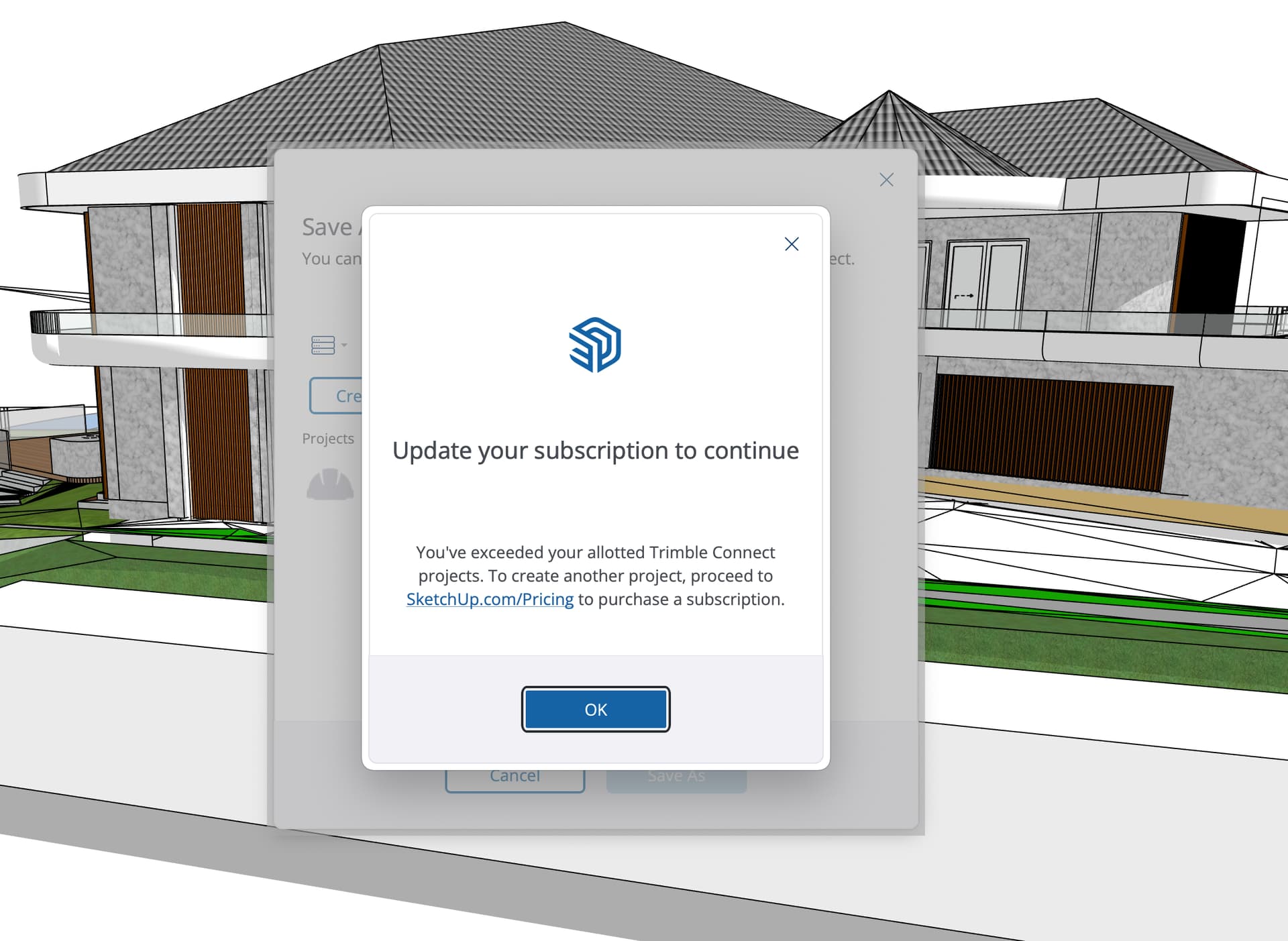
not working- error- link has expired or the URL is invalid

how to fix?
not good when you transfer model to client so they can fly around
sketchup 24 on Mac my third version clean reload
I believe version 24 is buggy
not working- error- link has expired or the URL is invalid
Ive been trying out Trimble Connect since the new Sketchup Extension was added. I like that we can send a read only link but like you I have also had many problems uploading files. I havent confirmed but I use a VPN and turning it off I think matters. Maybe someone can shed light on this. You can also open the online version of sketchup directly But im not sure if the file has to be on the Trimble Connect cloud to be able to share it. I went round and round to get it all synced up.
I have tried other files and saying I should up grade my account
I have a pro account
First, a couple of things to keep in mind.
Assuming these are not the problem it might be worth checking your firewall settings as well, to make sure nothing is blocking SketchUp. Please also try SketchUp for Web and see if the same problems occur there.
Go to
Trimble Connect Web
click the avatar in the top right and choose “check for updated license”
Hello, I have created a TrimBIM from a dwg. When I import the TrimBIM into SketchUp, I get the following message .
I do not have the file open to cause a read_only error.
Please can anyone help?
GBR
Please do not triple post, it is confusing and contaminating the forum database.
Best to start a new thread.
This topic was automatically closed after 365 days. New replies are no longer allowed.