Hey all. First time poster here but long time reader. So I finally made the leap and got a space mouse and cad mouse. One week in and I’m blown away except for the fact that the navigation controls, which I flipped for my own intuitive brain wiring and on the advice of Aaron in one his videos, constantly revert back to default which just doesn’t work for me. I’ve spent quite a bit of time on both these forums and the 3Dconnexion forum trying to figure out what combination of settings, drivers, software versions to run to make it happen. I’ve been in contact with 3dconnexion customer support but the problem still persists. I’m running an M3 Macbook Pro, Sketchup 2025 and the latest version of Sequoia. I know I could likely rewire my brain over time to make the default navigation likely work but considering the software has the option to flip directions at the flick of switch, I would rather go that way. Any and all help would be appreciated!
Hi Will!
I am using CadMouse and SpaceMouse (wired) on M2 Studio Max with Sequoia and the latest SKP 2025. Do you have any other issues with settings ‘sticking’?
Here is what I have in SKP:

SpaceNavigator (I also have the big ‘pro one’ - but I don’t use it much):
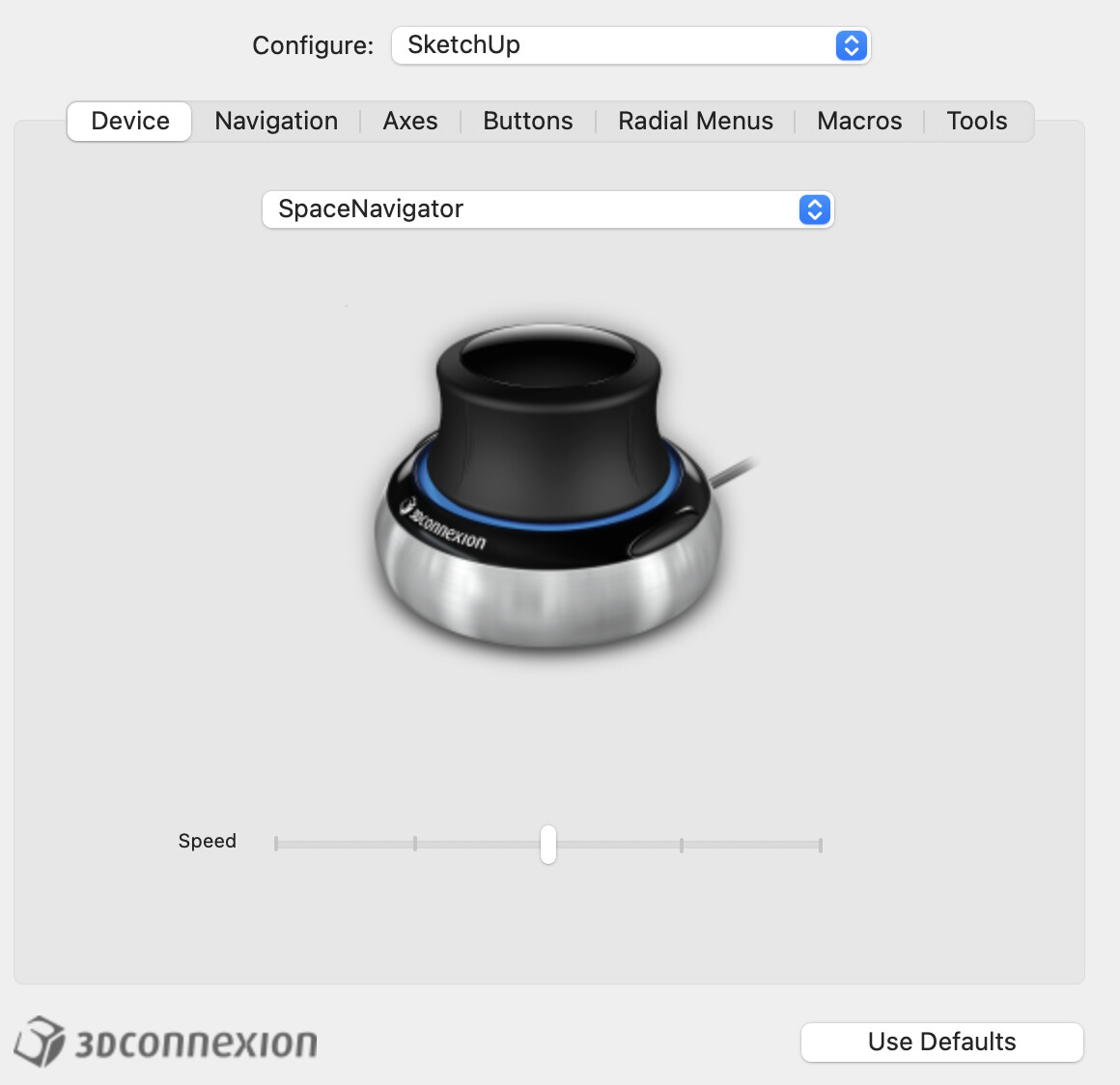


Did you install the 3d Connexion driver properly, including hitting that ‘install plugin’ box from the Mac Settings panel?
Hi Mike!
Thanks for the response. I’ll try out some of your settings that you have which I haven’t fiddled with yet and see what happens. Nothing else is reverting to default its only the knob fly around which when its working per my settings is awesome! I essentially flipped all the standard settings.

All the rotary menu buttons and what not on the CAD mouse and the Space mouse stay as programmed and are major game changers in efficiency.
I’m still talking options with 3Dconnexion customer service but so far no solutions. Starting to think that I’m just going to have to rewire my brain to use the default navigation settings.