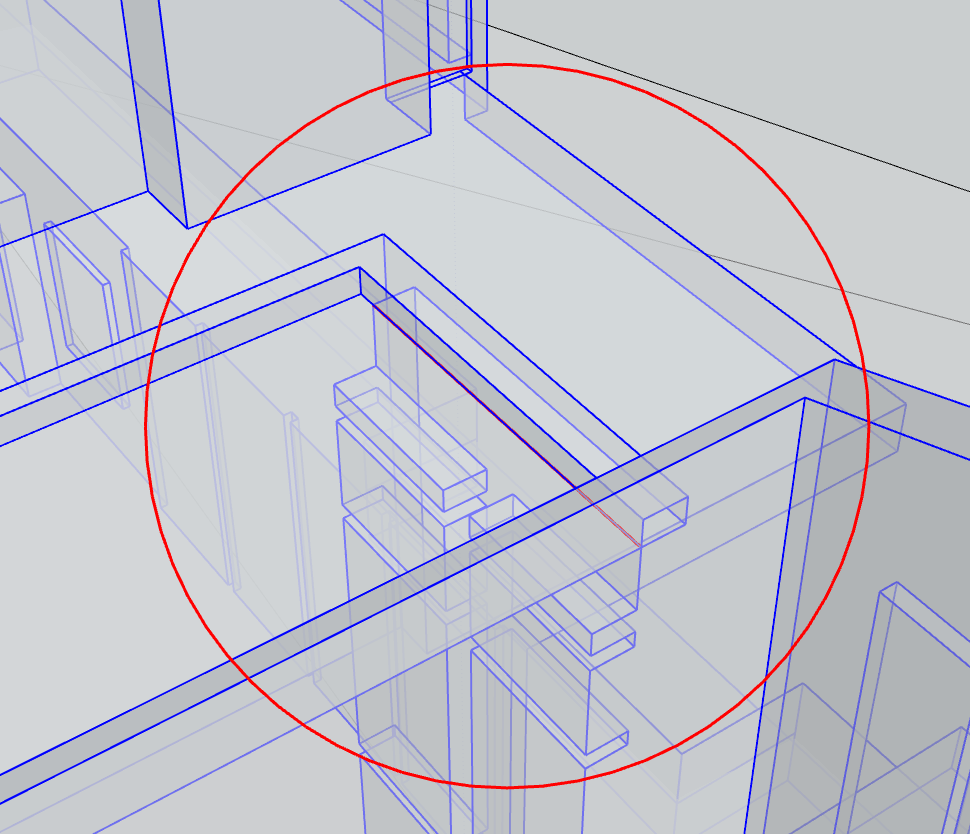
My solid inspector says the model is clean, I have since exploded it and remade it into a component, and picked apart the whole model. Yet, I cannot understand why solidtools is not picking it up as a solid. I have attached the file. Notice how the site itself is solid, but the house is not.
The older Solid Inspector extension does not like the edge marked in red in the image below (x-ray mode turned on). You can also see it plainly in the attached image with a section cut through it. Four faces share that edge, which is not allowed for a SketchUp solid and would not 3D print correctly because it requires an infinitely thin connection. This is probably a special case that Solid Inspector 2 does not handle correctly.