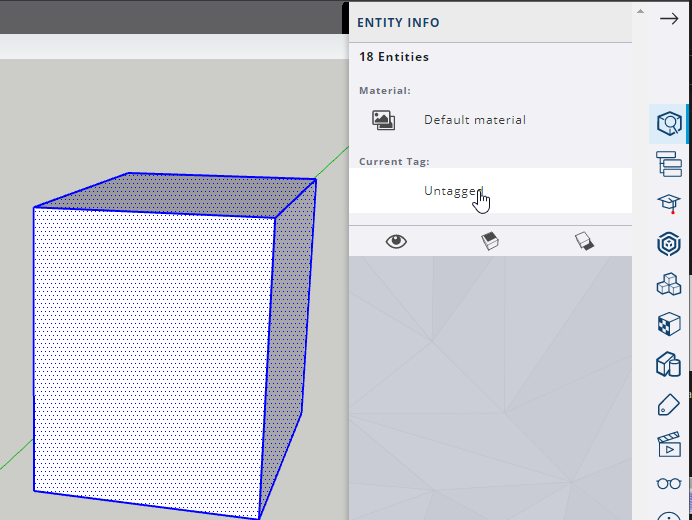
Yes. With the exception of the bounding box, everything Is in groups. I would make that bounding box into a group as well, just to keep it from accidentally sticking to anything. Safety first 
I think part of your problem might be the difference between a right click, a double click, and a triple click. Yes, you right click to make selected geometry into a group. But that’s the final step after a single, double or triple click.
A single click selects one piece of geometry. If what you’re selecting is not already in a group or component, then one click will only ever get you a single piece of geometry. But if you click a group or component then you will get all the packaged geometry.
A double click on a face will select that one face and it’s connected edges/lines.
A triple click will select all connected geometry that isn’t already in a group.
Sometimes it will look like you have all your geometry selected, but you’re missing a hard to see face. The first screencap shows what looks like two fully selected cubes, ready for grouping… the second shot shows that the first cube is missing sides. If I group these, then I will be leaving that unselected geometry behind, asking to be incorrectly tagged or stick to other.
This is part of why putting things into groups as you go is a great practice, as well as keeping your individual parts separate and easier to work on without the rest of the model getting into the way.
Actually, if grouping is giving you issues, grouping at the 2d stage like this is a good solution. Get it into a container while it’s young and easier to grab
Just make sure any work you do on that particular group is done when the group is open (dotted lines around your object with greyed out everything else.) otherwise you’re just creating more loose geometry outside the group.
I have faith you will get this. Don’t give up.