hi, I have created a model of a pergola. When I switch on the shadows, only the large, overhead beams and supports cast a shadow. The smaller batons which infill between the overhead beams do not. The model is geolocated and I have switched off environments. I have turned on the performance settings on faces and on ground. What else do I need to do to get full shadows? I have tried changing the styles to ambient occlusion, but still nothing changes. If I copy and paste the same model into a new document, all the shadow render beautifully. I have tried copy and pasting that same model back into the original document and the shadows of the overhead batons disappear, leaving only the shadow of the large overhead beams and uprights. I have checked my settings on both documents and they seem to be the same. I have closed the program and then opened it up again, but nothing changes. Are you able to offer any advice please? Thank you
hi.
from the description alone, no.
you’ll have to share a file or two with us there 
(if they’re too heavy, give us a wetransfer link or something)

Hi, I have stripped the model down to its simplest form, as this was the only part of the model which wasn’t showing shadows correctly.
Here is the link to the file Unique Download Link | WeTransfer
Thank you
ok, so the issue lies here.
the group that contains both the structure and the small shadowy bits.
still don’t know why it doesn’t project shadows. but exploding the group worked (and even regrouping it does)
I don’t see anything that would prevent the shadows to appear…
Thank you so much!!! I really appreciate you having got back to me so quickly!
Looks like this is due to incorrect tag usage. Turning on the visibility for Untagged makes the shadows appear for me, at least.
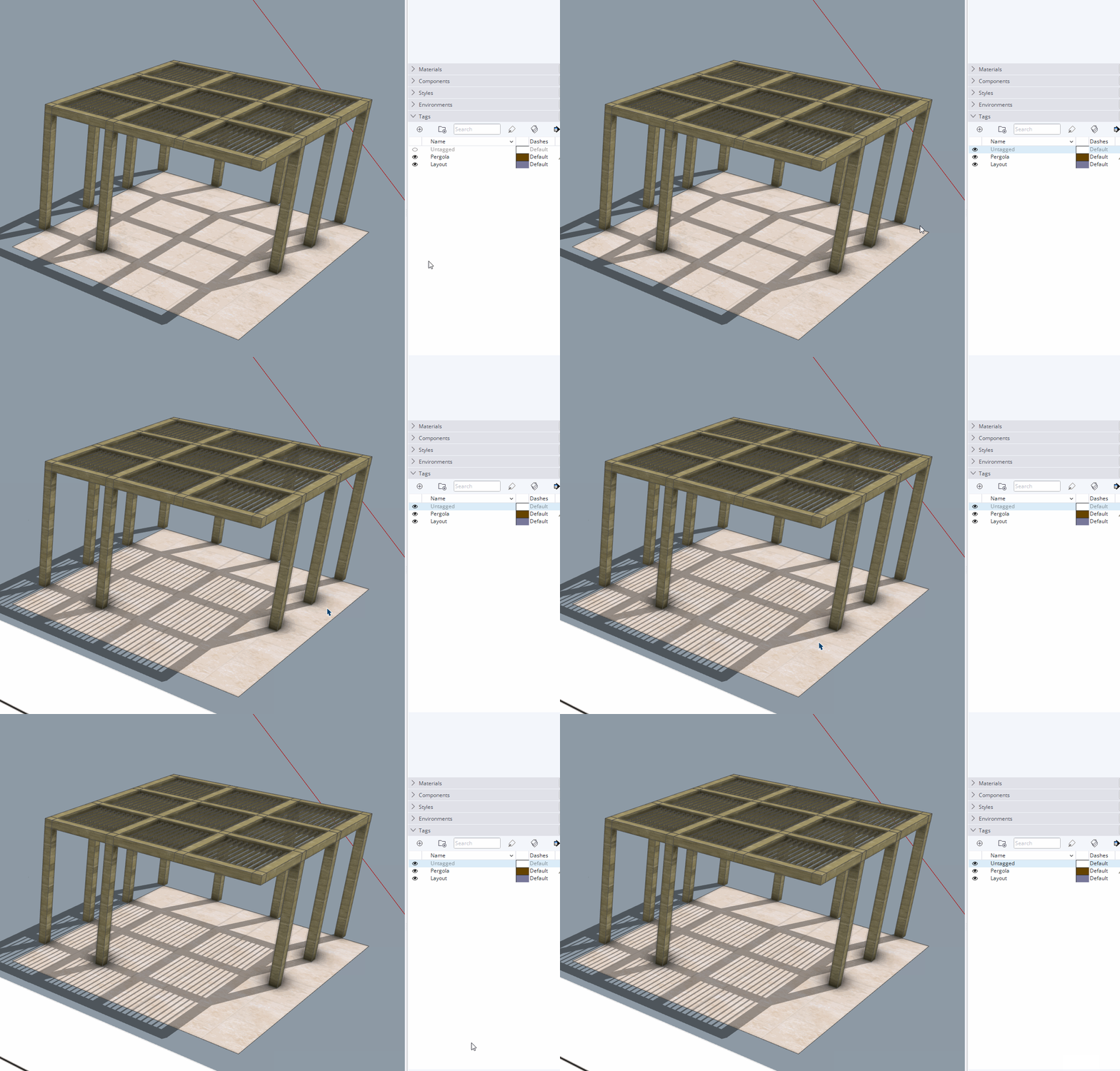
All edges and faces should be created and remain untagged. As such, Untagged shouldbe left active and visible at all times. You have the Pergola tag active.
The result of fixing the incorrect tag usage:
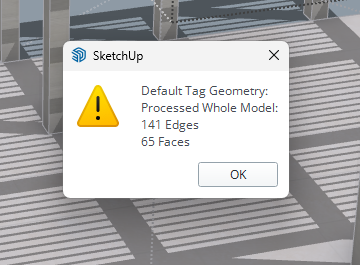
You also have some of the opbjects in the Pergola tagged with the Layout tag and from what I can see, there is a lot of unneeded nesting of objects which adds to the confusion and makes working with the model more difficult than it needs to be.
FWIW, I rebuilt your pergola to make it easier to work with. Also correct tag usage and purged unused materials.

The wood material was moved from the object containers to the faces so the grain can be properly oriented, too.
AMB R stripped SU help version PURGED.skp (10.8 MB)
Also note a 42% file size reduction from switching to using components for the elements in the pergola and purging the unused materials.

When you reply by email your signature and anything else in the email comes through. Please come to the forum and delete your personal details that have now been posted online.
Thank you, I’m all new to this, so everyday is a school day! Thank you for letting me know
Thank you so much