Hi, everyone! Been having problems with blank viewports on LayOut. I’ve read some topics and i’m not quite sure if it’s my problem. If it is, maybe I can at least provide more details about the problems since apparently there’s no solution as of now.
All of a sudden, viewports go blank. Styles show question marks. In one particular project, two floor plans remained even if all the other viewports went blank, i’ll try to send a video.
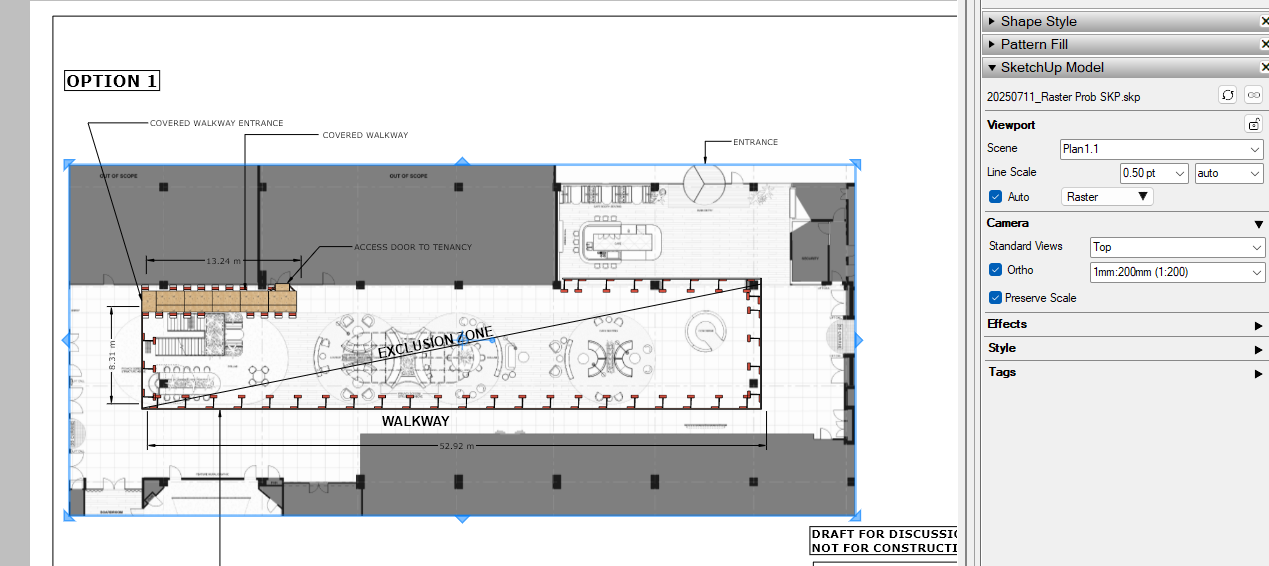
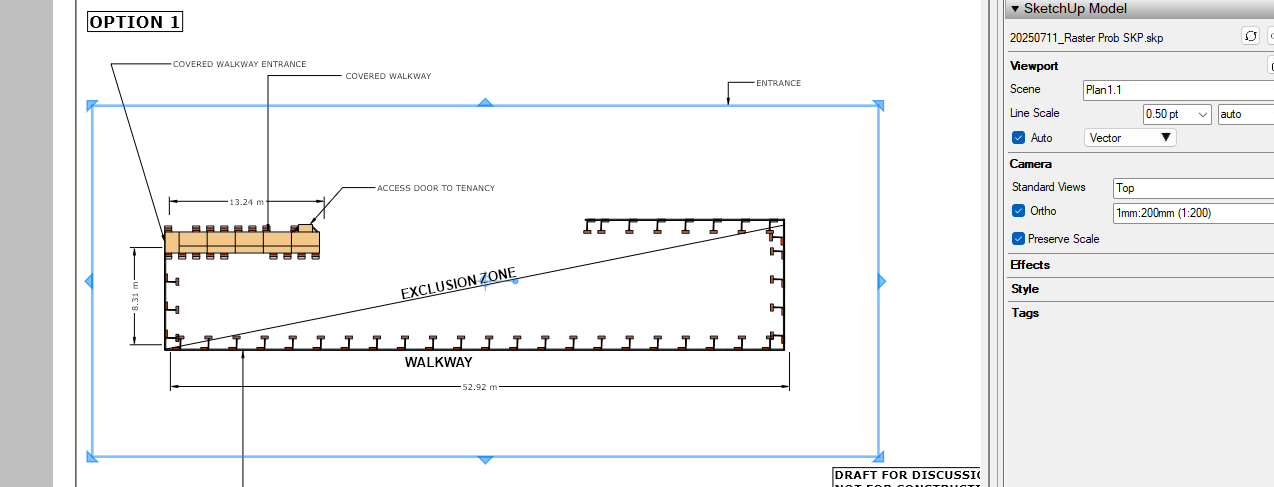
I noticed it seems to be a raster style problem. Switching to vector bring my viewport content back, but it is not viable to me since my viewports are a bit too complex in geometry.
Attaching two screenshots of the error with my actual file. I’m using black pages for a special presentation.
I won’t attach files since it occured on all of my last projects since a lit before the last patch, so it is not a file problem.
Ive got the same problem since updating to 2025. Never experienced it before with previous versions.
Raster view ports are presenting as blank. When I switch to vector or hybrid it works and presents the model linework, but none of the materials/ backgrounds.
I have copied all sketchup model data into a new skp file, and it appears correctly as a raster view the first time that I insert it as a view into layout, but then anytime i update the model reference it becomes blank again when in raster mode.
Ive tried turning off experimental graphics engine and draft mode but neither makes a difference. This is a real pain as I cant issue any drawings, but have a deadline! 20250711_Raster Prob SKP.skp (4.9 MB)
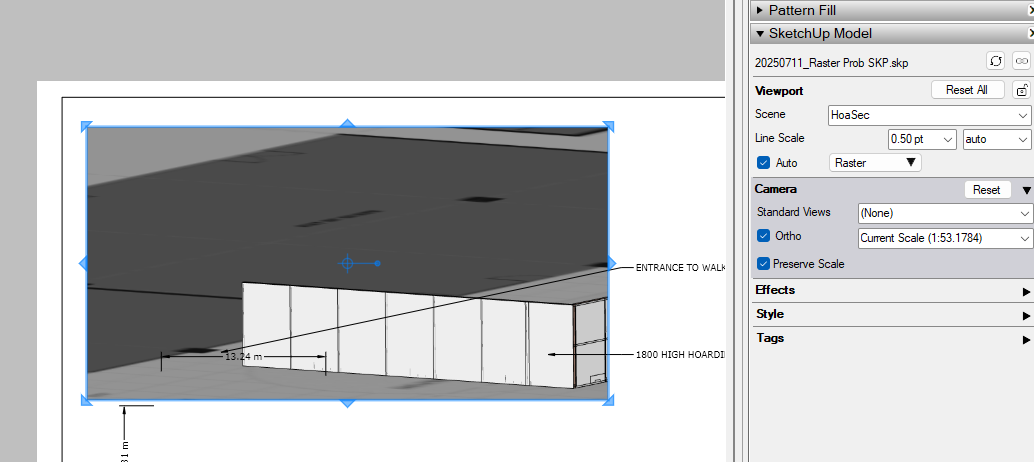
The only viewport that goes blank for me is the top one on the last page and only when the Camera is reset but that’s due to how you set up the viewport. Enlarging the viewport enough reveals the model as it is suppose to look in the selected scene.
@DaveR Afternoon, sir! Could you have a look at one project of mine that shows this topic’s problem? It’s a personal project so i can share it.
I’ve just read one comment fo yours from another topic that the best workflow with styles would be to control them from LayOut, having scenes in SketchUp only for different camera positions and section planes. I’m glad to already have the best workflow, but along with the blank viewports problem, my LayOut 2025 often resets styles set on LayOut when i update references.
The blank viewports problem, as I mentioned before, is random, and I don’t think you will be able to catch it on action. But please take a look at how styles are not sticking to their scenes after setting them up
You’re right. I’m not seeing any blank viewports in your LO file. It has been behaving nicely for me. I went through my usual cleanup steps in your SketchUp model and then relinked it to the LO file. It was even faster in rendering viewports and still no blank ones.
I did see some incorrect tag usage in the model and fixed that.
I’ve never seen the style automatically get reset in my LO files. I don’t know why that would happen for you. Is it possible you’re hitting the Reset button in the SketchUp Model panel? I guess if it is resetting, the alternative would be to create what amount to duplicate scenes in SU except for style differences. You shouldn’t have to do that, though.
Just for fun, after a cold reboot of your computer, download and open the LO file you shared with me. Does it show the blank viewports?
Where are you saving the SketchUp and LayOut files while working on them? Are you saving them to your Google drive?
I uploaded a demonstration of the style problem on the same drive link, @DaveR. Please take a look. Let me correct myself on this one: It’s not a reset, the style just shows itself wrong on the viewport although the correct style remains selected on the SketchUp Model>Style tab.
I make use of the Reset buttons often, but i can assure it was not the case the times I faced this problem.
I save my files and work on them locally. Used to work on Onedrive a while ago but a problem with bugsplats on 2024 made me dump it.
I’ll wait for the next time the problem occurs with the viewports to record a video. I noticed my style tab looked the same as this guy: Layout viewport is blank after updating when the problem occurs. Maybe the same problem, but i’m getting this weird styles behavior.