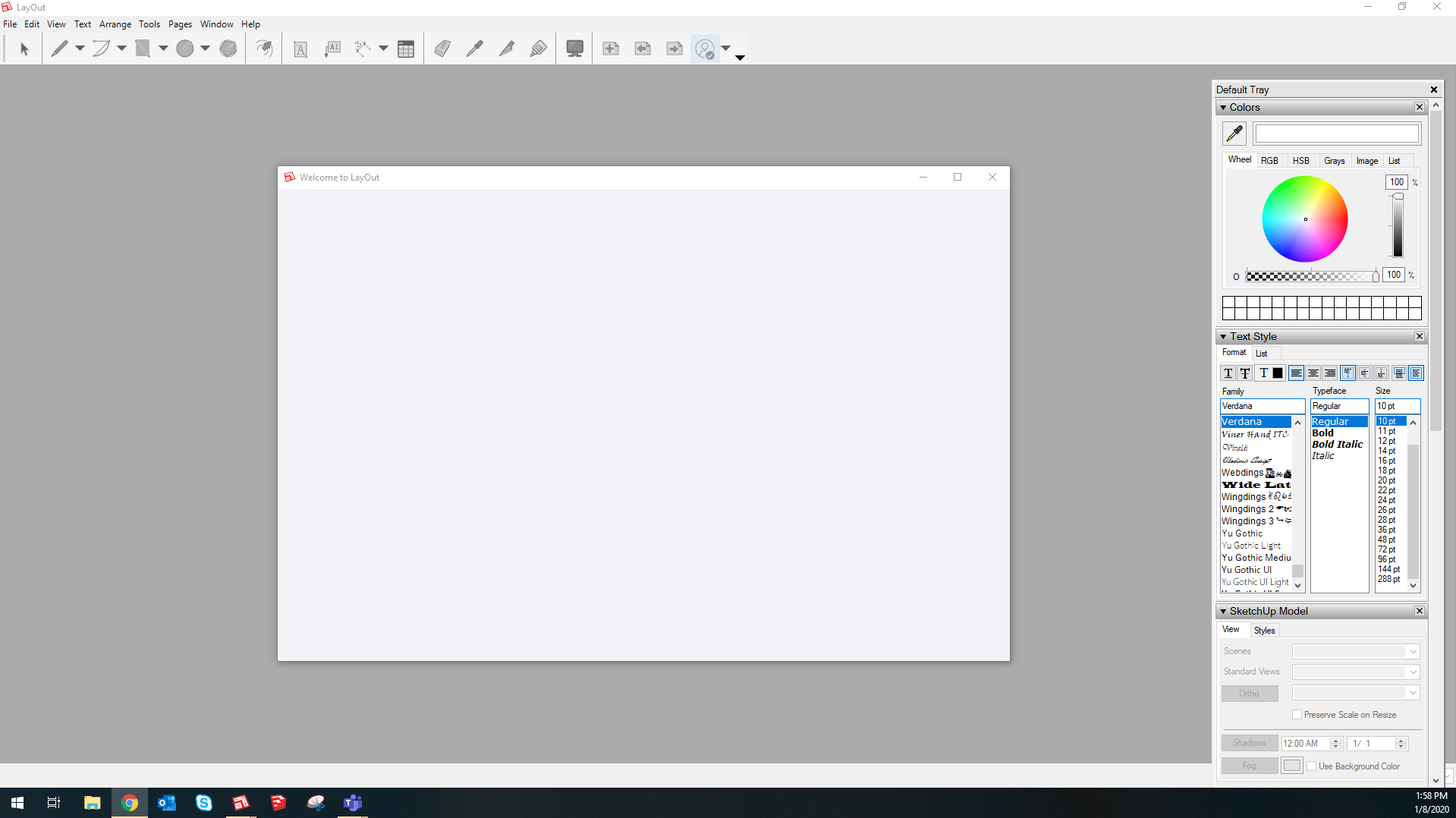
Pretty self explanatory. Layout isn’t opening on my computer, and hasn’t opened for a week or so. Sketchup is completely fine, just Layout. Before these difficulties started, Layout used to open basically instantly on my computer (as quick as opening microsoft word). I’ve been using it on my computer for about a year with absolutely no difficulties whatsoever until it just stopped opening all together one day. I’ve tried waiting for it to open (left the computer on its own for 4hrs+) getting into Layout via opening previous Layout documents I’ve created, using the “send to layout” feature in Sketchup, restarting my computer and trying all of these over again. Nothing. Here is a screen grab for what my desktop looks like when I attempt to open Layout. Layout will look like this on my desktop for hours, with no ability to interact with the software until I force close the application.
First step would be to check that SU and LO are properly installed. Make sure both are closed and find the downloaded installer. Right click on it and choose Run as administrator. Then choose Repair when the option is presented.
This is a company computer and my account doesn’t have administrator privileges. Do I need to have the person who does have admin privileges do this then? Is there a potential fix I can try first that assumes SU and LO are installed properly?
Can you normally install software on your computer? The correct process for installing SketchUp is to log in to Windows with your normal user and then use Run as administrator from the installer context menu. This means you don’t log in to Windows as the admin.
At my previous employer I could get temporary privileges to allow me to install software. Maybe you can do that?
Ok i got my account changed over so I have local admin rights for the computer. Unfortunately, I’m not seeing “repair” as an option when I right click Sketchup in the downloads. Only “Uninstall”.
Yeah. The file you downloaded from SketchUp.com to install on the computer. As Steve said, if it’s not in your Downloads folder, download it from sketchup.com/download/all
I showed up with Sketchup installed on my computer, so I never had to deal with installing the software. I think I’ve found it. Is it called something like SketchUpPro-2019-en?
If it worked previously I would suspect that a Windows update has broken things. The first thing I do when something like this happens is to update the graphics card driver.