I haven’t been using SketchUp and Layout in the last 4 month and I haven’t been using it on my laptop for even longer. So I don’t know if it something related to the new version or specific problem on my laptop…
Layout is either crashing at every UPDATE or messes up the viewports.

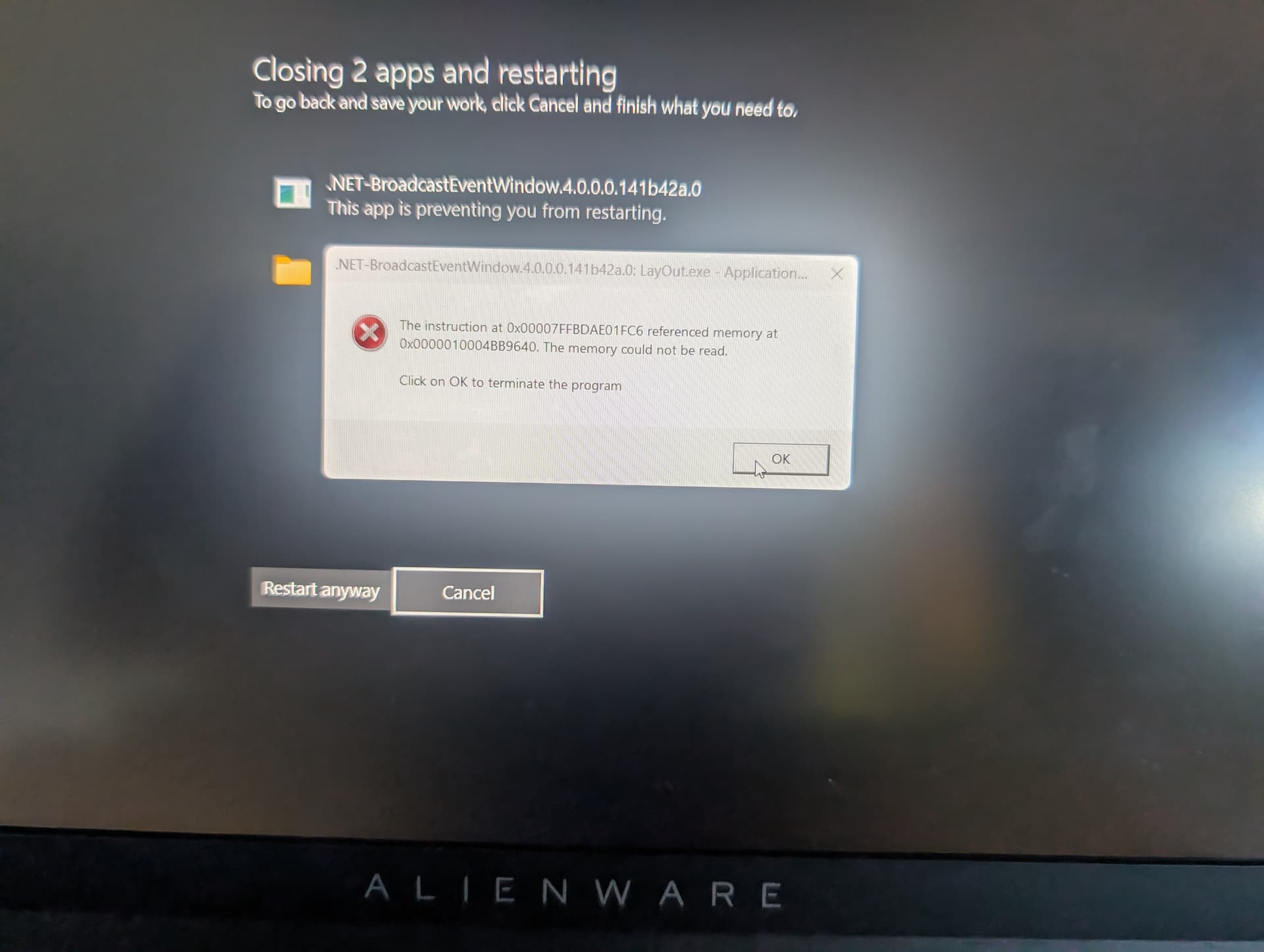
error message

before updating model
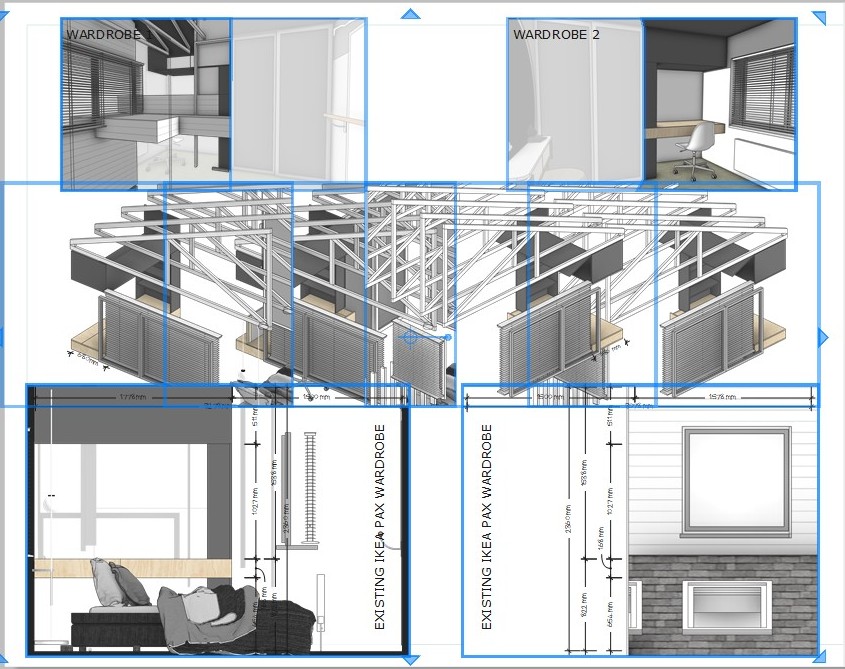
after two crashes and 2 restarts it finally updated the layout.
(it will go back to the original view if I change the viewport to another than change it back..one by one…)
I am struggling to get out anything for the last 2 days…I restarted the computer a few times too…
I needed BIOS and Graphic Driver updates… I am installing them now…and will see if this will solve the problem.
Unfortunately, nothing have changed after updating and resting. The problem is exactly the same.
I don’t have the experimental Graphic engine On.
day 2:
Crashes upon crashes. I haven’t had this experience for a long time with SketchUp and Layout. It crashes 3 or 4 times EVERY SINGLE UPDATE/RELINK until eventually it refreshes with a totally messed up result, so I will have to manually choose another viewport, then go back to the one it was originally to have the right image back…

I am constantly restarting the computer too, to be able to update/relink - as I am trying to finish a supposedly quick drawing which now is taking days to get out.
The last time I restarted the following error message come up: “A breakpoint has been reached (0x0000003 occurred) in the application (SketchUp) location 0x00007FFCC9E3AA47.”
The error message come up this time:

Updated Windows, Video card BIOS. Installed all latest. Defragmented, tested, cleaned, memory tested, re-started many times. Nothing helped. I am at the last version, but can not get it out because the model can not be re-linked. Crashes after crashes and this last one just can not be done. Now is gone all white, so changing the viewport doesn’t make any difference…

Not sure what is going on.