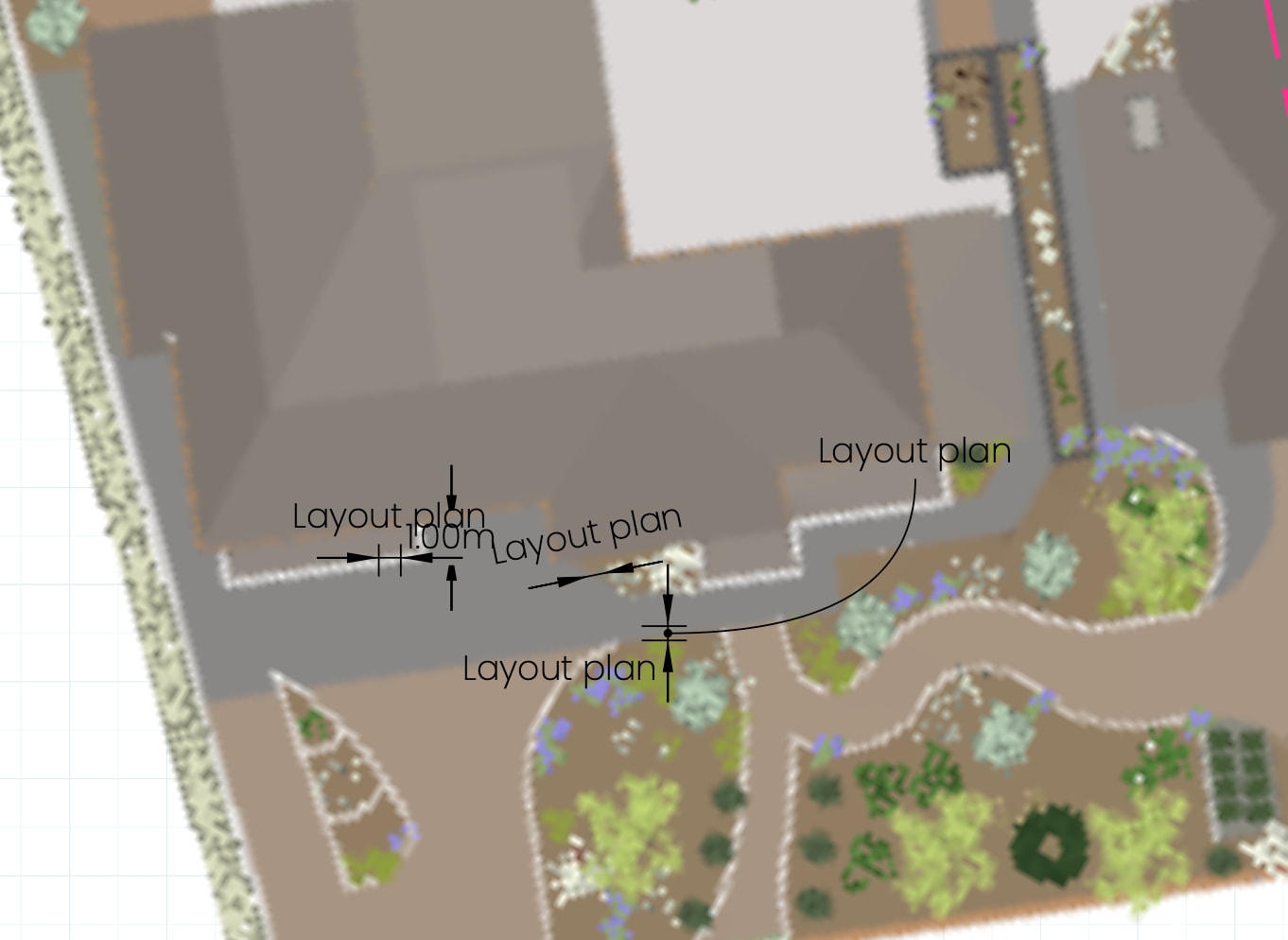
Hey there folks. I’m working on a masterplan and am experiencing a weird issue where all of the dimensions are showing up as the page name. Any ideas how I’ve managed to do that?! It’s happening on all of the pages. It’s been a buggy document, keeps crashing out, which I think is due to the size of the model, but it might be something else?

Very strange. Can you share the LO file?
You’ve created an Auto Text tag that makes this happen. LayOut understands that a tag that consists of just <> will be used in the Dimension fields.

Delete that tag from the Auto Text list and the dimensions should go back to showing dimensions. You’ll likely have to adjust them a bit to get the formatting right.

2 Likes
Thanks so much for your help. Truely earning your title as ‘Sage’ once again!
1 Like
Aw, shucks. You’re welcome.
This topic was automatically closed 7 days after the last reply. New replies are no longer allowed.