I’m not quite sure what the issue is. In your uploaded file you have a lot of rounded surfaces, profiles turned off and edge color set to By Material which means edges that have the light colored materials you’ve used on the faces will also appear light.
As received:

Turn Profiles on and set to 2 (I prefer profiles at 1.)

Profiles on and edge color set to All Same.
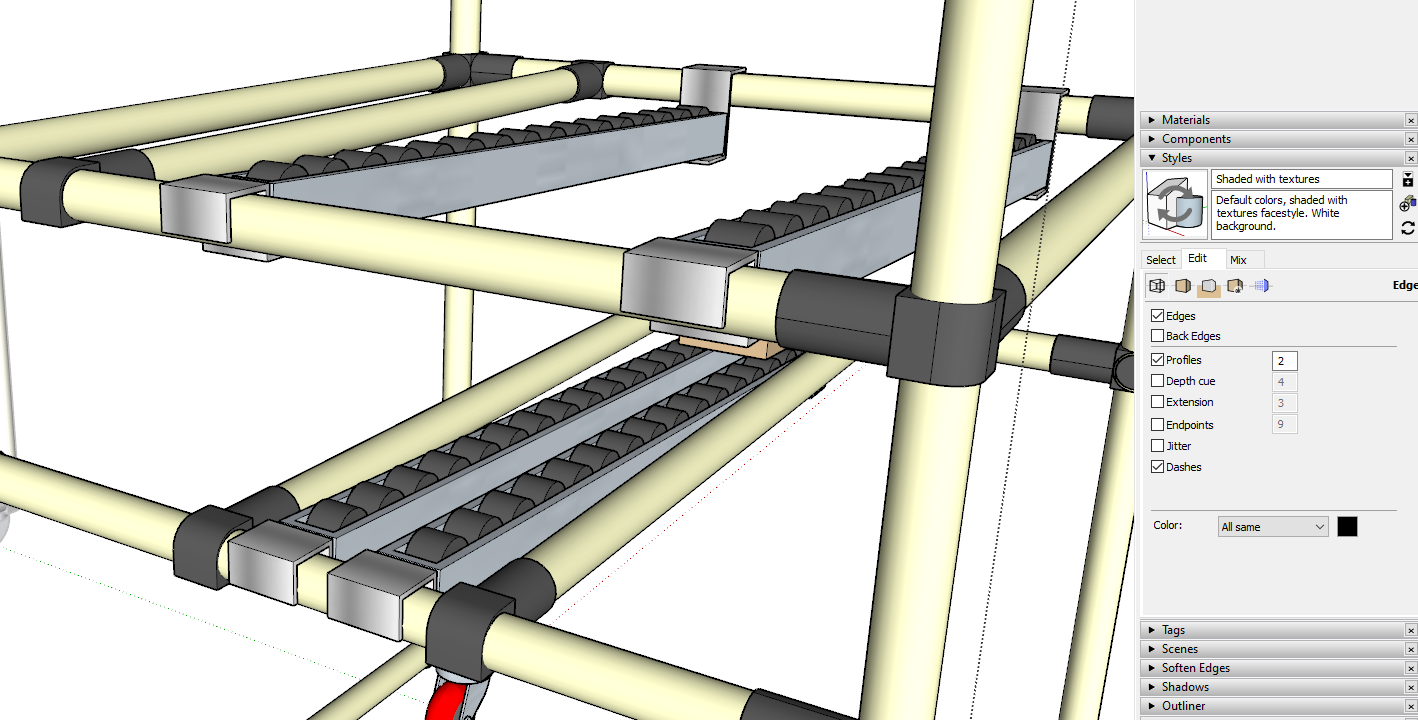
Generally while you are modeling I think it’s best to keep edge color set to All Same. Maybe, if you don’t want the edges to show so dark in your output, you might switch to By Material or maybe just turn off edges.
Note that with the Face Style set to Hidden Line and Profiles turned off the rounded stuff disappears. With the Edge color set to By Materials, those edges that have materials applied to them are displayed lighter.
