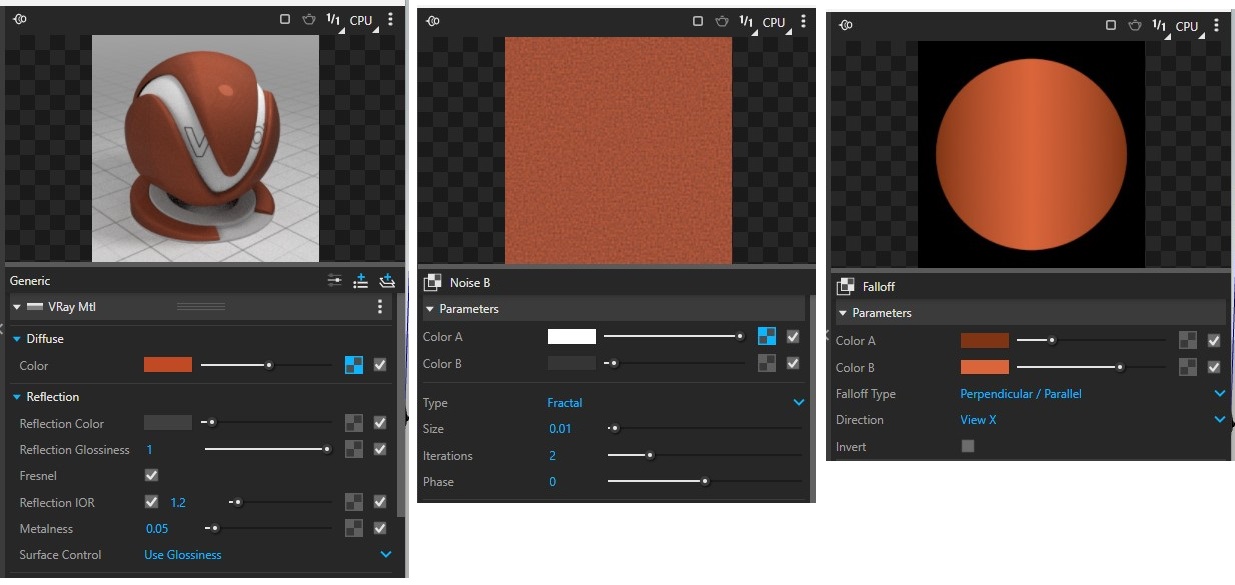
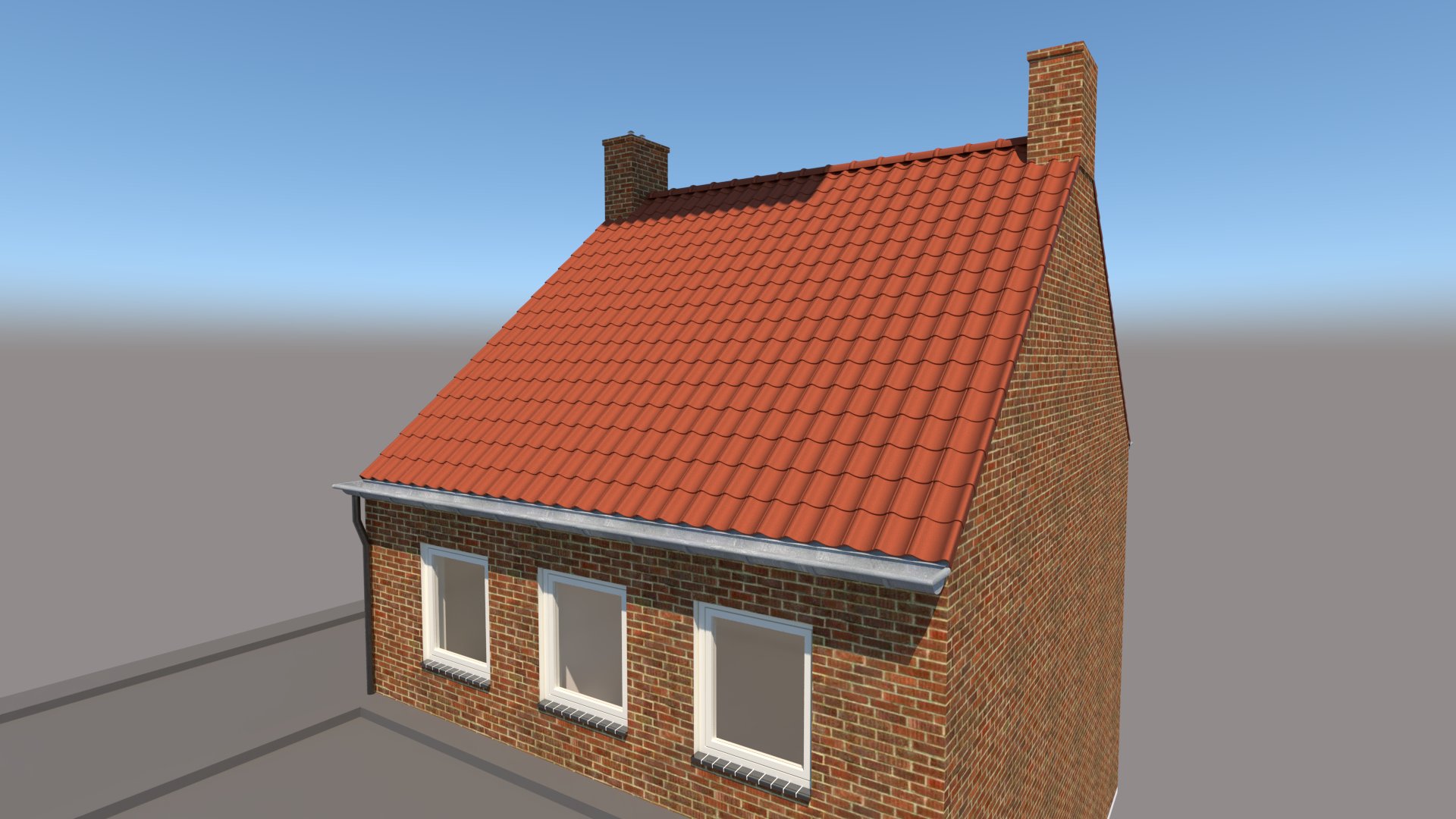
Dear experts. I am struggling with texturing the roof in my model. Model from SU Pro 2024 and rendered in Vray6. See my added pictures. The tiles are all components. The roof is thus not filled with rooftexture. The tile texture settings in Vray are also added. Falloff with some noise dirt. But I like to get the roof dirty, as I give example from Google Maps. Dirt on all the tiles are different. Looks like a dirt layer over the roof in total. I don’t have a clue how to get that done. Anybody a suggestion ?


Probably the easiest thing would be to do this in post processing in an image editor. If you do this in SketchUp and V-ray you’d need to apply different materials to each of the tiles.
Time to update your forum profile.
Thnx for the reply.
Profile updated.
And your info tells me why it is so difficult in SU and VRAY. And in post prod. is indeed more simple.
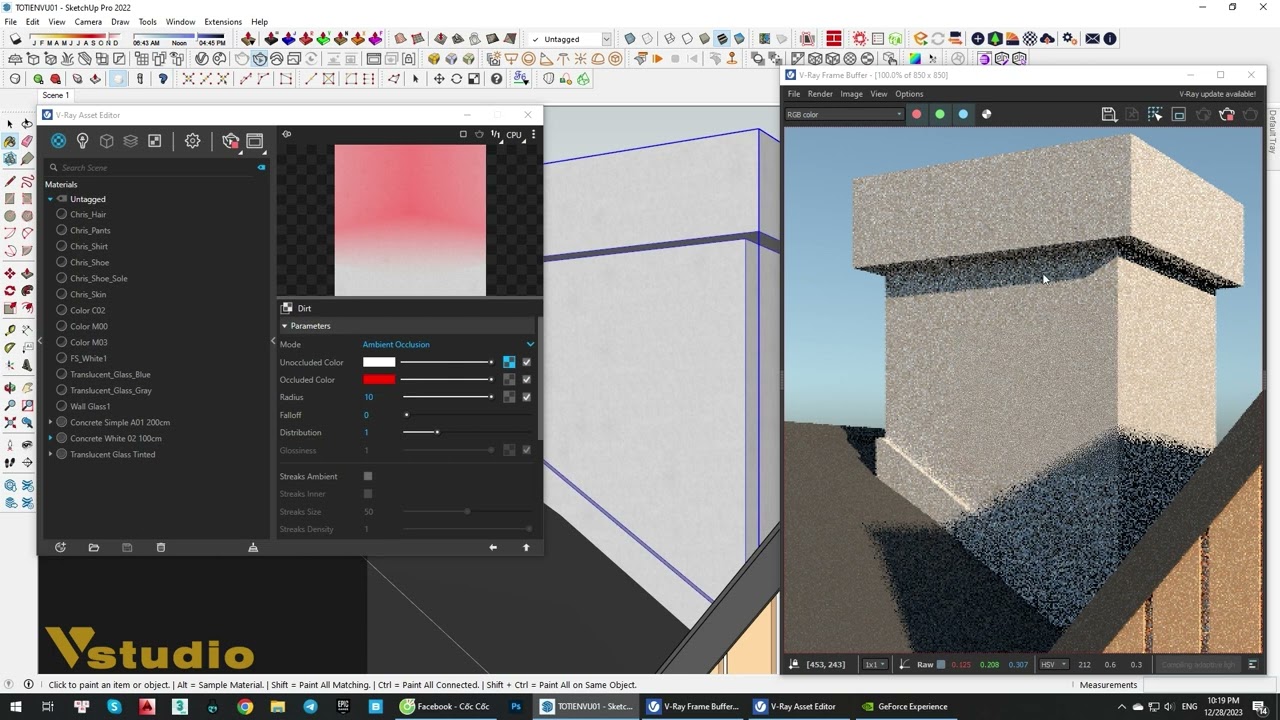
Create a material in V-Ray that you can apply to a component and have it be different for each instance of it.
First choose for diffuse slot - Layered
Then for one material choose - Multi-sub (and change to Custom Gamma), Render ID and for ‘dirt’ you can choose a texture or a noise, etc…
And for Texture Placement > Mapping Source > UVW Placement.


You can also add dirt / streaking to look like the copper is weathering near the edges. I’m not at home PC but this is the basic idea: