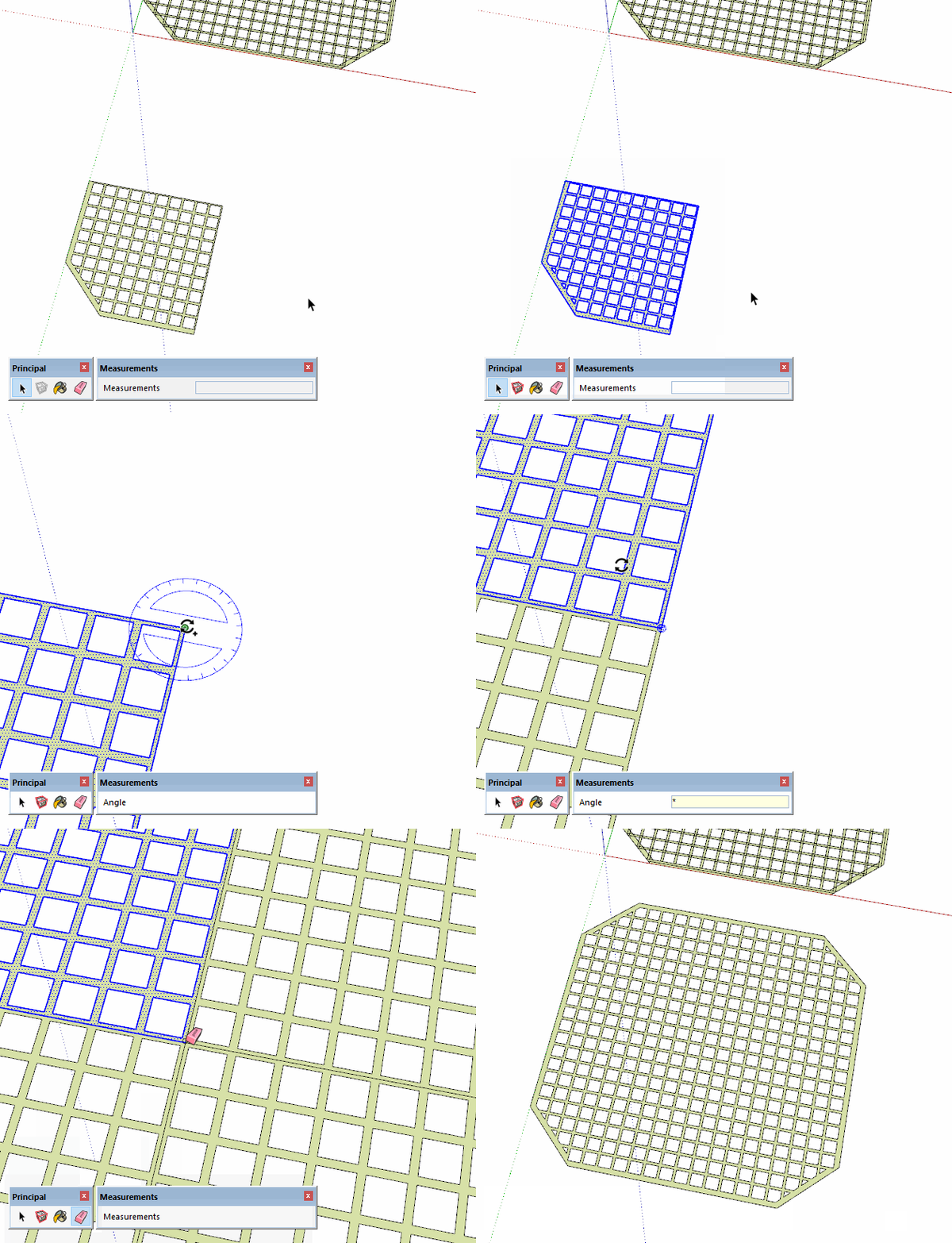
I want to make a grid with 2m thickness.
I have created so far a base surface from rectangles.
Now I would like to get rid of all the intersection lines to get one contiguous surface that I can push up to 2m.
I have tried and googled now for more than two hours without getting to the final result.
What am I doing wrong? Or different aked: what can I do?
I would have modeled it differently from the beginning to avoid all the coplanar edges but at this point you could either go around with the Eraser tool and erase the unneeded edges or you could use an extension like Thom Thom’s CleanUp3 to delete them.
FWIW, I would have started with a single hole in the corner and copied it to make the rest. That avoids the coplanar edges.
Then just lop off the corners and you’re good to go.
A:
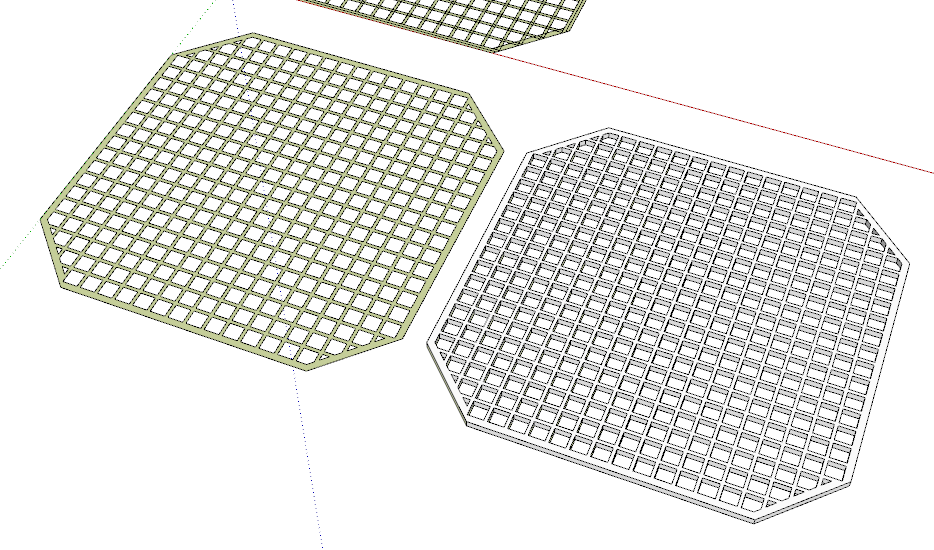
I did it the way you proposed: I constructed a plane, filled it with holes, removed the edges and finally pushed it up.
To remove the edges I made 4 guide lines, drew the lines and then used the eraser to remove all the unnecessary parts.
This step took most of the time. Is there a trick to get this done fast?
Finally I pushed it up.
And now it’s on the printer
B:
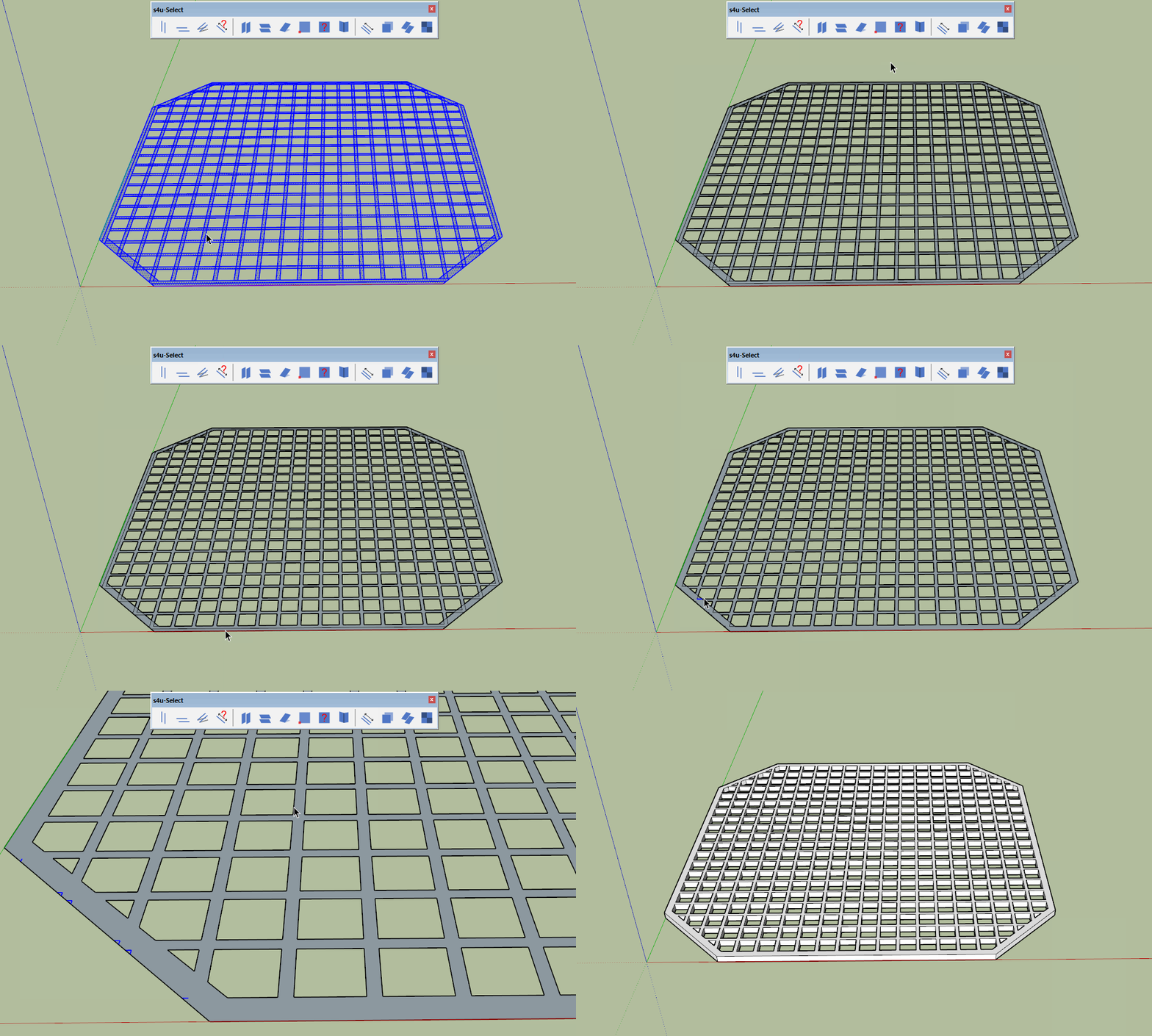
I also took my first trial and played around with CleanUp3. That’s a cute set of tools! «Merge Faces» did a good job and there was only a reasonable ammount of handish correction to do.
However, method A led me faster to the desired result.
Yep!
I am a heavy Googler and I also use «site:help.sketchup.com» and «site:forums.sketchup.com».
Furthermore I have Camtasia.
However, I am always open to a personal recommendation from someone, who seems to be an experienced user and as I can see, with the tool you are using you get to fast results!
I gave you a link to that discussion because any of the recommended programs are very good. I use two of the three, and for the above GIFs I used Licecap.
You just have to test them and see who you work with more easily.
Of course I have first read all 7 posts in the thread you posted before shooting back. I take such hints serious!
That’s why I referred that I have Camtasia.
However, there were several tools mentioned …
I will give Licecap a try and compare it to Camtasia!
Sometimes the simple tools are easiest and it’s important to understand what you can do with the native tools and to be able to think a few steps ahead.
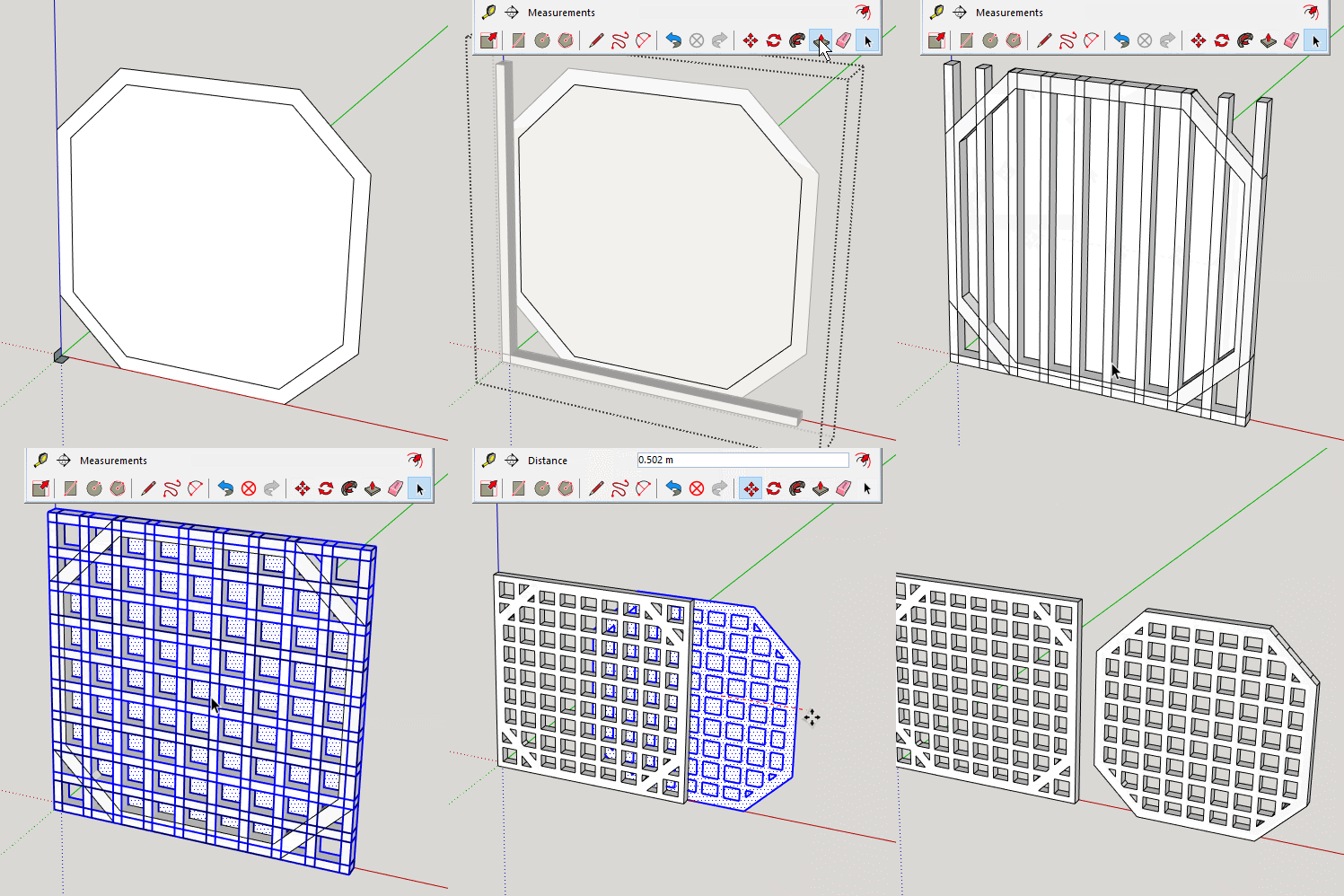
In this case your model is symmetrical about both its X and Y directions and it’s basically square. Leverage that information. Using only the native tools, layout one quarter of the thing and clean it up with the Eraser tool or CleanUp3 if you must. Then use Rotate/Copy to make the rest and erase the seam lines.
Thank you Box! Looks sophisticated to me. I will try to reproduce that. But for my low level skills this is yet a little bit behind my understanding. I guess/hope this will change with some practice.




 and as I can see, with the tool you are using you get to fast results!