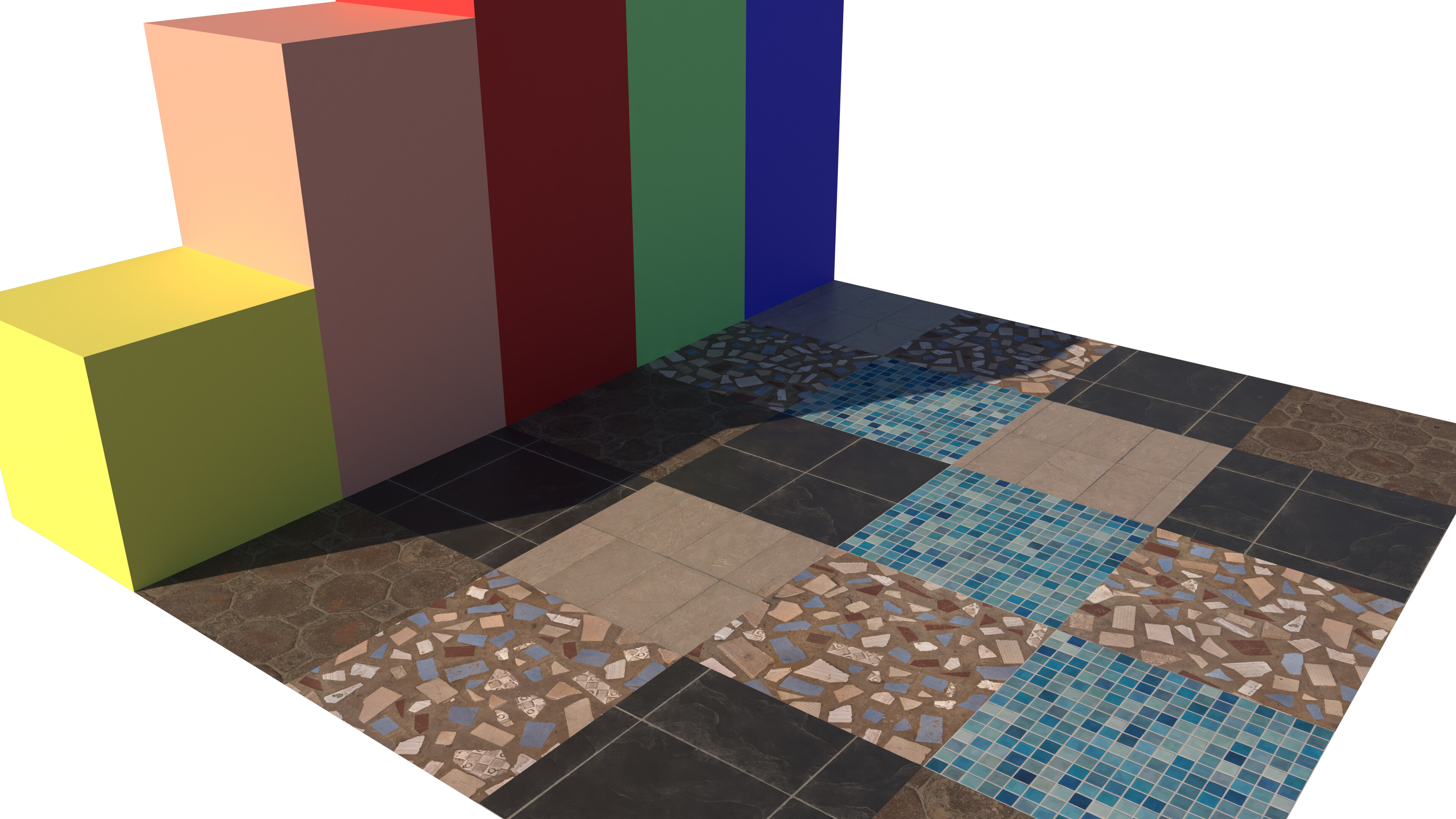
I’ve been experimenting with V-Ray and was surprised by how quickly my file sizes increase once I start adding textures - so can someone explain please how texture resolution affects overall file size?
As a test, I created a 5m × 5m grid, divided it into twenty-five 1m × 1m squares, and saved the file. At that point, the file size was just under 6 MB.
I then applied five flat colours and extruded the squares, but the file size barely changed.
However, when I added five texture files from Poliigon, each labelled as 2K, the file size jumped by 45MB to 51 MB rather than the 10MB I would have expected i.e. (5 x 2K = 10K).
It looks as though each texture instance is adding its full 2K size to the file. Is that how texture data is handled?
There are several things that affect the file size related to materials. First is just the image size of the material. You can get a relative size by looking at the pixel dimensions with Material Resizer or you could edit the material in an external image editor.
If you don’t need those maps you can edit the material in SketchUp and remove them.
Another thing that has a big impact on file size is the addition of Environment images. Certainly purging unused ones would be important. You can find the .ske file for the Environment image and open it with 7zip, too. The compressed size is what is really added to the file size but if the image was lower res then the packed size would be smaller.
If you aren’t going to show the Environment image in the background of your model, you could probably stand to reduce the resolution by quite a lot which would help to reduce the file size.
I’ll go through all of that information with interest and will no doubt come back with a few more questions
I don’t usually use colour in my work at all, but with it being the holiday season I decided to download the one-month V-Ray trial directly from Chaos and see if I can get my head around it.
FWIW I got the follwing for file sizes after various changes.
Starting: 49.8 Mb
Removed environment: 44.6 Mb
Removed maps, metalness, and roughness from all materials: 10.2 Mb
Reduced the textures from 2048x2048 to 1024x1024: 2.89 Mb
Perhaps you played with environments at some point. Or maybe there is a default style that included the environment. I haven’t looked at them because when I installed SU2026 I immediately added my own template.
You can go into the In Model Environments panel, select the no environment thumbnail and then Purge unused via the Details menu on the right.
However, when I added five texture files from Poliigon, each labelled as 2K, the file size jumped by 45MB to 51 MB rather than the 10MB I would have expected i.e. (5 x 2K = 10K).
2k [incorrectly] refers to the horizontal resolution of the image and not the file size
If you use chaos cosmos materials instead of 2K poly haven materials, the file size won’t increase as much as it does with external pbr materials, specially scanned materials, those work as proxies, all the texture data is shown just when it’s rendered and not added directly to the skp file. It can be a bit cumbersome not being able to see on the model the materials you’ve applied but it could save you a lot of time when you render them and space if you work with big files.
So, correct me if I’m wrong, but it seems to me that for many of the textures I’d need in a render—particularly those that aren’t in the foreground or that do not require reflections—I can get away with creating new materials using just the base colour textures. In those cases, it may not be necessary to use the full set of maps (displacement, normal, roughness, etc.)?
I am not sure how the new SKP PBR materials play with VRay… so not sure if it’s worth using the new materials over properly built VRay materials. You can check out ChaosCosmos for a huge selection of them and make your own.
You can ‘cheat’ - but I don’t think it’s worth it. I usually have 3-5 models. 2-3 pure SKP-LO with my simplified flattish materials and colors for shop drawings / construction documents / details, engineering, etc., 1 for VRay interior renders and 1 for VRay exteriors.
I haven’t been bothered to use the new SKP materials yet because the icons (Mac) really slow my workflow down.
The reflection map controls how shiny or not any part of the surface is in a specific point. Mileage varies between materialis as to whether you want that.
If you don’t use the map then you will get a uniform level of roughness/glossiness across the surface which you can control.
If the file size is a concern - In many situations you would be better off choosing a lower resolution file and making sure you have all of the maps included.
Short of having the camera 10cm away from the surface you are unlikely to tell a difference in most situations.
SketchUp itself downsamples all textures to 1024x1024 (or 1k!), so the only place the information is used would be in v-ray.
The reflection map is only a single channel, so it is only 1/3rd of the file size of the diffuse or normal map inside of SketchUp
I think I’m mostly just trying to simplify something that feels really complicated at first glance. Even with something as basic as choosing which V-Ray lighting to use for exterior renders, I’ve spent hours today trying to figure out whether it’s better to use Sunlight or a Dome Light—and I’m still not completely sure. I’ve even read that some people recommend using both! It’s great to be able to ask questions here.