changing the size of this scene window makes the background opaque even though the background is toggled off. Anyone know why?
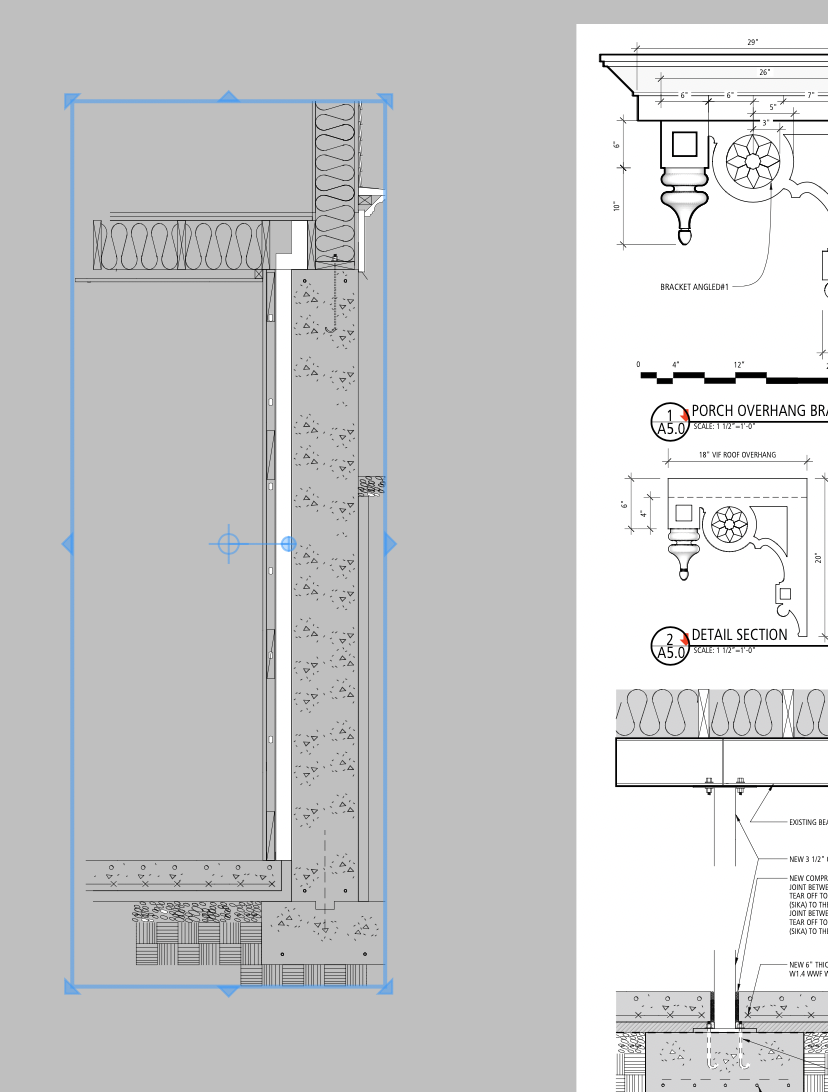
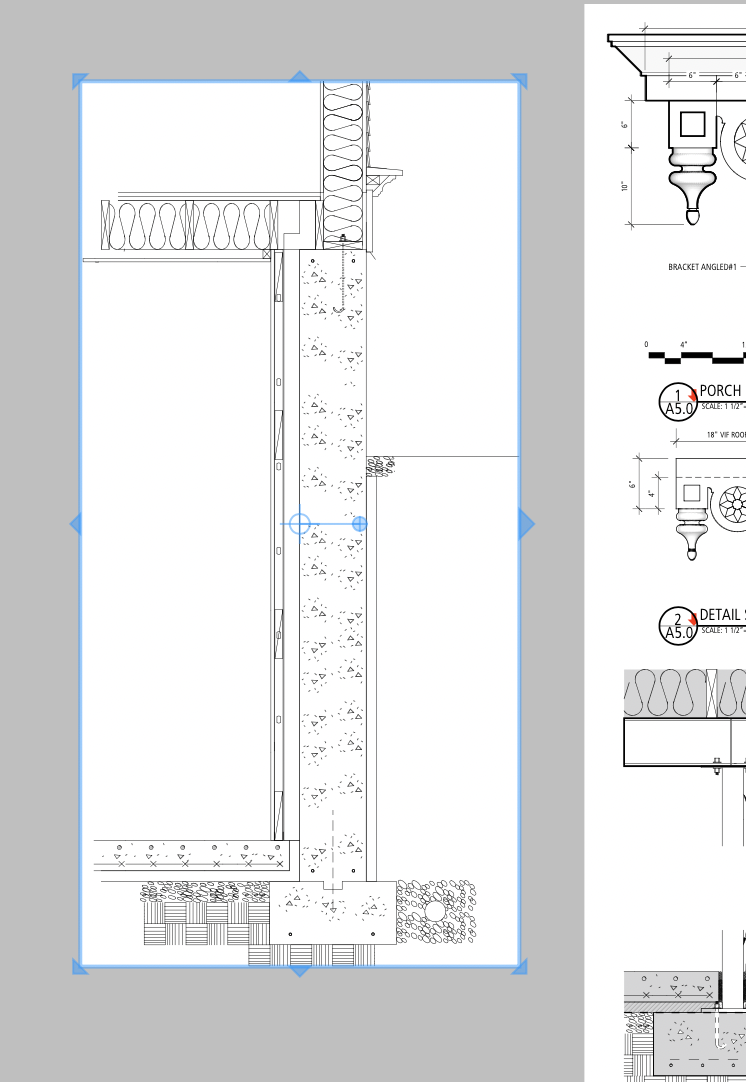
I can direct send the layout and sketchup files. They are big files.
Thanks
Any advice
By what method are you enlarging the model in the viewport?
dragging the edge of the viewport window
Had you already selected a scale for the viewport? Try doing that before dragging the edges of the viewport.
William – I get this occasionally and the developers are aware of my case.
My SketchUp models have only one style and I assign specific document styles directly in Layout (the styles are SketchUp styles that are located in a folder that Layout accesses).
Whenever I copy a viewport that has a Layout assigned style from another file, there appears to an occasional issue where that style is superficially displaying as such but, like in your case, when I resize the viewport the viewport reverts back to the SketchUp default style.
It’s annoying but resetting the style in Layout to the required one solves it.