No.
“it” is the, “SketchUpViewerVR-2-5-31.exe”, a.k.a, “SketchUp Viewer VR” and it is not:
because “it” is “the program”. An icon “SketchUp Viewer VR” will be created on your desktop. Don’t launch it.
It will be available from within the Oculus app, in the Apps Library, which looks like this:
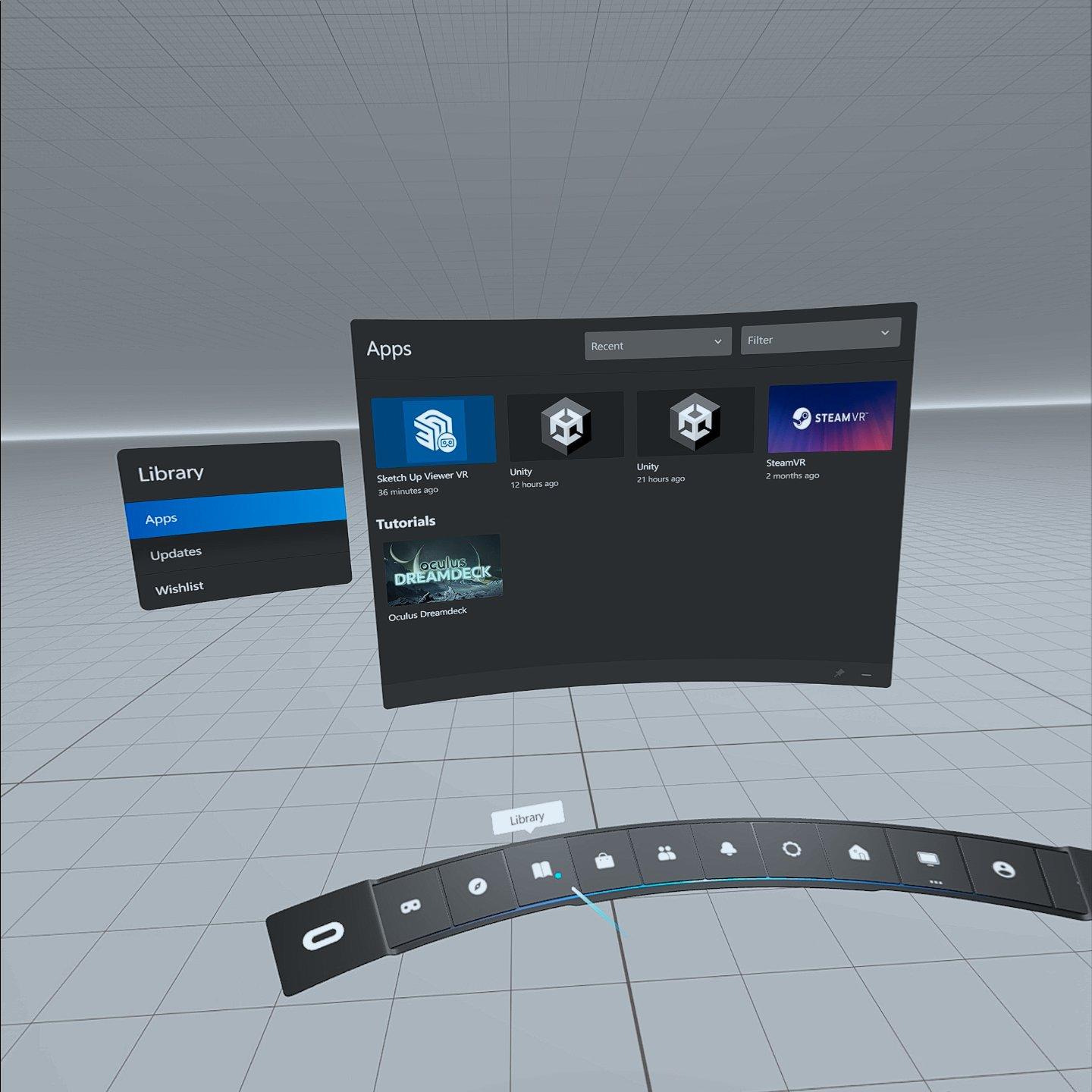
If the Oculus Home (shown above) does not open in your headset when you run the Oculus app from your PC, you’ll start the Oculus app/Home from the Quest Home (shown below):
Select “Quick Settings” (left side of lower panel, shown in image), and then select, “Quest Link” from the large panel. It looks like this:

That will allow you to launch “Quest Link”. Ignore the word “Rift”. If you only have a Quest 2 connected, then whatever it says is ‘correct’. It looks like this:

If that does not open the Oculus Home (shown above), then your headset may not be communicating with your PC properly. You’ll have to make sure you have it installed and set up before using the Oculus Home and SketchUp Viewer VR. It is available here: Setup | Oculus
If you are not using the Quest Link cable and want to save money, I saw a review of this cable verifying that it works with Quest 2: Amazon.com: Anker USB C Cable, Powerline USB 3.0 to USB C Charger Cable (6ft) with 56k Ohm Pull-up Resistor for Samsung Galaxy Note 8, S8, S8+, S9, Oculus Quest, Sony XZ, LG V20 G5 G6, HTC 10 and More : Electronics
When you launch the SketchUp Viewer for VR from the Oculus Home (shown above) you may have to sign into your Trimble account from a web browser. The SketchUp Viewer for VR looks like this:
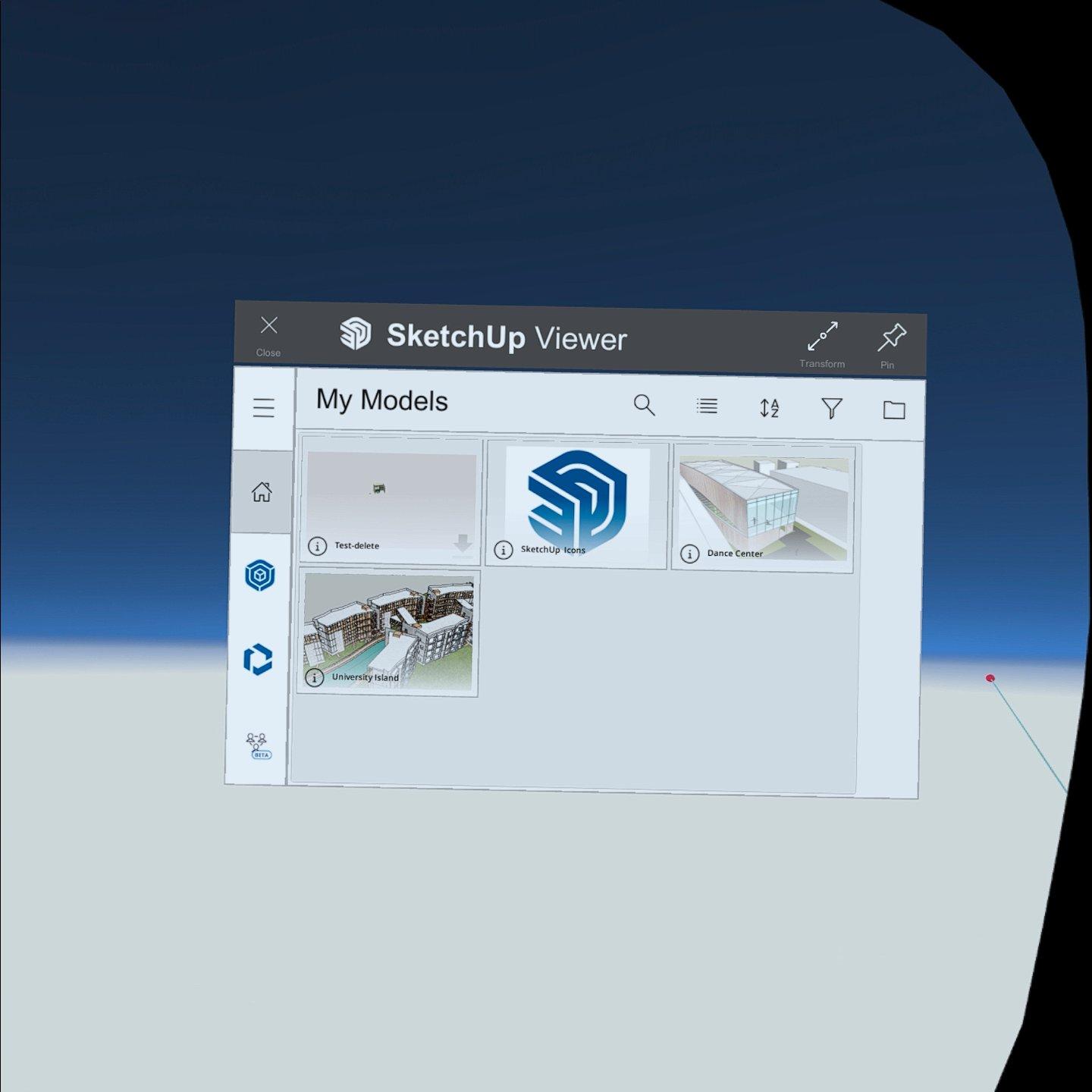
If you are not logged in, there with be notifications (in red color) that will prompt you.
You do not need to have SketchUp Pro (desktop) or any other version of Sketchup running (including SketchUp Viewer VR) to use SketchUp Viewer VR from the Oculus Home. If you get a brown screen or a SteamVR message saying that the headset can’t be found, stop those processes or restart your computer.