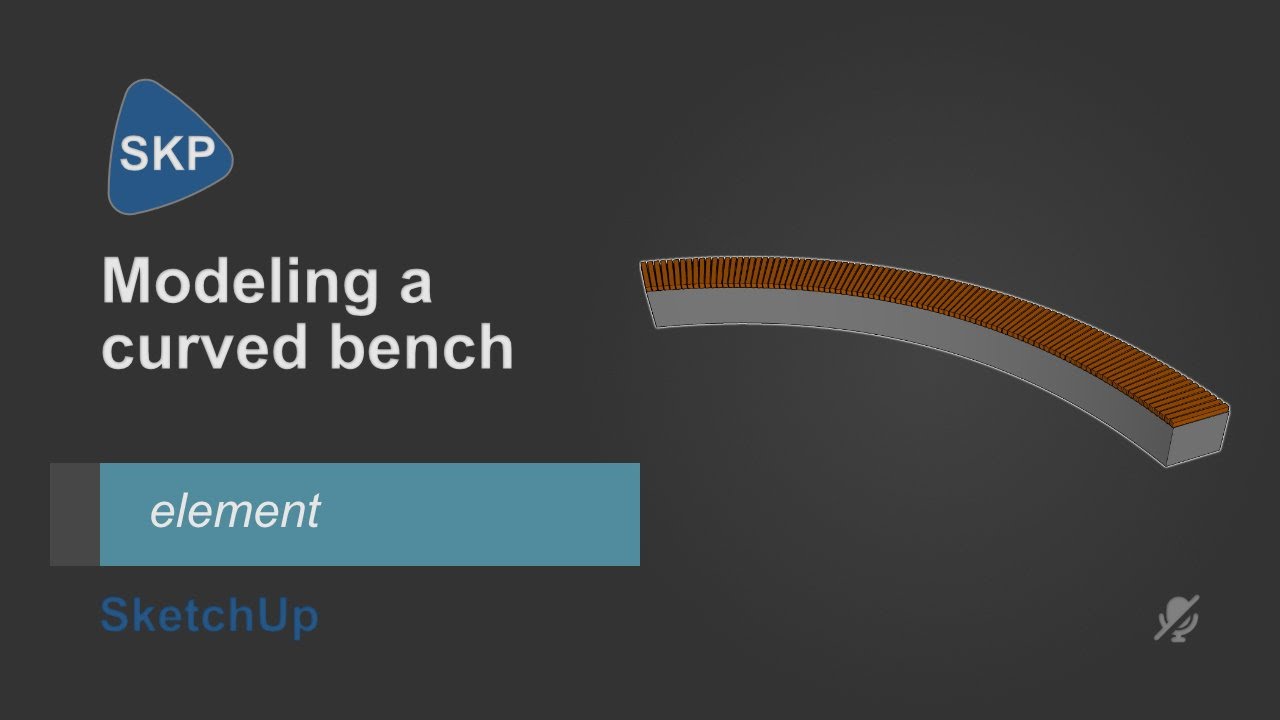
Building a bench, its a part - quarter of a circle.
I have the bench by the supplier (pic) and I’m trying to use their slats to populate the curve of my bench and its okay, but I want it to end perpendicular to my entry path.
I’ve used Copy/Path and changed the size of the segments, but I cant make it behave so that it ends square to the end of the curve.
Any tips? I hope this makes sense
*in the supplier bench (floating bottom) each slat is exactly the same distance at front and back spacing…
*I’m sure its something very simple
Path Copy won’t line up with the the seatwall edge as it’s arraying from the component axis off the selected path (bench arc). Try a simple Polar Array (from the inside arc’s center point) using the Rotate+Modifier and then dividing by the number of slats you want.
Hi Guys,
I don’t think that an array command will work here
I’ve done my best to provide a snip of what’s at work.
My arc is part of a bigger circle - that circle has a cross of pathways running through.
The bench needs to be flush with the limit of the pathway? (the pink wedge shows my limits)
I might try to build the wood slat with a guide and use that to copy multiple (the middle quasi bench is the vendors so Im building a tool there)
Sorry if this is confusing
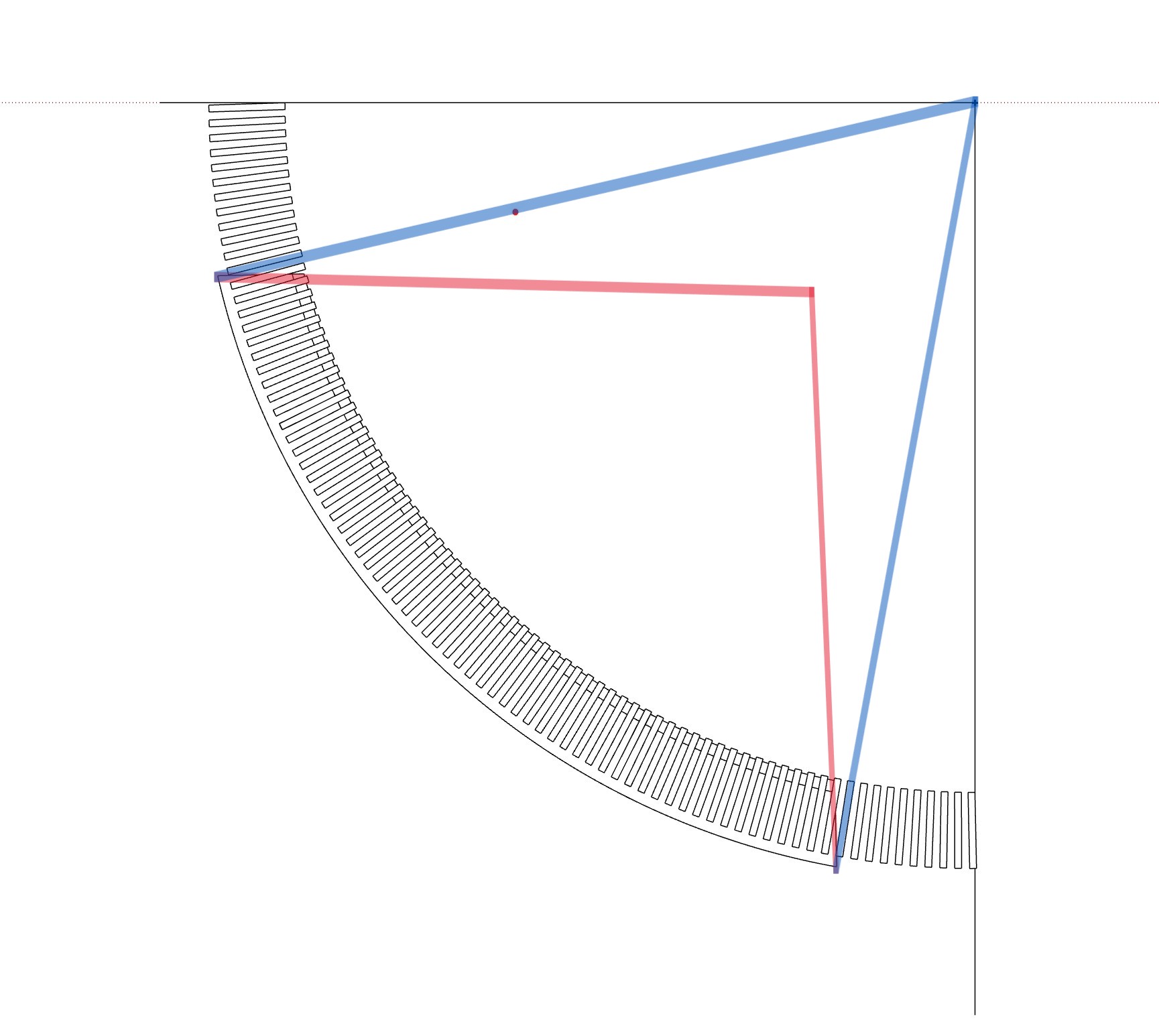
The ends of the bench are not aligned to the angle they should to achieve what you want. The red lines are the angle of the current benches and the blue lines is how they should be to make an array a lot easier.
There are ways to do what you want but they require more work or use extensions to make it faster, first i would reduce the segments of the arches, they have 160 segments, that´s to much and it will be unnoticeable if you reduce it to 50 or 60, adding more geometry will increase unnecessarily the size of your file.
You have also a lot of inverted normals, on monochromatic the faces should look all white, the blue faces are reversed and some have materials applied, if you’re going to render in the future, the reversed faces will look black with some engines like V-ray, plus the issue with the amount of segments of the circles and arches.
I purged the file using Cleanup3 with special settings to keep stray edges, but activated the repair split edges and that reduced the amount of edges drastically.
I also noticed that you have profiles edges active and you’re using sketchup 2023, profile edges add a lot of work to your gpu and could make your file laggy, that is not a problem with sketchup 2024 2025 and 2026 cause they use a new graphics engine, but on older versions of sketchup or using the classic engine on newer versions of sketchup, having profile edges active will make your gpu work more than it should and viewport lag will appear.
I reduced the segments of the arches to 65 and used curviloft to keep all the divisions, then I used vector pushpull from joint push pull to extrude all the faces at once instead of doing it one by one and deleting internal faces.
Thanks for the input!
Yes – its an awful model, its been chopped up so many times
I’ve built my bench slats to my specs - but it was very labor intensive.
I’m determined to put together a technique that will let me do this quicker..
Wow, I would never have thought of this!!
I wonder if reducing the segments would’ve helped me in the beginning…? - I was actively increasing them as far as possible!!
You should also know that the method I showed on the video won’t create similar shapes along the bench, since it’s not a symmetrical shape every segment of the bench is different.
Here’s a way to create the wood seats, I just selected the top of the bench and used an extension Smart offset by TIG to offset all the faces at once but you can do it with the native tool one by one, then i hold shift while selecting the top of the bench to select the inner offset parts and created a group, using push pull extension I extruded all at once.
But before you start modeling, it would be a good idea to keep in mind SketchUp’s recommendation not to tag geometry, but objects (groups, components). It will make your work easier.