I have Sketchup Pro 202
Macbook pro with Big Sur 11.2.3
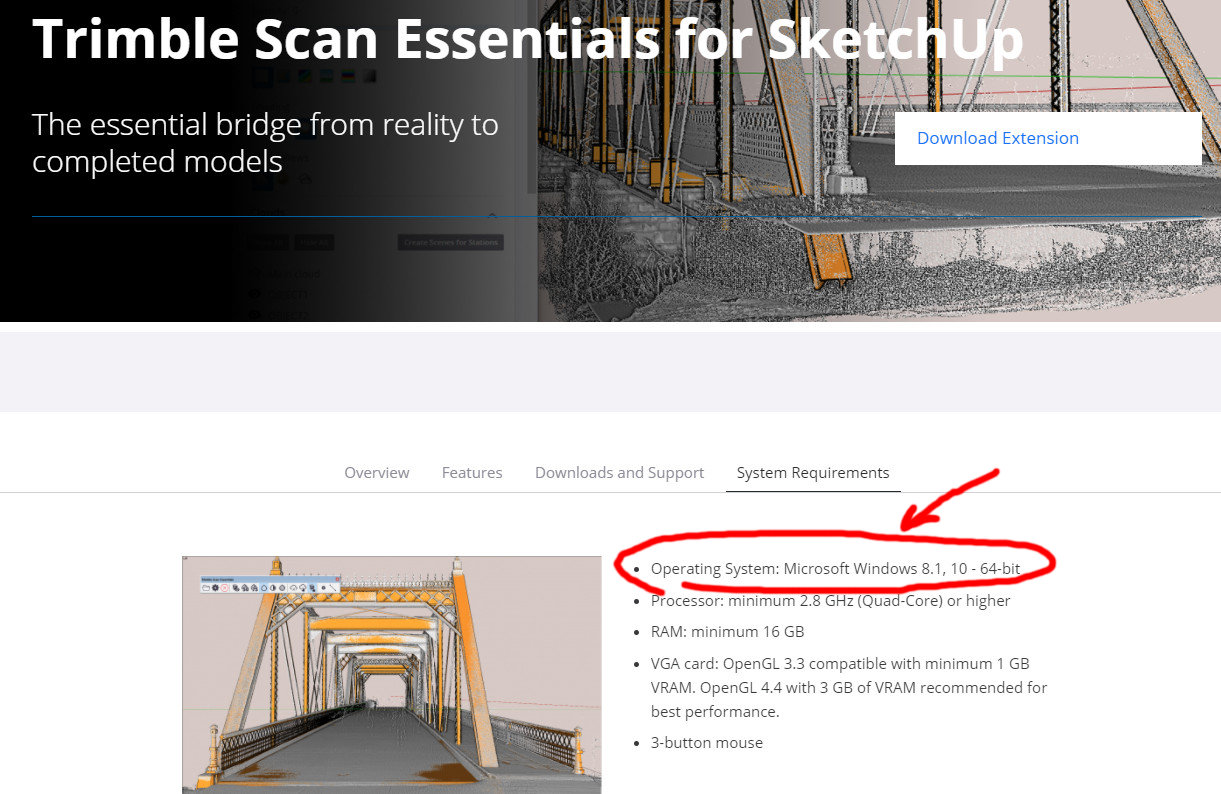
I downloaded Trimble Scan and get this message
“This operating system is not supported by trimble scan essentials.”
I have Sketchup Pro 202
Macbook pro with Big Sur 11.2.3
I downloaded Trimble Scan and get this message
“This operating system is not supported by trimble scan essentials.”
oh man, sorry… I was sure I saw it for the mac… thanks
Now how do I uninstall it?
Menu Extensions>>Extension Manger>> Manage Tab>>Select it and hit the Uninstall button.