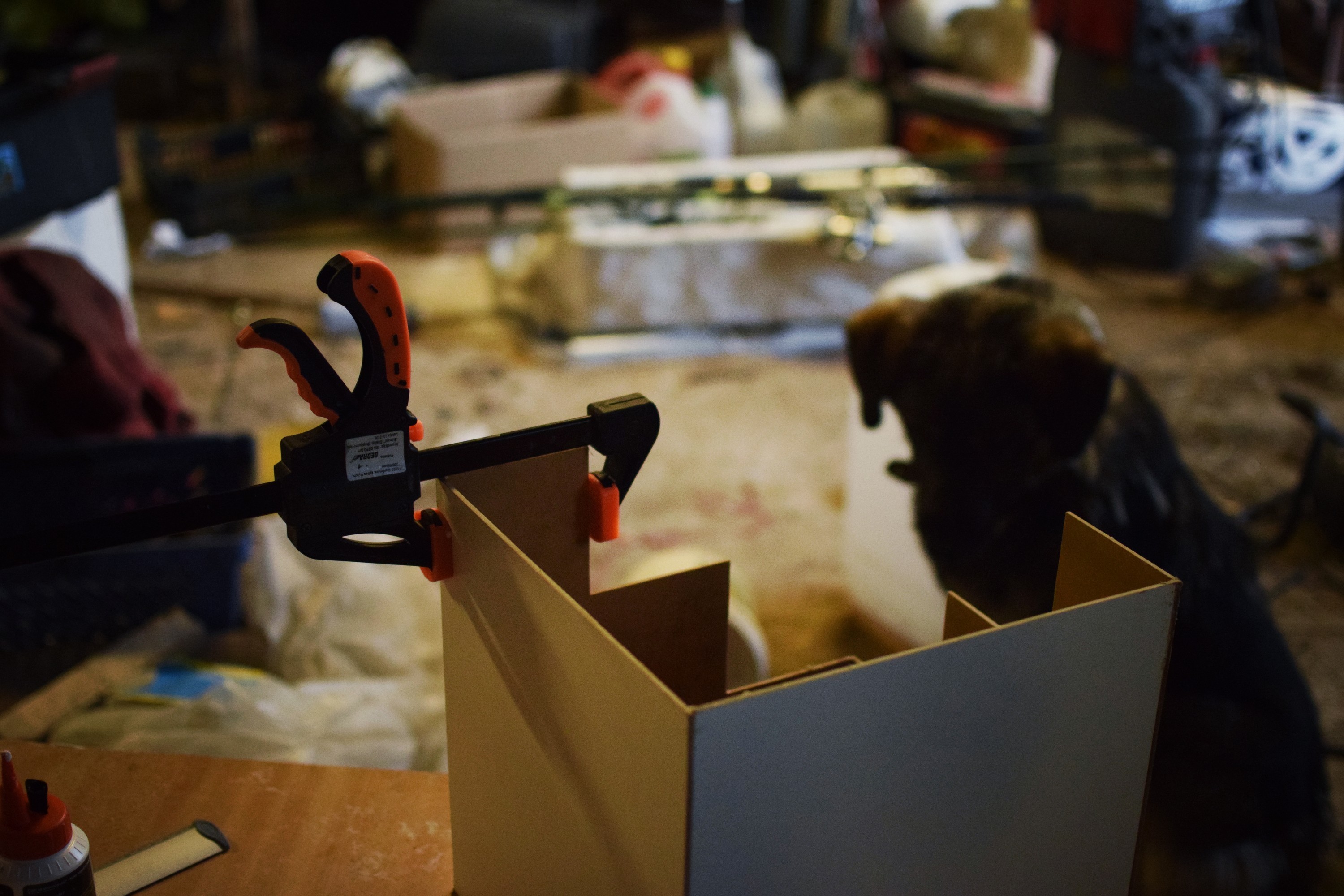
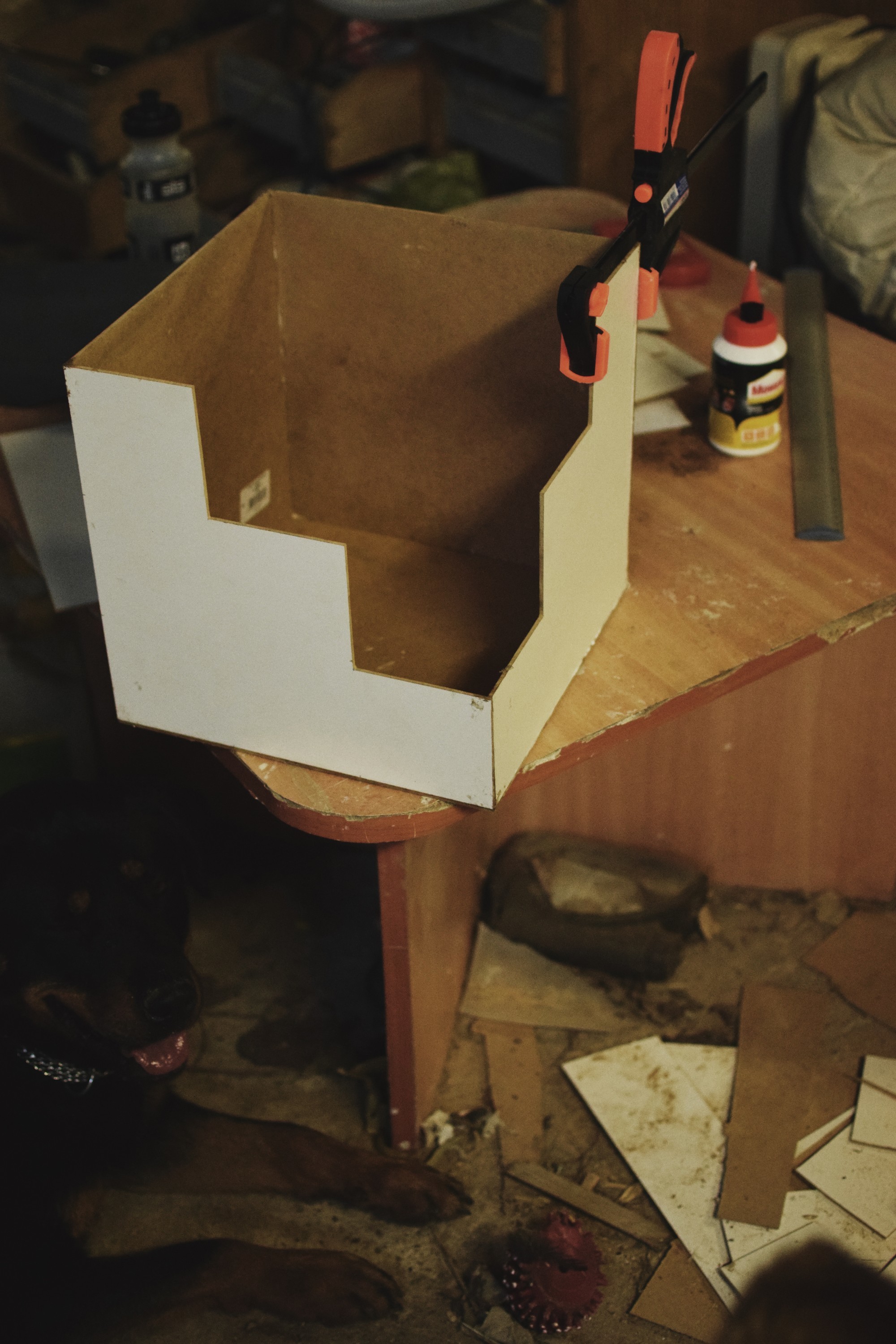
Hello!
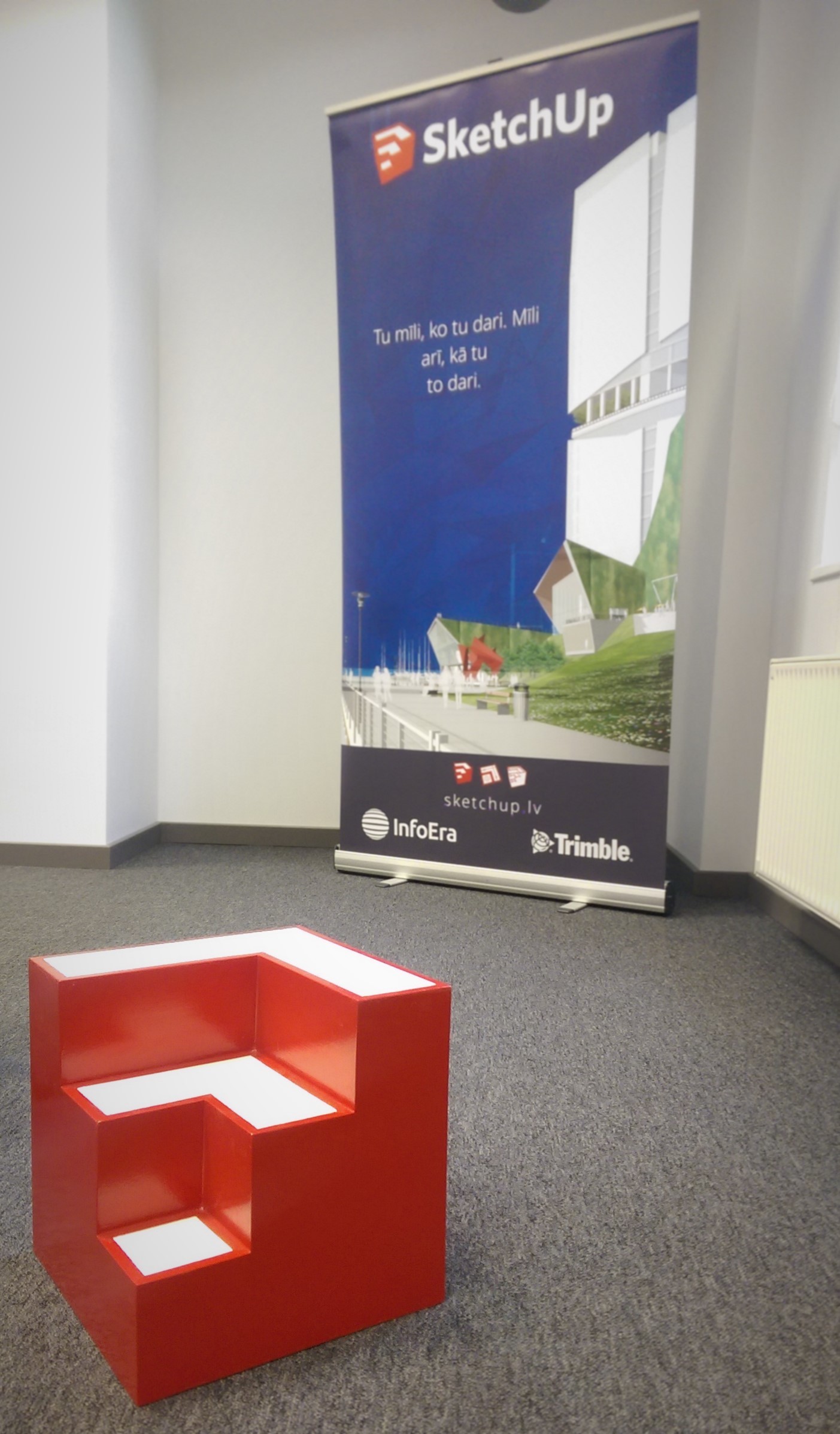
Last week we had a seminar about the use of SketchUp and other software in special interests education, but (besides the banner) I didn’t have any objects related to SketchUp in our office, so I thought to make one myself.
Hadn’t done any woodworking projects in a very long time, but it all ended with a fun weekend project, where I finally got a chance to make something practical.
The first idea was to make a 40x40x40 plywood cube, but I ended up going to the supply store and choosing 3mm thick laminated chip-wood sheets instead. They seemed thick enough and were in just the right size.
After buying the tools and materials I remade the SketchUp model, adjusting all the dimensions for the 3mm thickness.
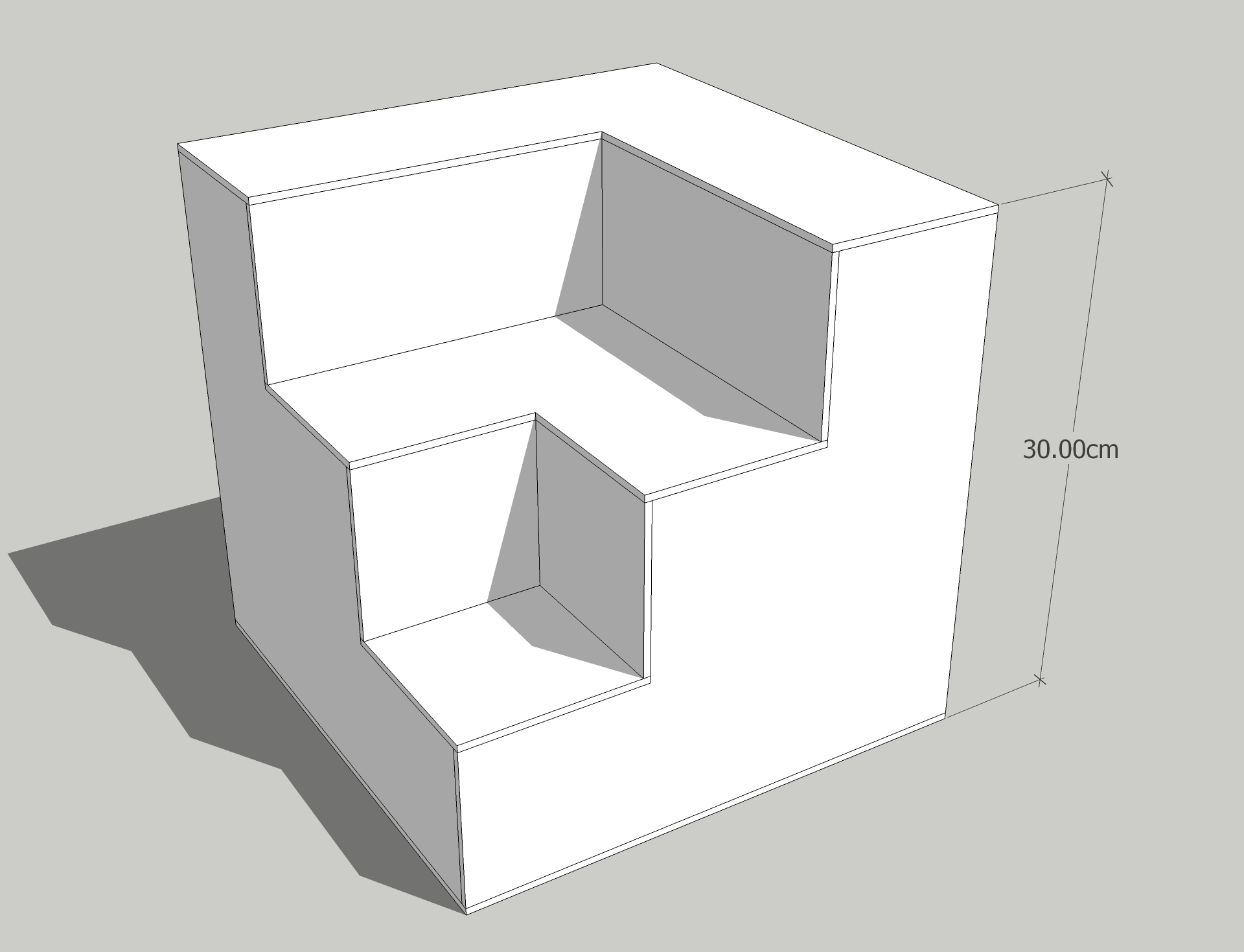
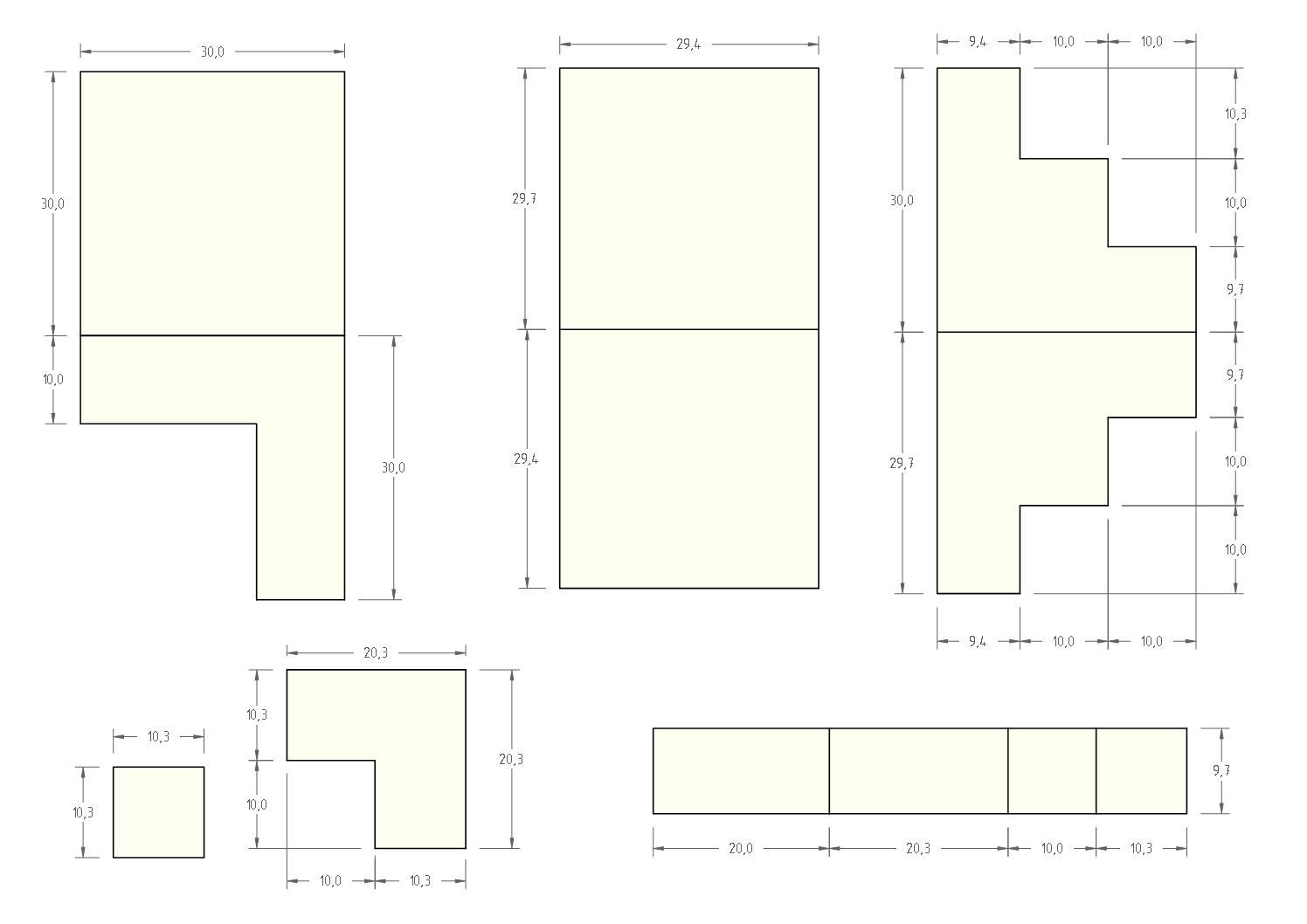
Laid out all the pieces flat and brought them in LayOut to add dimensions and make a printout.
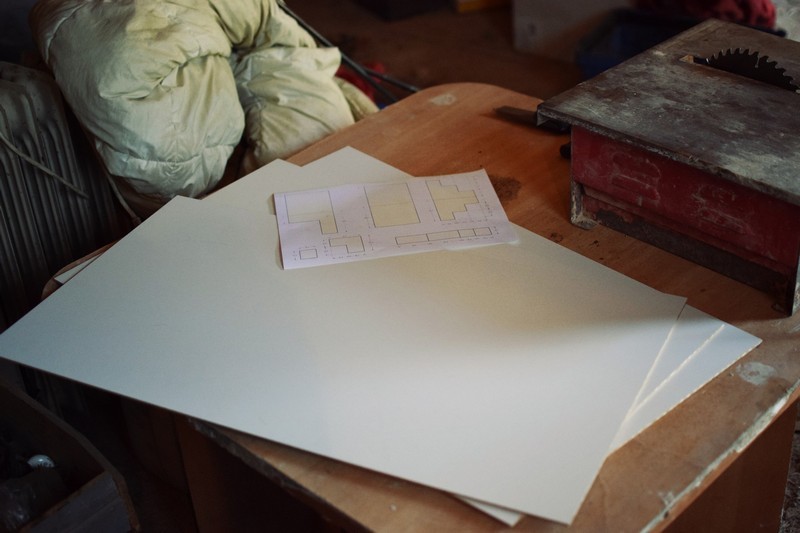

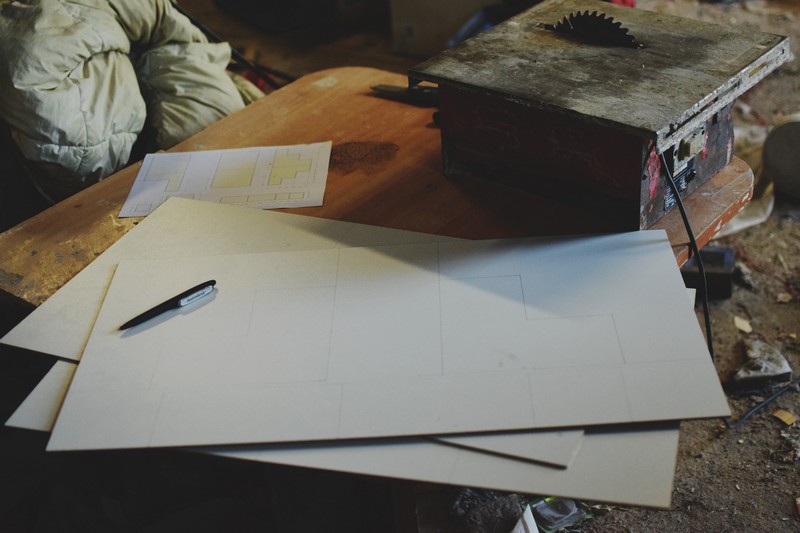
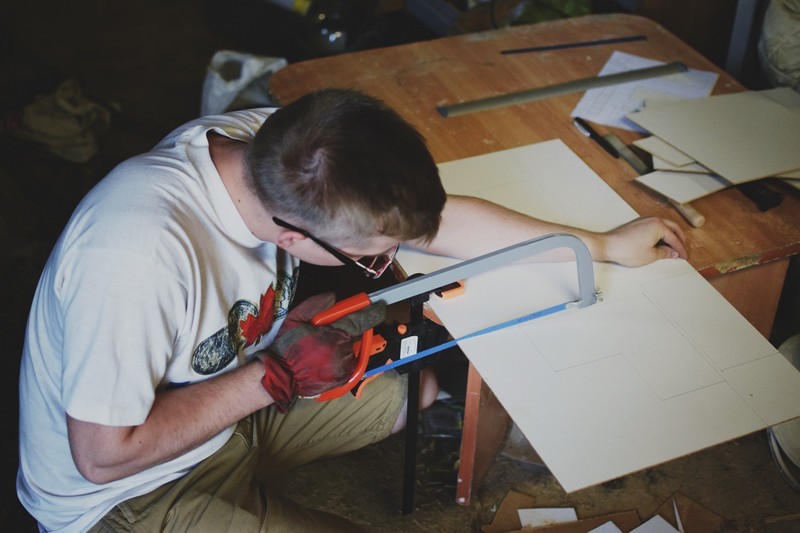
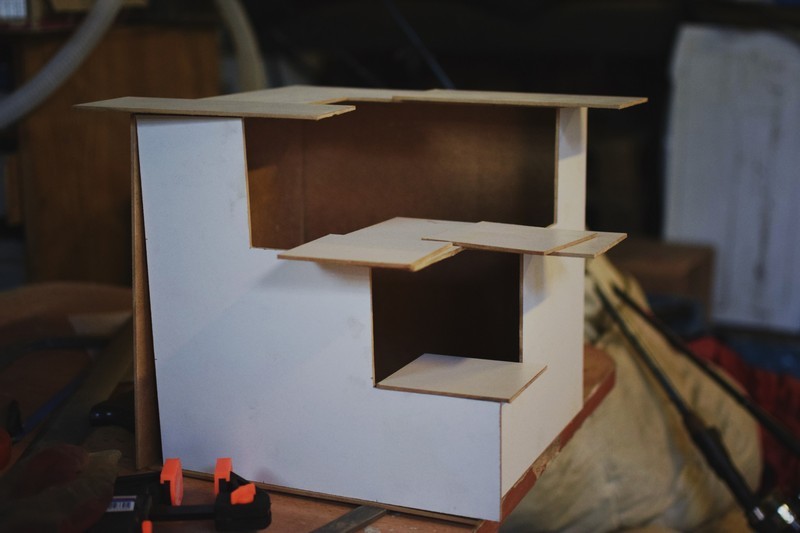
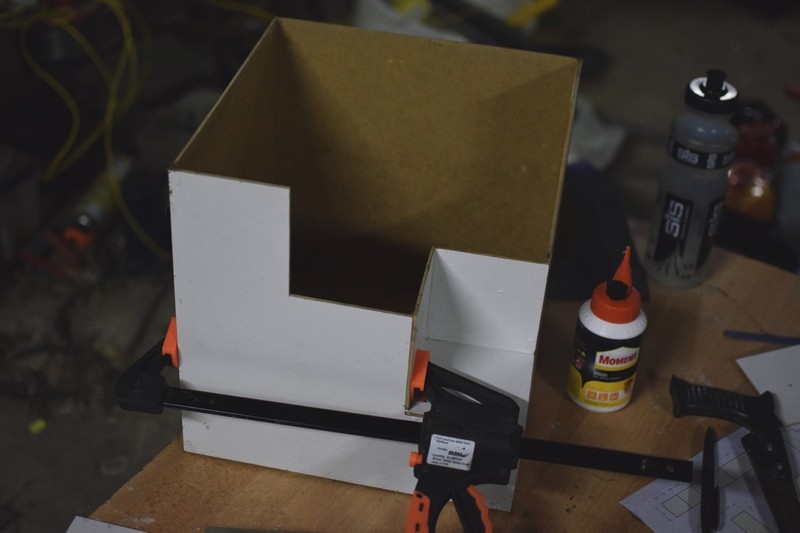
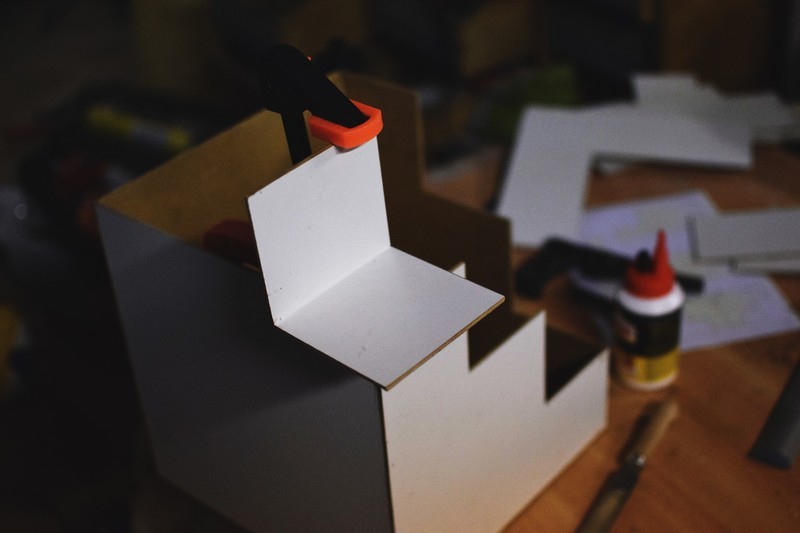
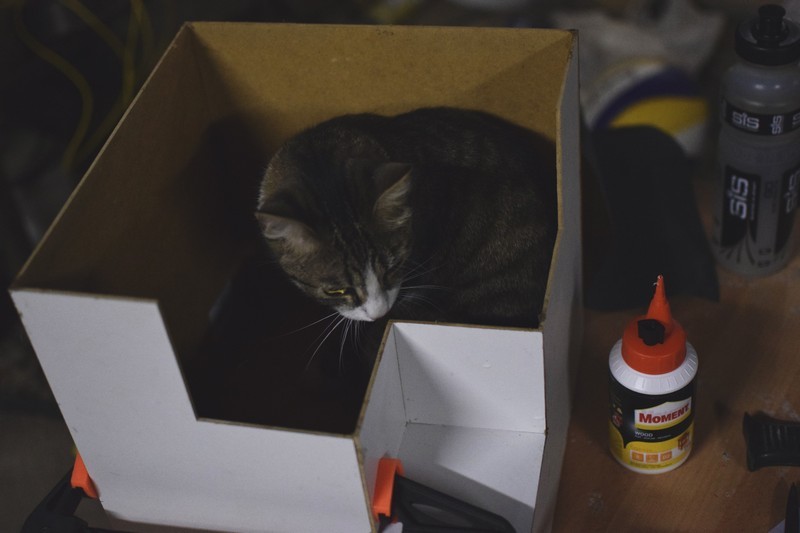
Cat for scale
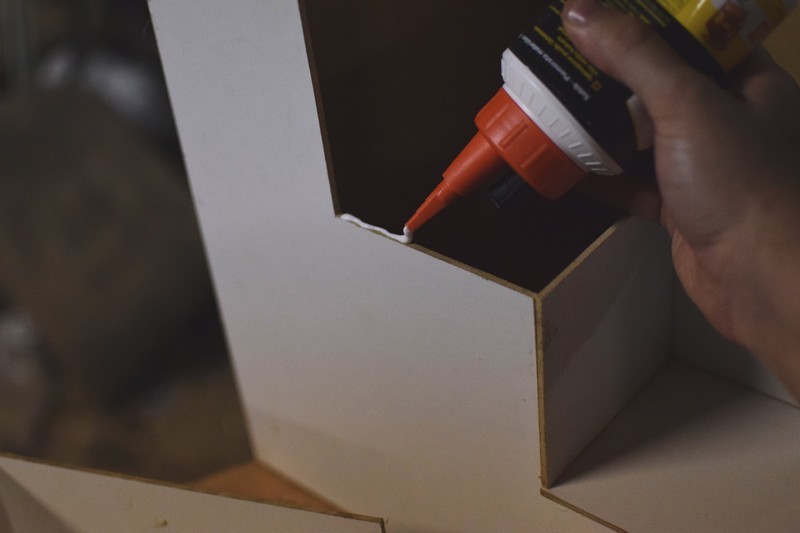

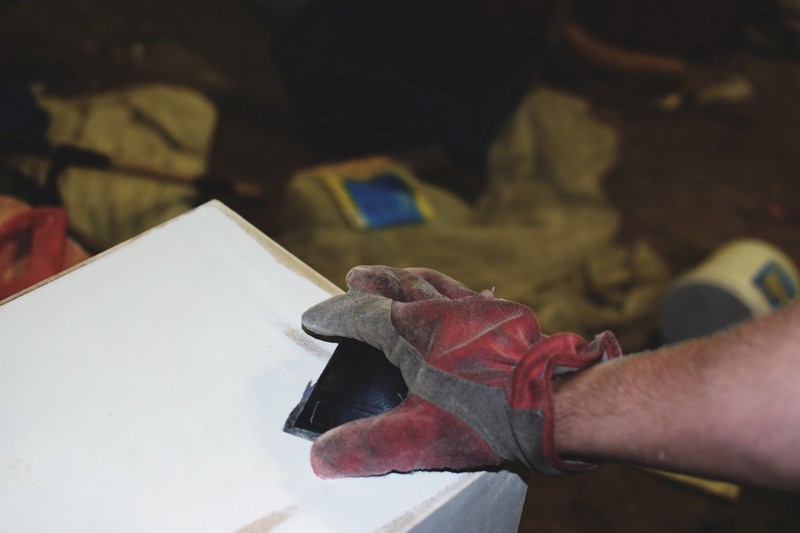
Quick sanding to round the corners and to remove all excess parts.
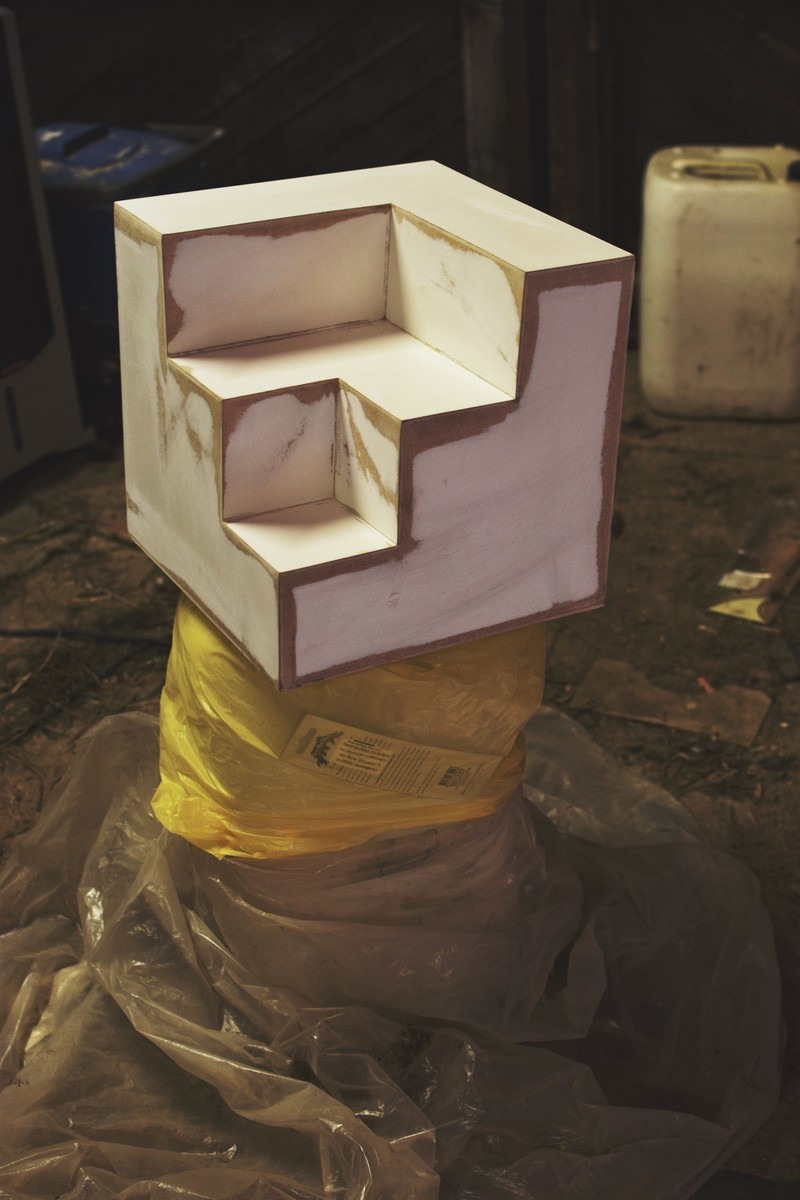
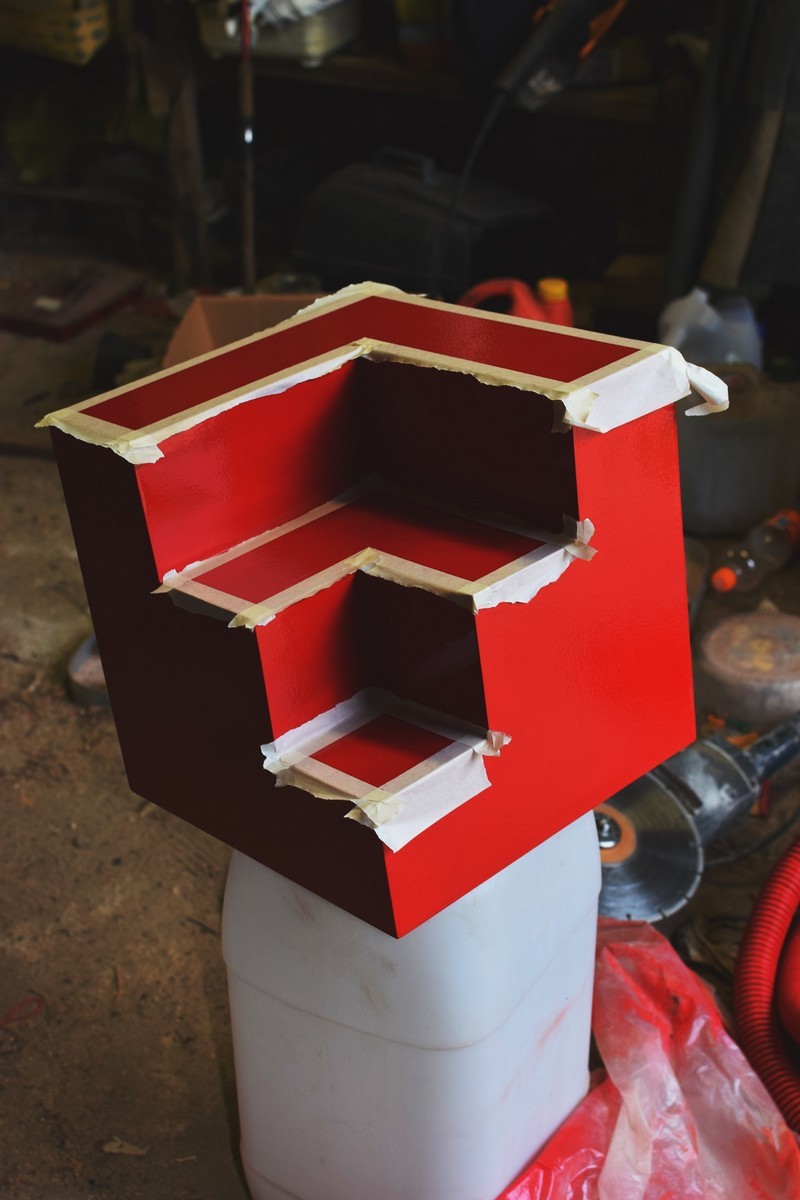
First I tried spray painting, but ended up just putting the final layer of paint with a foam roller. The offset lines were not sharp enough in the end, so It needed a bit of extra work with a fine brush after that.
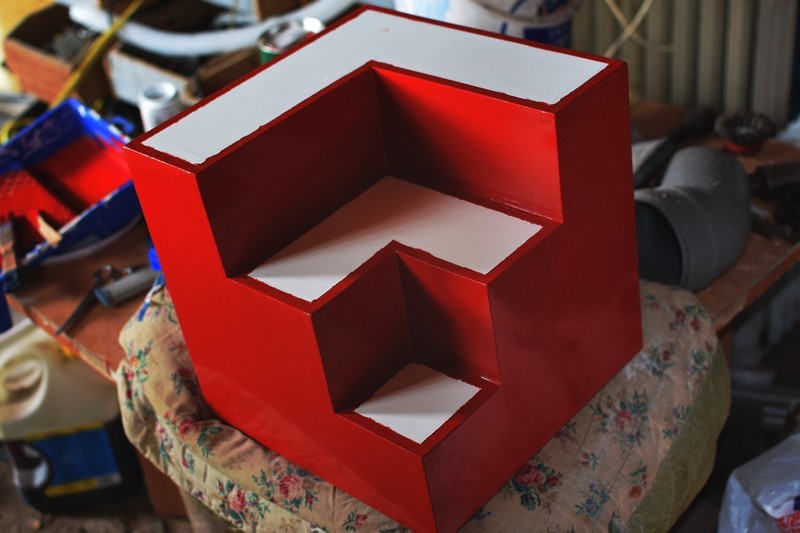

All done!