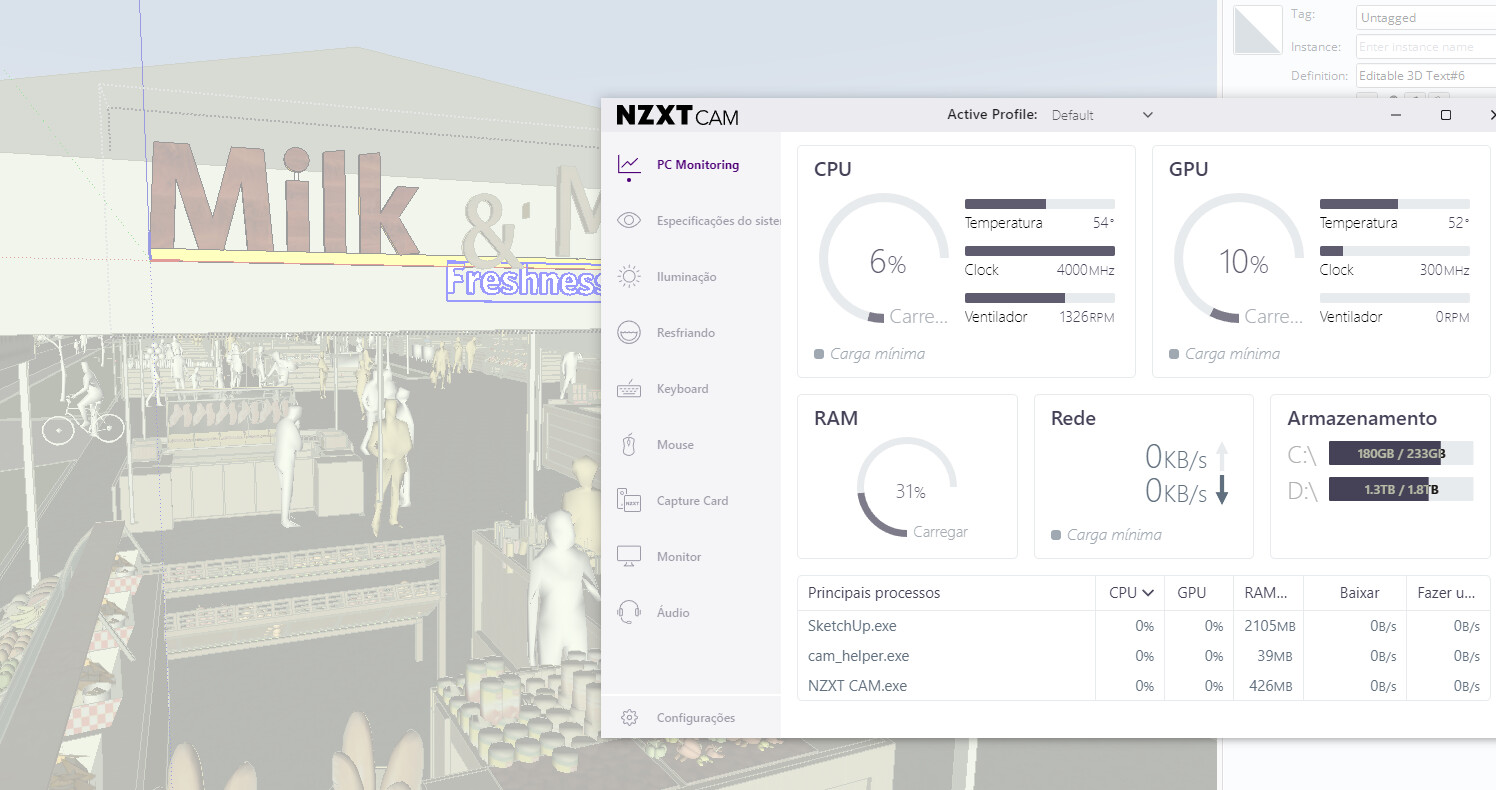
I would recommend sharing the SKP file, or at least information about the file (as opposed to your computer performance). Nine out of ten posts like this end up revealing a model that 10X the size they should be due to modeling (or 3D warehouse download) issues.
Crash #180738 I would like to know why this crash happened
FCRH3A72.xml (706 Bytes)
I am not sure what that file is… sending the file of the job, the .skp file, would allow the users of this forum to look at what is going on.
its too heavy to upload
but I since I moved the file to the C disc, it stopped crashing all the time
The XML shows you are using the earlier update to 2025. You could try the later version, that you can get from here:
The bugsplat you sent in is missing some details. If you see a crash with the newer 2025, send that one in as well.
For the question about CPU and GPU usage, only what is needed will be used. If you’re finding that modeling is not smooth, then something may be wrong. If it’s smooth, SketchUp won’t demand 100% if only 6% or 10% is enough.
Thanks Colin. Do you think it was because the file was in another Disc other than SKP and Enscape are installed?
For the part about the bugsplat missing things? Not sure, but I see that has only happened a few times in the last year. For the crash itself, can’t really be sure, with there being no details to look at in the bugsplat you sent in.
https://we.tl/t-K7eYFqSrvB I uploaded all the files from the bugsplat so you guys could see what was happening
I can’t work out much from those. It does look like SketchUp was running for a while before the crash. Do you know what you did immediately before the crash?
nope but the enscape rendering window was open
Youll never see the cpu usage above 8%-10% depending on your cpu core count, the more cores it has, the lowest number youll see, that´s because sketchup and every other cad software, 3D or 2D, uses just one core of the cpu, the other cores are useless for most tasks, it is possible to use them for certain tasks like saving a file or for running rendering engines like V-Ray. Enscape uses the gpu for rendering so you won´t see a lot of cpu while rendering with enscape as well.
we wish that the next SKP versions could use more than one core 
it’s not a sketchup limitation. it’s a CAD limitation.
SketchUp is not an exception: All 3d modeler out there are single-threaded as far as modeling goes. Some part of a 3d application (like physical simulations in SolidWorks for example) will be able to assign specific tasks to other threads but modeling per se will always be done as a single thread. Some other times, parts of the software that rely on the OS will be able to be multi-threaded by the OS itself.
Yes. I always like to tell what happened with Autodesk. In the early 1990s the first PCs with multiple processors (initially two) were released. So Autodesk published a white paper that announced a shortly to be released multithreaded version of the 3D Studio Max modeller. More than 30 years later, we are still waiting. It seems the paper was written by marketers, not engineers.
Hello Colin! I’m having lots of bugsplat now. Ive uploaded the files plus the skp project wishing someone could give me a light of what is happening.
Could you change the access for the link?
done. sorry
I don’t see any sluggish behavior in your file on my computer but it could tolerate a bit of cleanup.
I fixed incorrect tag usage …

and ran CleanUp2 …

That reduced the complexity of the model and reduced the file size by 38%.
It would be a good idea to fix the incorrect face orientation. There shouldn’t be any exposed back faces.
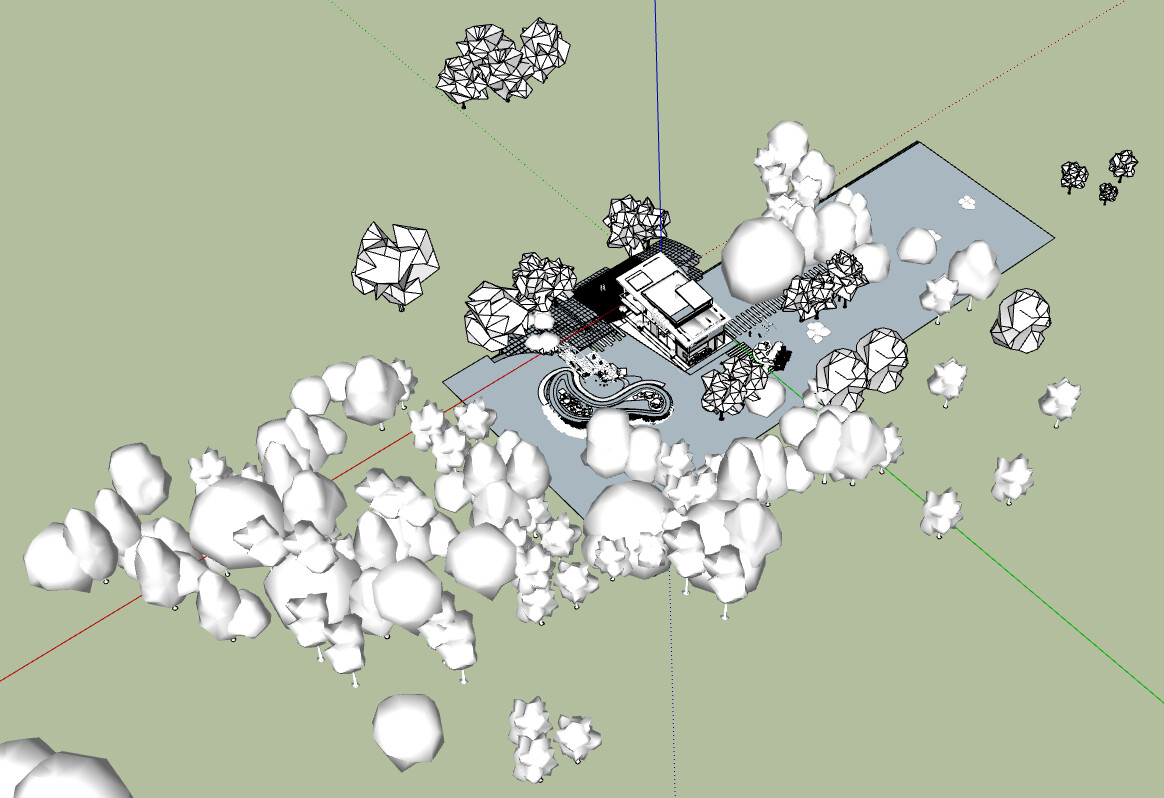
Do you know really need all those tree components?