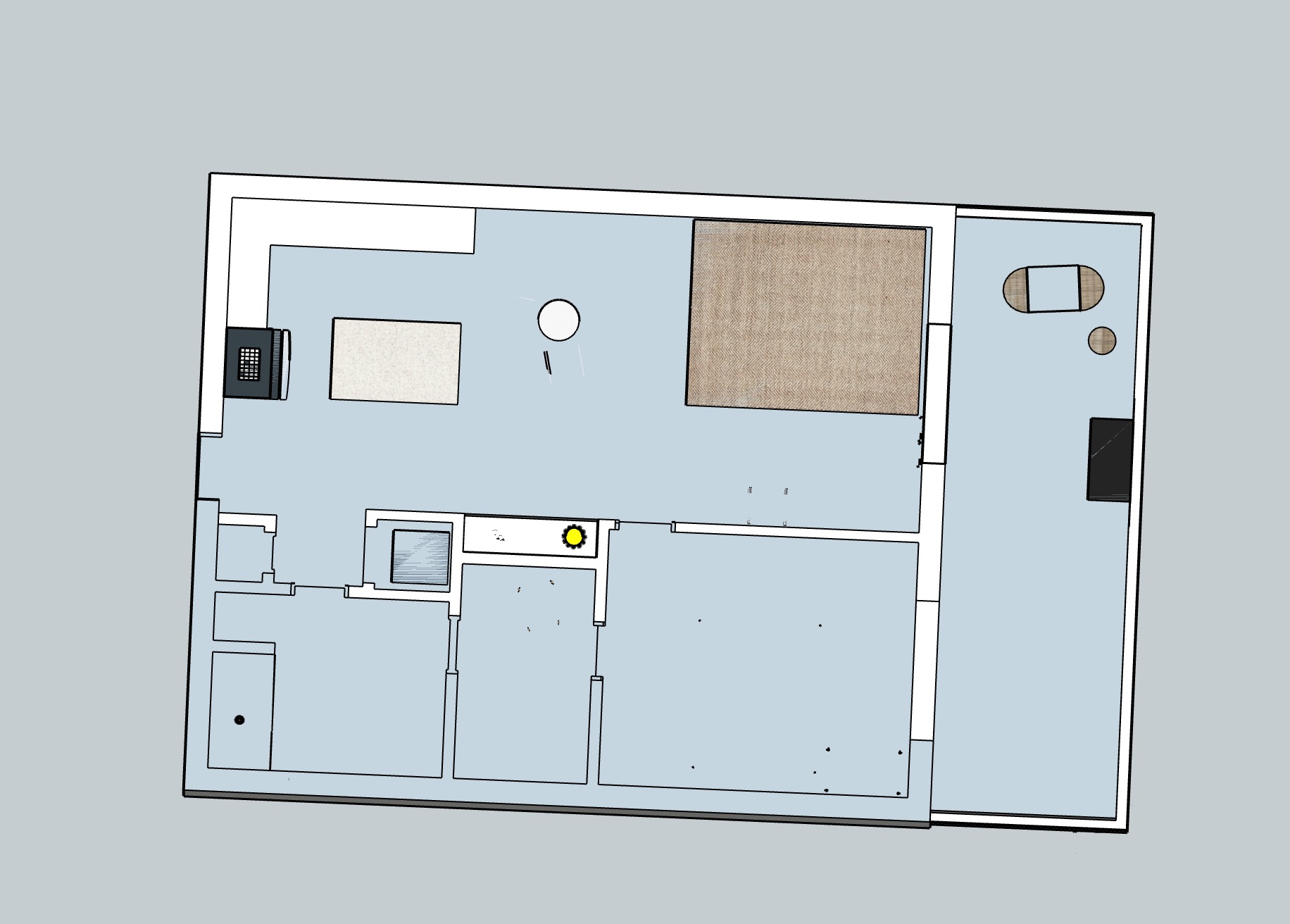
Hi. I am a beginner working with the geo location. I have an issue with shadows casting under my geometry so I looked under my plan and I see lots of things “peaking” through my floor. Any ideas how to quickly fix this issue? I have attached a pic. View is from under the plan. TIA!

Looking at your screens shots I do not see any shadows at all. Maybe you can share you file? Or a screen shot that is not almost vertical?
You are seeing the objects touching the floor because the floor itself has no thickness.
What I would do is grab that floor and push pull it into a volume .
In the shadows panel turn off, ‘On Ground’.
1 Like
I don’t see any shadows, and the floor must have a thickness otherwise it will show any geometry touching it.