Here is what OCL 7 can export with its new “Export Path” tool.
(It’s a Zip file because the forum doesn’t accept .svg files. So you have to extract it.)
PATHS.svg.zip (3,0 Ko)
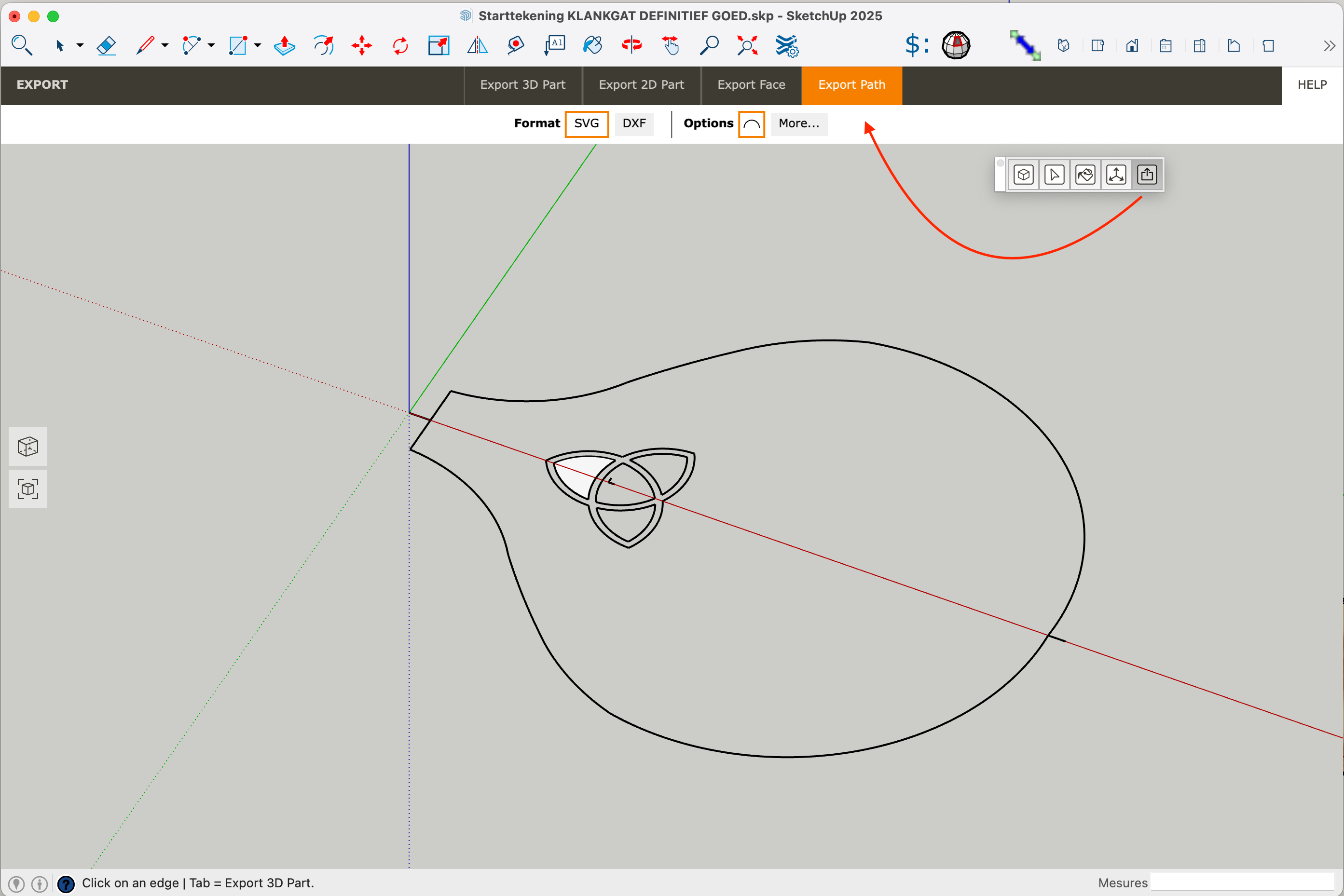
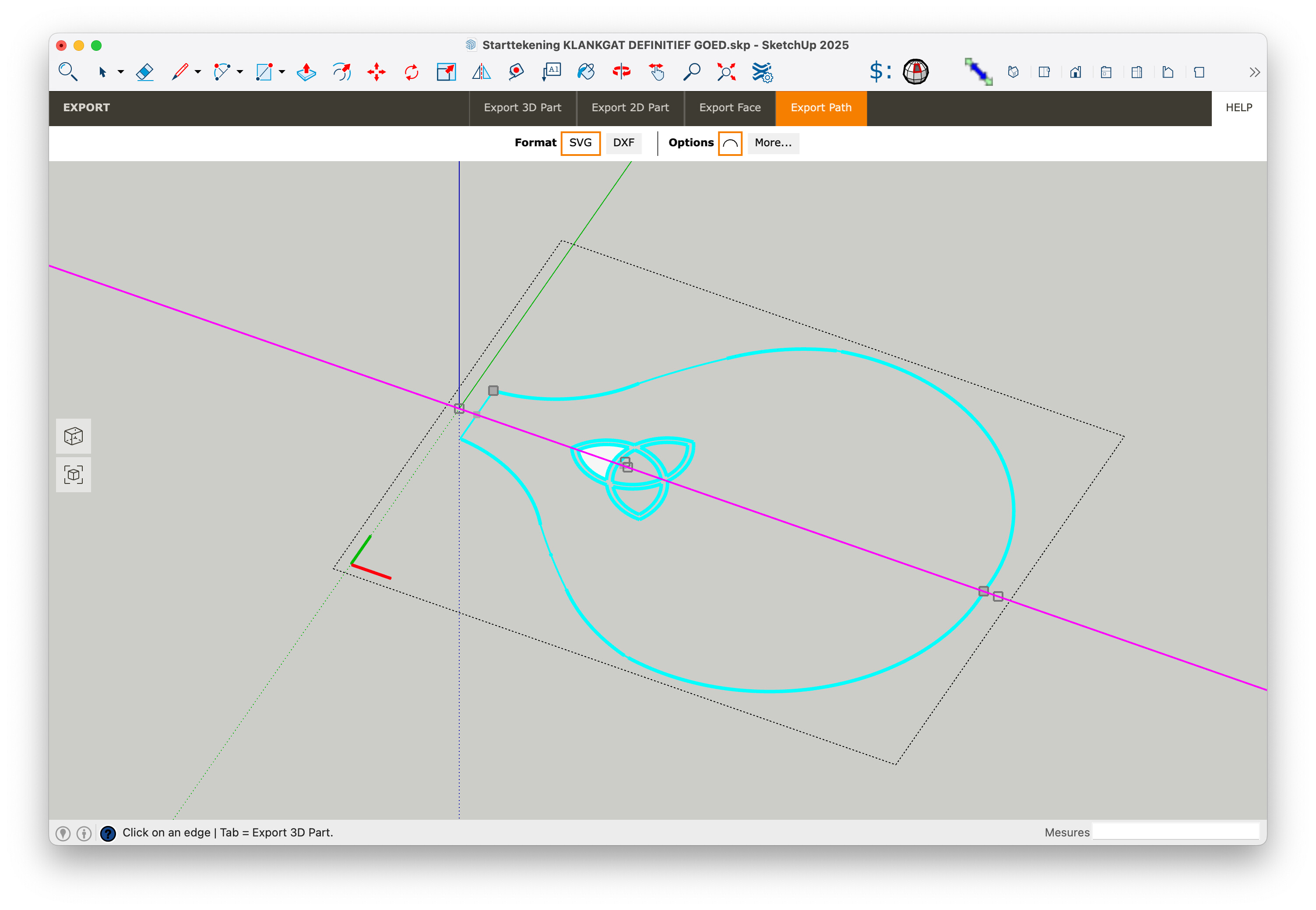
But before :
- I select all lines and weld them
- Create one face in the drawing plane.
- Active the Export Path tool
- Move the mouse over the face
- Hold down the SHIFT key
- Move the mouse over the Red axis to define the export direction.
- Click to export …