Continuing the discussion from SketchUp 2026 is here!:
hey, so specific to the new DWG importer in sketchup : yay. but. not yay.
first, I’m getting different results on mac and PC. I’ve imported the same file, with the same parameters, yet on PC it imports with faces and hatches, and on mac without.
(I had my trainee try again twice in a new file, it imported the faces despite asking for lines)


all I’m asking for is a simple line drawing, only the mac provided.
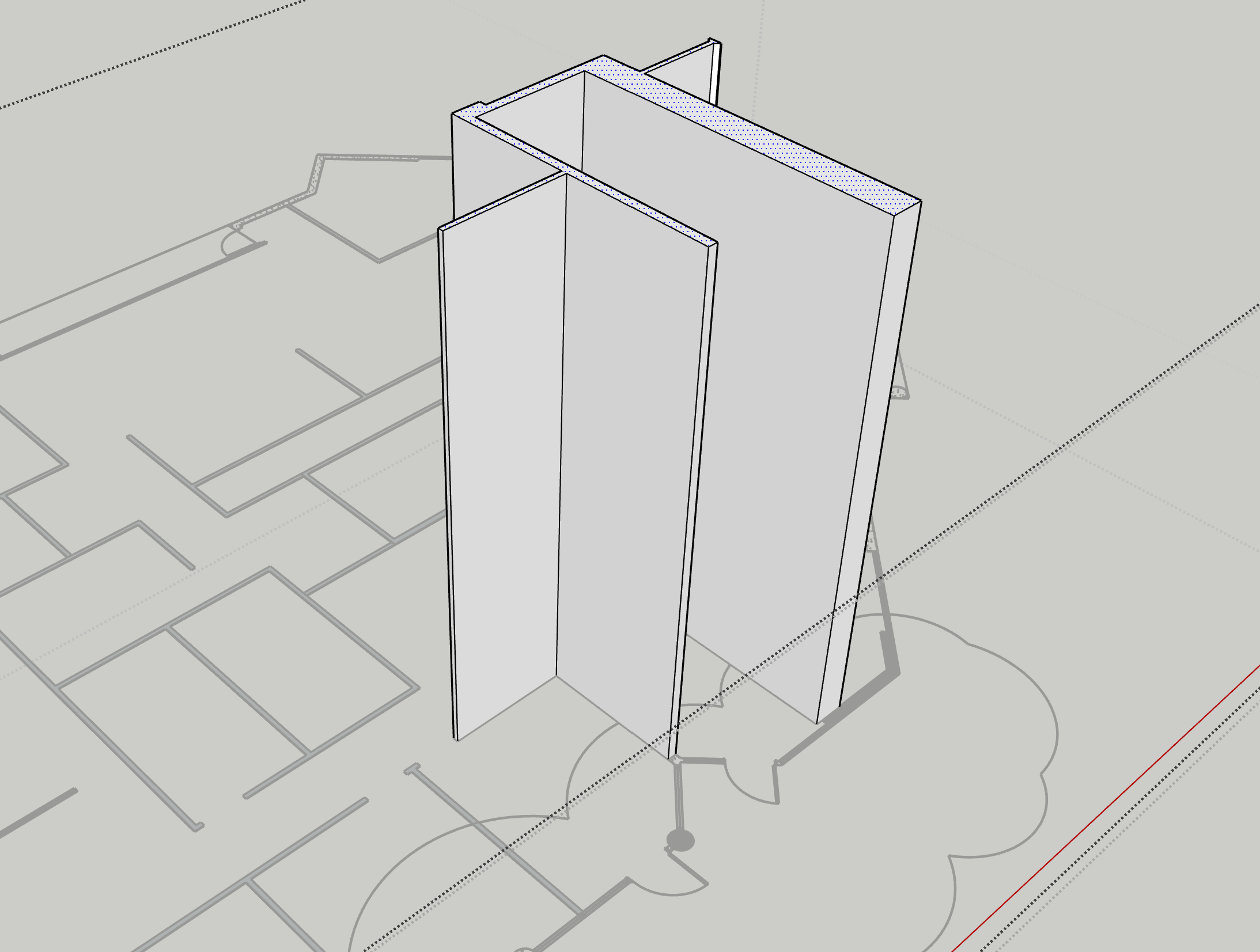
second. on the other thread (above), I mentioned how giving us groups containing hatches as lines was visually useful, but not at all for modelling. and I asked for a way to convert the hatches into fills that would then be imported as faces.
but… but no. the faces have an issue. they’re triangulated.

so no native pushpull, you either have to cleanup your file, or manually erase the lines, or jointpushpull and get a messy result.
This morning was my first class using 26 and dealing with that, and I ended up telling them to delete all fills / hatches if they couldn’t import without.
as is, the fills and hatches are just here as a visual help. having a dwg viewer on a second screen does the same.
however, there is a good point : import layers as groups. it makes it so much easier to separate entities and clean the file.