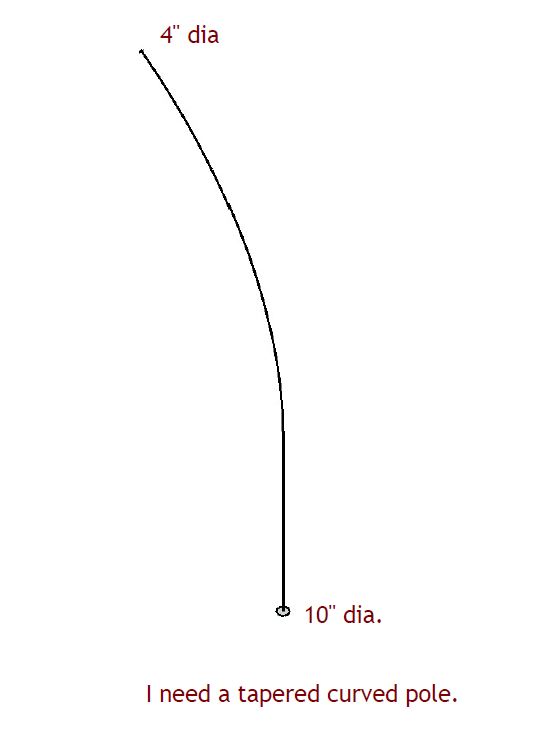
How do I make a tapered pole with a curved, see attached drawing. Using Sketchup Pro 2020! See picture below
curved pole|381x500
You could make a straight tapered “pole” and use Radial Bend in Fredo6’s FredoScale tools to bend it where you need it. Or since you have a centerline and the circles at each end, you could use Fredo6’s Curviloft to create it. Both extensions are available from Sketchucation.
does that extension work in SU 2020?

ok yep 
Extension Warhouse search is not finding it.
As I wrote:
Make sure you also install the latest LibFredo6 files, too.
I didn’t say anything about the Extension Warehouse. Fredo hosts most of his extensions at Sketchucation and that’s where you’ll find the most up to date versions of them.
I will look
Is CLF Shape Bender working with 2020?

again thanks
It worked really well. Downloaded Fredo6’s fredocorner, too. Good for chamfering corners.
2 Likes