I don’t want to hijack the Fave Mouse (revisiting) - SketchUp / Pro - SketchUp Community thread, but a comment from @RTCool sent me down an interesting rabbit hole. He mentioned my MX Master 3 has been succeeded by the MX4, so not wanting to fall behind I watched a few comparison videos.
It seems that although the MX4 has new features, most reviewers prefer the feel of the MX3. The main new feature is something called Action Rings which lets you assign keyboard shortcuts to your mouse, and as someone who’s always looking for easier ways to switch tools this sounded interesting.
I’ve used a Stream Deck for this type of thing previously, and I currently rely on Fredo’s Lord of the Toolbars (LOTT) plugin, which is great, but these Action Rings appeal because the screen stays clean with no floating toolbars until I need to change tools which is just a click of the mouse away.
I was pretty close to spending about £120 just to get the Action Rings when I discovered that Logitech has rolled them out for the MX3 for free.
My current workflow uses a single LOTT floating toolbar with all my regular tools apart from Select, Flip, Zoom to Extents & Dimensions which aren’t supported or Styles & Section Cuts which cluttered it up too much, but because Action Rings can launch any shortcut, I’ve included everything I use plus a shortcut for toggling between Perspective and Parallel Projection.
After using them for a few days, I feel they’re a big improvement to my workflow, so I’m mentioning them here in case anybody else with an MX3 doesn’t know about them and for anybody thinking about a new mouse.
Cheers,
This is what they look like on screen and they appear wherever your cursor is as soon as you click the button on your mouse.
I am in the process of trying to get the Action Rings working. I have the new Options+ driver loaded but when I open it, I get no icon for Action Rings. Here is what I see:
I have a MX Ergo trackball mouse, so it is part of the MX family that can supposedly take advantage of these new features. Anyone have any idea what is going wrong?
In that case, ChatGPT knows better than Logitech’s support team with whom I have exchanged a whole series of emails about it. Maybe I was misled by this:
I use Chat GPT a lot but where it most often falls down in my experience is over tech issues - the one area where you might think, being a tech thing itself, it would excel!
You would think Logitech would know - but if you definitely have the latest software that’s it. The only thing I would suggest is ‘Check for Update’ under ‘Settings’ but I guess you have already tried that.
I hadn’t checked that as I assumed that if I had just installed the new driver, it would surely be up to date. Anyway, I have checked now and it shows this:
Yes, my extended email exchange with Logitech’s h support team finally, and rather sheepishly, admitted this: ‘As for the Actions Ring, MX Ergo is one of few unsupported devices for this feature. You can still use Smart Actions, but I have no estimate on when Actions Ring will be available for the MX Ergo. I will forward this as feedback however, as you are correct that the information is a bit confusing on our website.’
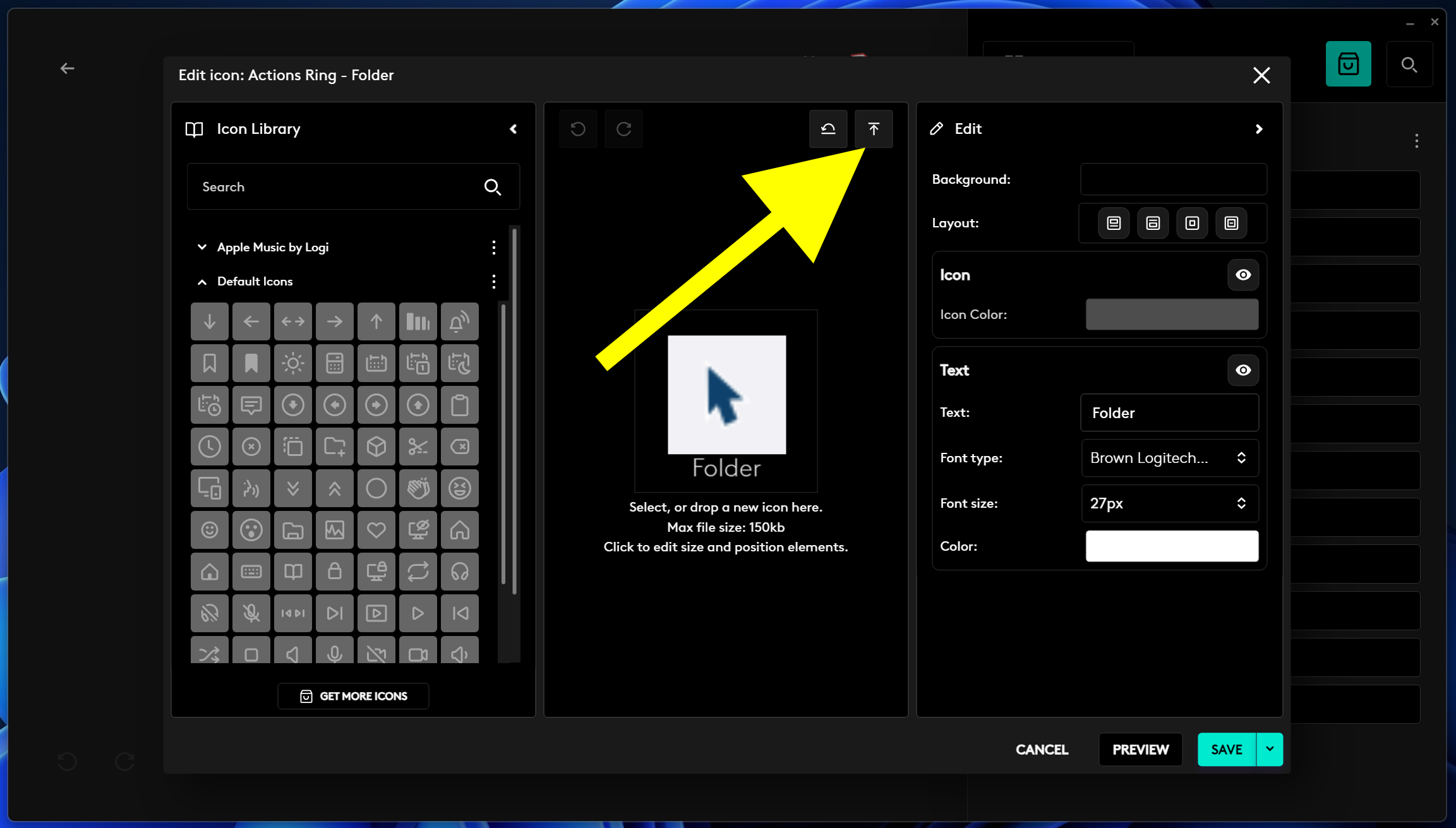
If its any consolation Simon - I found that after my initial enthusiasm Action Rings were not as suited to SketchUp as I thought. In order to access sufficient tools using Action Rings I had to put each shortcut on a folder which means there are 3 actions required to switch tools which soon became tiresome. For me now its Fredo’s Lord of The Toolbars Plugin plus Keyboard shortcuts all the way
If I sound disappointed, it is not so much because of dashed expectations (after all, I wasn’t promised it when I bought the mouse and haven’t been asked to pay more now). It is more to do with having been lured into a lengthy exchange with the Logitech support team who ought to have told me at the outset that my mouse was incompatible. Plus irritation at the blatantly misleading claim on their own website! Quite an own goal I’d say.