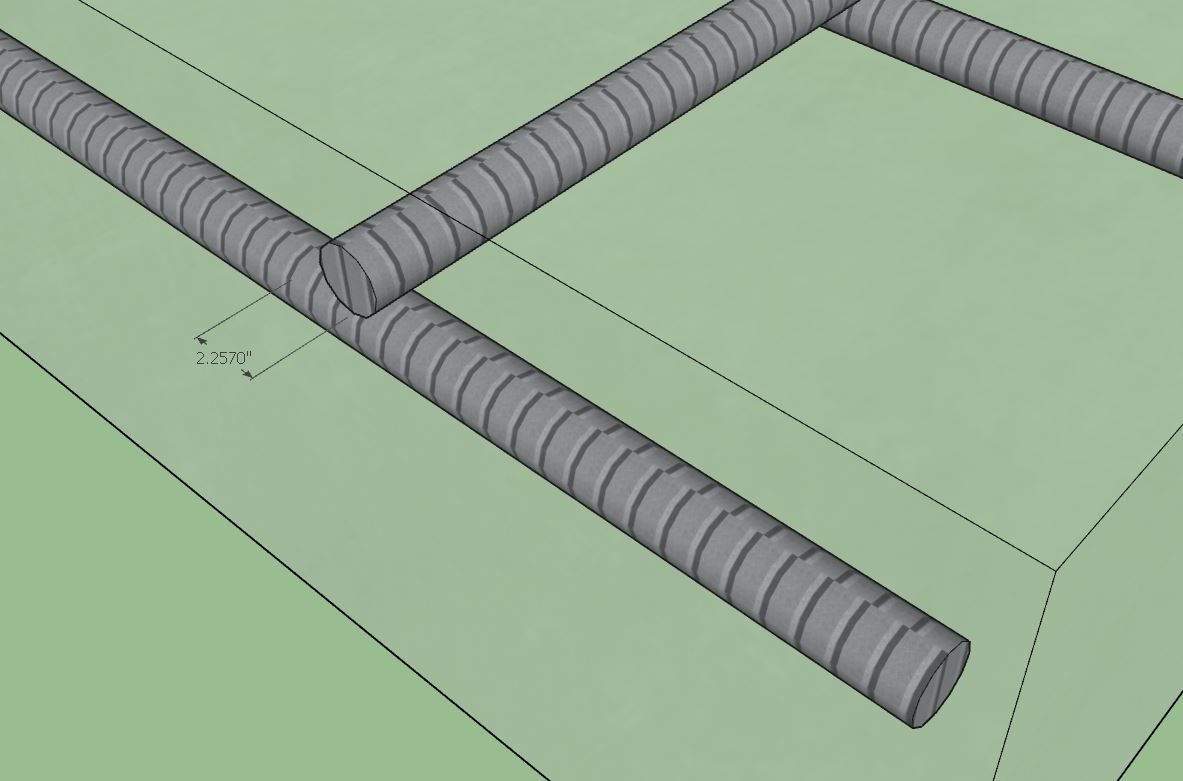
ooooo! Pretty!
I will take a look at the slab and see what I can do about that.

Version 1.8.8 - 07.31.2022
- Added a “Regen” context menu item for column footings and stemwall step assemblies.
- Added the ability to customize the texture/material for stemwall foundations.
- Added a “Stemwall Texture” parameter into the Materials tab of the global settings.


The “4x8 form” texture option was per customer request.
Version 1.8.9 - 01.11.2023
- Enabled layer control integration with the Medeek Project extension.
!!! BUG ALERT - SKETCHUP 2023 !!!
I’ve just identified an issue with the Foundation plugin and the current release of SU 2023.
Many of the tools within the Truss plugin still use the UI.inputbox module for simple menus, see example below:

If you notice that this type of menu appears (not an HTML menu) then press Alt-Tab which will then require you to refocus on the menu with your mouse and will also allow it to function correctly (unfreezes the menu).
I don’t know all of the details however it appears that the backend framework has extensively changed and in the process a few focus bugs have slipped through and need to be ironed out with SU 2023. See status and more details at the thread below:
For now I would recommend staying with SU 2022 if you extensively use SketchUp combined with the Truss and Foundation plugins. However the alt-tab work around should also keep you up and running if you have already migrated to SU 2023.
I am hoping that minor update will be forthcoming in the near future from SketchUp, which will save me from having to rewrite a significant amount of code and pull me away from the Floor plugin development. If the bug is not fixed I will proceed to switch all remaining menus in the Truss and Foundation plugins to HTML dialog type menus, that process could take upwards of two to three weeks.
Version 1.9.0 - 07.11.2023
- Fixed a minor bug with the “Edit Outline” menus for various foundation types.

1 Like

Question: I need to move anchor bolts to custom locations but the plugin keeps regenerating them back to their original location, what do I do?
Answer: Correct, if you regen the model or edit it the anchor bolts will return to their previous location, this is by design.
However try this workaround if you want complete control over your anchor bolts (note that if you do this the plugin can no longer regenerate the bolts automatically or resize them):
1.) First generate your foundation (ie. Slab-on-grade, stemwall) normally, with the anchor bolts turned on.
2.) Click into the foundation assembly group and select all of the anchor bolts that you want to keep.
3.) Once they are all selected right click and select Make Group, then name the group so that the keyword CUSTOM is used in the instance name (ie. CUSTOM_AB)
4.) Click out of the group and then edit the foundation assembly with the plugin and turn off the anchor bolts option in the edit menu and update the assembly.
Now you can click into this embedded anchor bolt group within the foundation assembly at any time and move, copy and delete anchor bolts as needed and they will not be regenerated by the plugin, but they will be retained as you placed them.

Version 1.9.3 - 12.16.2023
- Fixed a bug with drain pipes for polyline stemwall foundations which have openings or blockouts enabled.
Version 1.9.4 - 01.07.2024
- Updated and improved the license verification module.
- Disabled redundant logging to improve plugin performance.
Version 1.9.5 - 02.13.2024
- Improved the serial number verification logic within the License tab of the Global Settings.
- Updated the javascript logic within the License tab of the Global Settings.
- Added statistics for the following foundation types (Medeek Estimator integration): Slab-on-Grade, Slab, Stemwall, Grade Beam

Version 1.9.6 - 04.20.2024
- Fixed a compatibility bug with SketchUp 2024 while maintaining compatibility with previous versions of SketchUp.
Version 1.9.7 - 04.23.2024
- Fixed a compatibility bug with SketchUp 2024 (Fixnum & Bignum) while maintaining backward compatibility with previous versions of SketchUp.

Version 1.9.9 - 06.06.2024
- Added additional rebar sizes for slab reinforcement for slab and SOG foundations: #6, 7, #8, #9, #10, #11, #14, #18.