Here’s something that might give you some ideas for the first image. Start with a circle and Push/Pull it to your desired thickness to form the base keeping the top of it on the red/green plane. Draw a circle with the center on the origin to use as a path for Follow Me. Then draw half a sausage shape in position with the base of that sitting on the top face of the base.

I think you’ll run into some small face issues so, make the sausage and the circle a Component and then use The Dave Method to run Follow Me using the circle as a path for the half sausage to follow. Make sure you orient the faces so the inside is outwards for later.
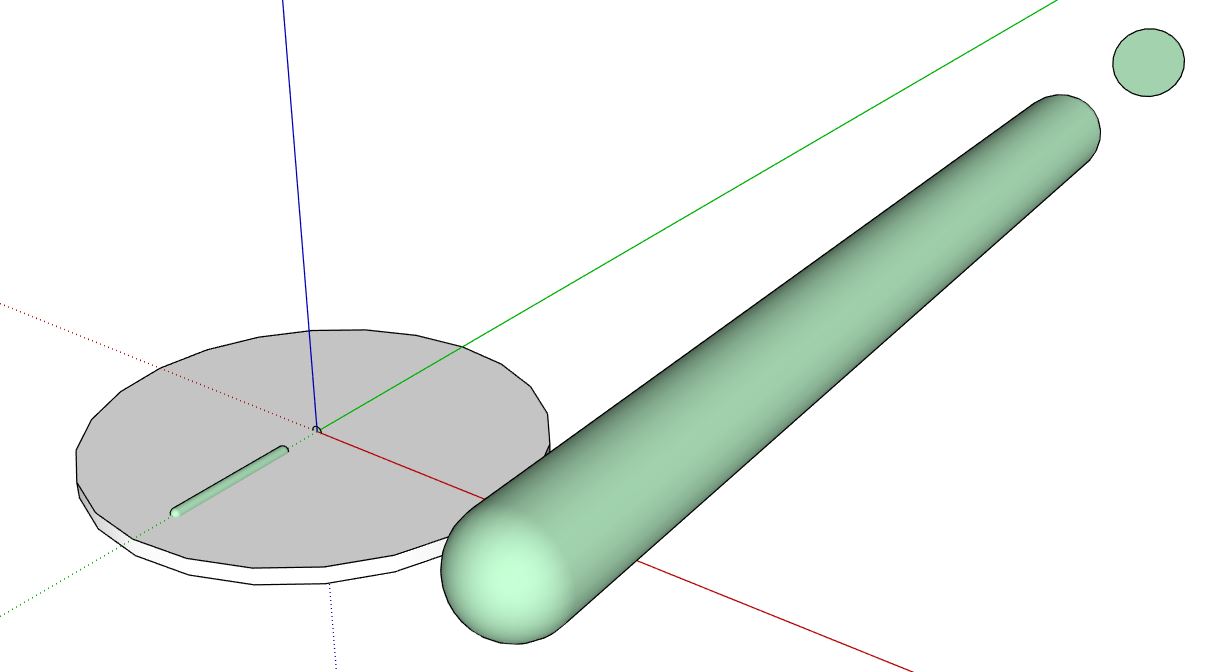
Delete the scaled up copy and then explode the sausage component and delete the circle, you don’t need that now. Select everything, right click and select “intersect faces”>“with selection”. You now have made the sausage face intersect with the base, as shown below…

Now select and delete the top half of the sausage and then the face below that which hides the hollow below…

Select all of the hollow part and use Copy Rotate to copy it around the origin to create the array…

Sit back and have a cup of tea. This doesn’t have a rounded top edge to the hollow as in your image, I would use “Roundcorner” extension for that usually, but I see you are using SketchUp for Schools so you don’t have access to that. You could probably do it, but I think it would be more involved.
Hope that’s a start anyhow.