A quick question please.
Is it possible to set different line scales (line weights) within a single Layout viewport for different Tags. I thought I read it was but I cannot seem to do it.
Thanks,
A quick question please.
Is it possible to set different line scales (line weights) within a single Layout viewport for different Tags. I thought I read it was but I cannot seem to do it.
Thanks,
Yes, you can. Select the viewport and in the Tags section of the SketchUp Model panel, click on the dash style for the tag you want to change. If it’s set to Default, change it to the solid line. Then adjust the line scale. Note that the line scale is a multiplier which is applied to the lince scale for the overall viewport. So if the overall Line scale is set to 1.0, edges in the viewport will be displayed at 1 point wide. If the line scale for the tag is then set to 0.8, the line scale for that tag will be 0.8 points.
Thanks Dave - but I still cannot do it.
Here is the Layout file if you have time to look at it.
I am trying to make the red section lines stand out by increasing the line weight.
Pivot Box Setout.layout (14.4 MB)
Thank you Dave - I will try again as it obviously works if you do it right 
I very seldom use Tags so this is a useful lesson.
Thanks again 
It works now Dave
I had the the boxes and the red section in a single group which I exploded just before I posted the Layout file, but I hadn’t tested it after exploding. Do you think that made the difference?
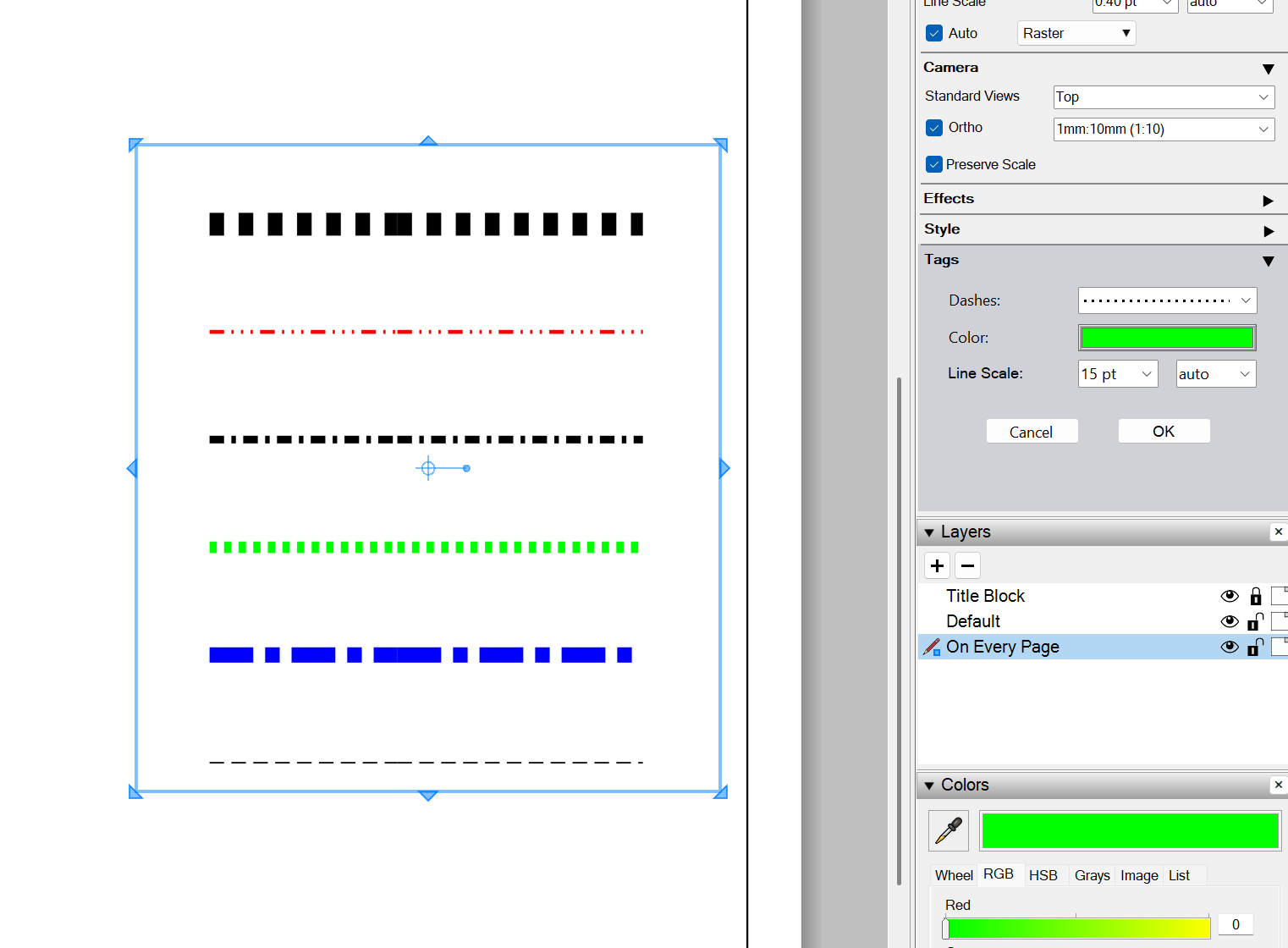
Following on from Dave’s instructions above, you have pretty much unlimited ability to change a lines weight and style within Layout. For example, I can give 6 Tagged Groups in SketchUp different line weights and styles, all from within Layout.
6 Tagged Lines within SketchUp
Corresponding Layout Viewport
This software can do so much more than I realised