[quote=“gehringarchitecture, post:17, topic:255744”]
I could kind of deal with it if the Reset All button was something I could find…
[/quote] This button will show up when at least one of the elements in the SketchUp Model tray has been modified, such as Camera, Style, Tag. When this has happened, each section of these elements will appear highlighted in dark gray. Your image does not show any modifications.
I’m guessing when you create a scene you are getting a style update dialog, and you are creating multiples as you go.

Go Settings / Preferences and re-set all the warnings. Read carefully the next time you save a scene:

I don’t know what your intent is, but if I open the SKP file and delete all the extra styles except 1 of each (Section Fill on, and off), then quickly reassign the scenes one the remaining styles the LO file seems to behave properly. I did have a reset all on a few viewports just to see what would happen, but again I don;t know your intent.
But I don’t know if you are missing the ‘Architectural Design’ style with other styles, etc.


You also might consider purging the LO file if some of those references are no longer needed.
First off, thanks Mike! I really appreciate the time you took to look over the file.
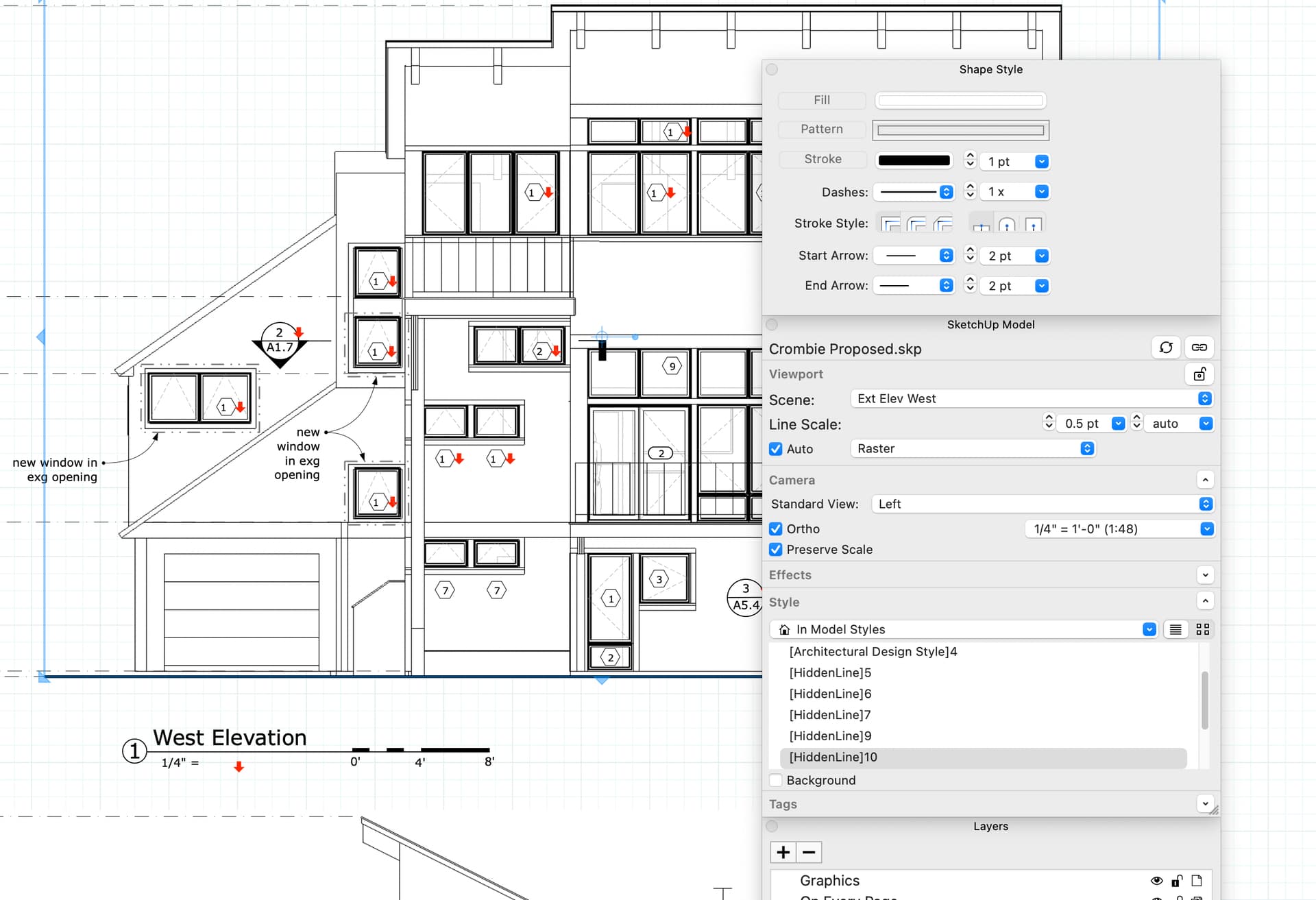
I cleaned up the styles in Sketchup and that seemed to do the trick. I working on being less belligerent in my use of the software… I was definitely just creating multiples as I went. Now the dialog box is clean and tidy:

So, if I change anything about a view, e.g. I turn off the axis or display section cuts, its going to change the current style or create a new style?
Select an In Model style, click on the Edit tab and then step through the various style property panels by clicking on the small cube icons below Select and Edit. You can see what goes into making a style.
Note that if you get the style warning when you create or update a scene, you should take a moment to think about why that message is being displayed. Did you make a style change that you actually need? Is there maybe already an existing style that you should be using instead? Don’t just click on Create a new style without knowing if that’s the right choice.
FWIW, my SketchUp projects that will go to LayOut only ever have one style. For other styles I select them from a collection in LayOut.