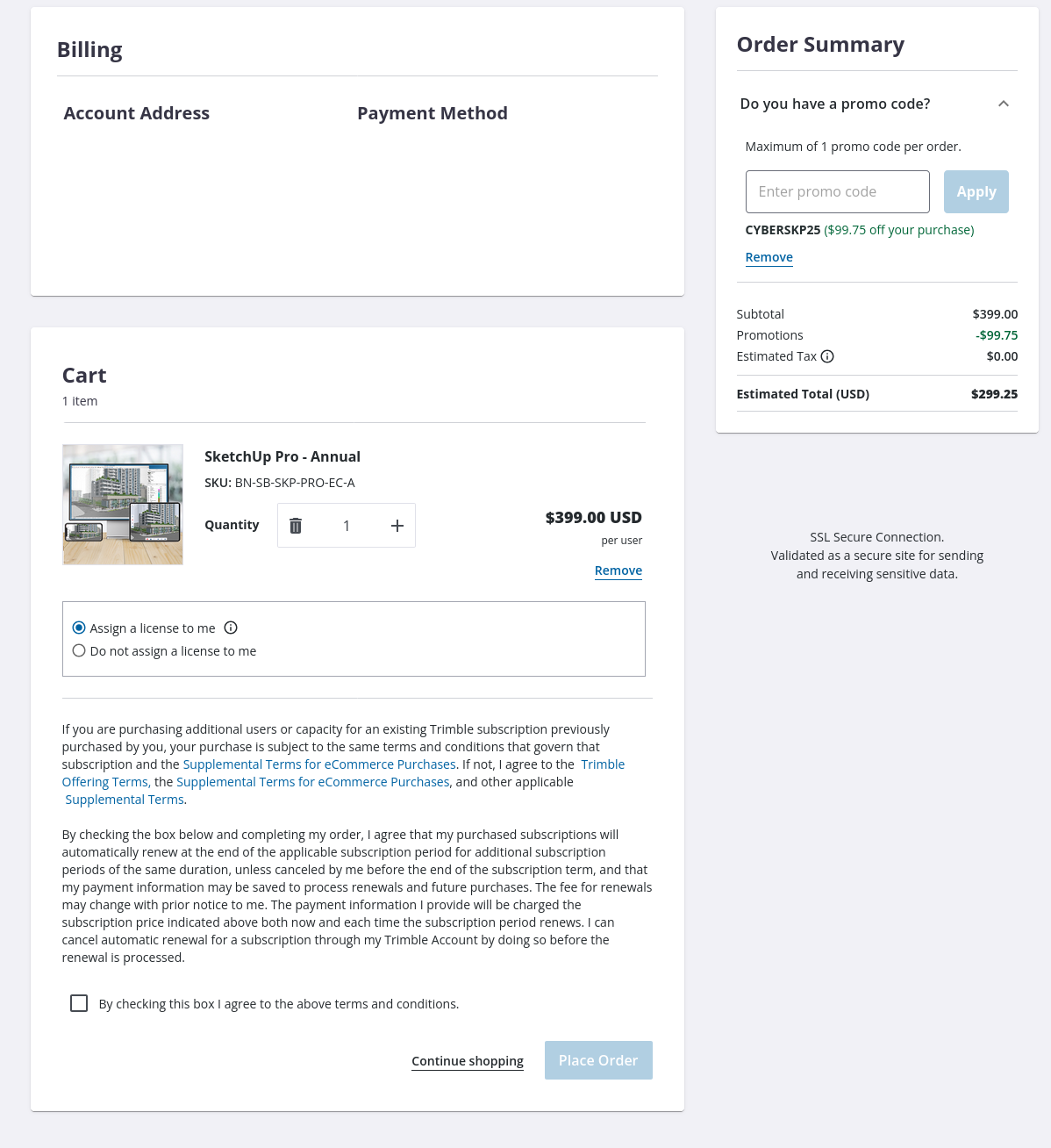
I want to purchase sketchup license with the black fridays discount, but when I go through the menus, in the end the discount is not applied and my credit card is about to be charge dthe full 399 dollars. I have contacted support, but haven’t gotten any response in at least 4 days, maybe more.
Given this situation, I haven’t paid yet and the customer support leaves a lot to be desired, I’m frankly discouraged at buying a license, because once I make the payment, the customer support probably won’t get any better …
so first thing, do you already have a subscription ? because the 25% are for new subscribers. if you already have one, you won’t see a discount.
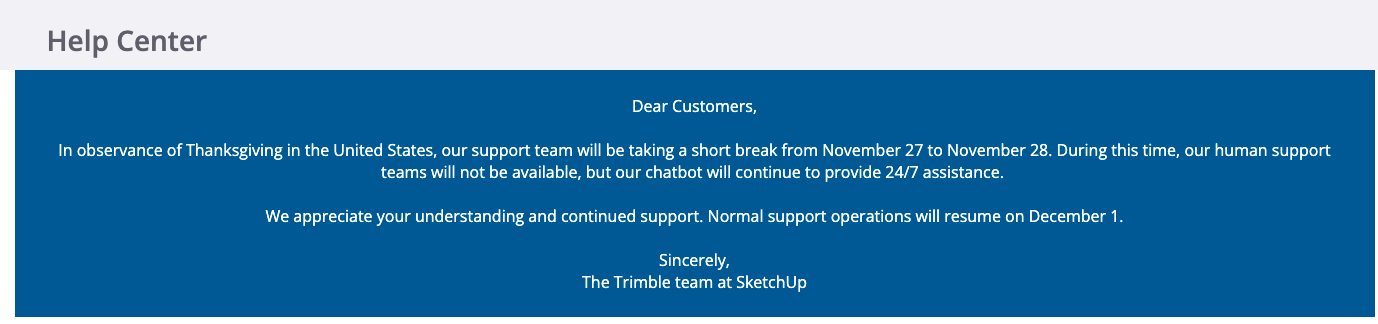
Right now it’s saturday, and it’s thanksgiving weekend, I’m guessing tech support hasn’t been 100% active for a few days. lucky enough, in addition to black friday now lasting 7-30days, monday is cybermonday, and usually brands carry on their discount. no promises.
you can also check verified resellers in your country
and buy through them if the problem you’re having is with the payment tunnel on trimble’s website.
some companies offer 24/7 support, and you usually pay for that. most companies offer support on a regulat business hour schedule. and yeah, in times of pressure, it’s not instant.
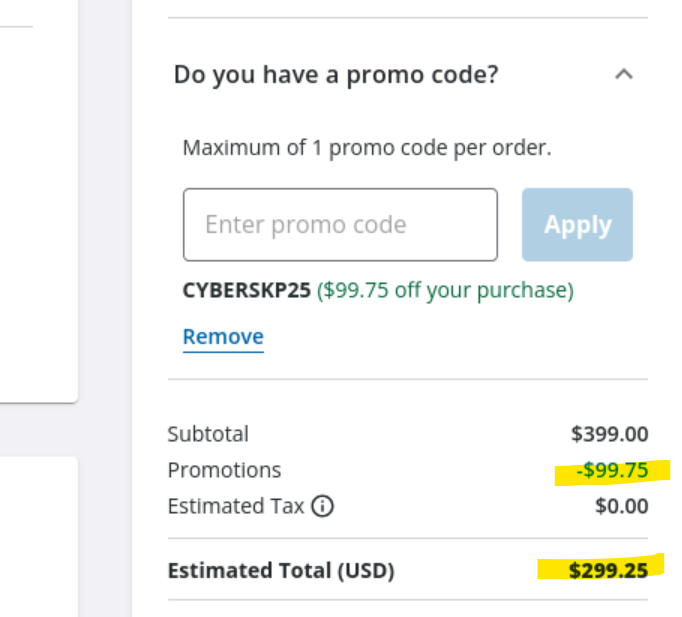
Guys, when I enter the code, the “summary” window shows the discount applied. But when I enter the credit card information, the amount stated there is still $399.
This is my first time purchasing sketchup license and I want to use it to build some cabinets, nothing commercial. So I need to be sure the discount will apply. Otherwise, given the current state of sketcup technical support, I don’t see any way of getting back my money if they overcharge.
have you tried reapplying the discount after entering your card info ? does the discount also disappear if you pick paypal ?
If you need it right now, again, check the authorized resellers in my previous message, they all have the same discount. and you’ll have a direct line to their own sales / tech support.
As you can see, the discount apprears to be applied in the “Order Summary” box. But in the “Cart” box I am still seeing $399 and I believe that if I press the “Place Order” button, I will be charged $399 dollars.
And I’m also curious, let’s say somehow I was able to get sketchup at the specified discount. Come next year, same time, black friday time, will I be able to renew with the black friday discount, or will I have to pay full price?
The product you’re buying is the 399 usd sketchup pro. that’s the object in your cart. you could have several objects in your cart, some getting discounts, some not.
Your estimated total on the top right should be the one that is used at the end.
I’m not (yet) familiar with the new payment interface, but I’m pretty sure there will be a final step with the final price calculated.
the discount is for new accounts, not renewals. at least this year. can’t say for next year.
@Box look at the “Cart” box, not the “Order Summary”. The “Cart” box says $399 and the “Place Order” button is in THAT box, so it’s fair to assume that if I press that button, I will be charged $399
cart show the items in the cart and their initial price.
order summary makes a summary of all the items in your cart with any applied discount you might have, as well as taxes.
I see here you don’t have any extra tax, good for you.
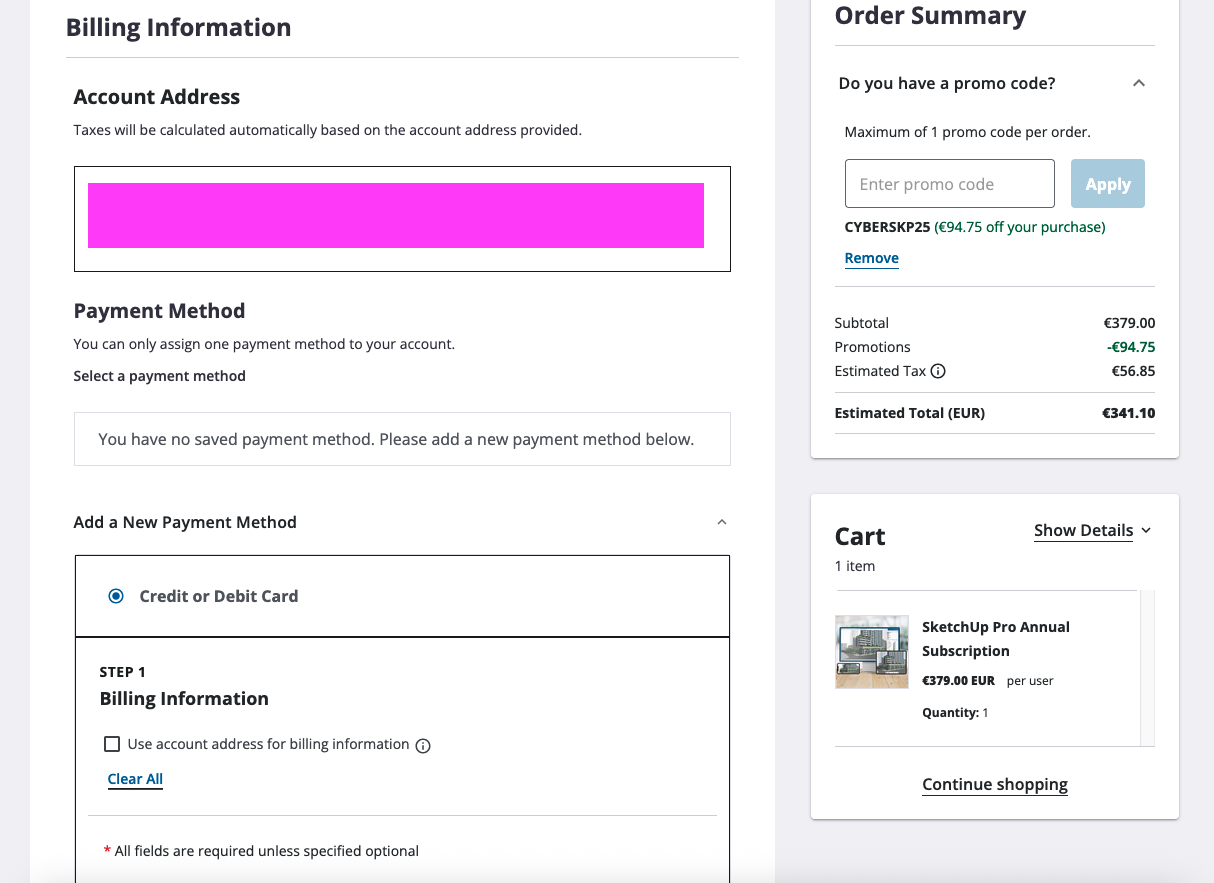
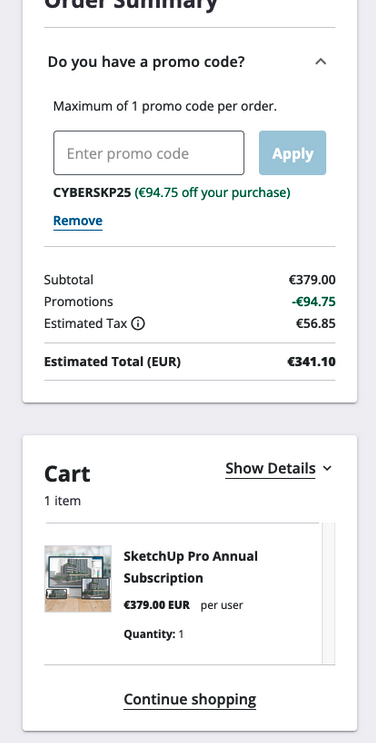
in my screenshot, you can see I have VAT.
by using your reasoning, if I were to press the button, I would pay the 379€ and not the tax then ? since the tax only appears in the summary and not in my cart ? off course not. because the cart content is not the final cost.
IIRC you see the cart, place the order, and then in a further step will approve payment. The amount you pay should be the same as in the summary, which @box shows as the correct amount with the discount applied.
You won’t be charged 399, I got a studio subscription with the discount, and I was charged with price of the summary, not the cart. If you go to checkout you’ll see the real price before paying.
I will let the online sales people know about how this might confuse people.
A year from now it would most likely renew at whatever the full price is at that time. The last few offers only applied to new subscriptions, and I would expect that to be true in a year from now.
Hello! Thanks for posting and providing feedback. As @colin said, this is great feedback, and we’ve provided it to our teams to make the cart experience a little clearer. Your discount looks like it has been applied appropriately and the cart summary should show total charges in the Estimated total line of $299.25. If, for any reason, you are charged inappropriately, we will be happy to ensure that you receive the correct discount. Good luck with your new projects. How exciting.
Based on the responses of the helpful folks here, I have gone ahead and purchased my license, and indeed, the amount that was charged was the amount with the discount.