I’ve been working on a small SketchUp extension for exporting a model as a single interactive HTML 3D file.
The idea is simple: export the model, send the HTML file to someone, and they can open it directly in a web browser. No SketchUp, no viewer to install, no server and no Internet connection required.
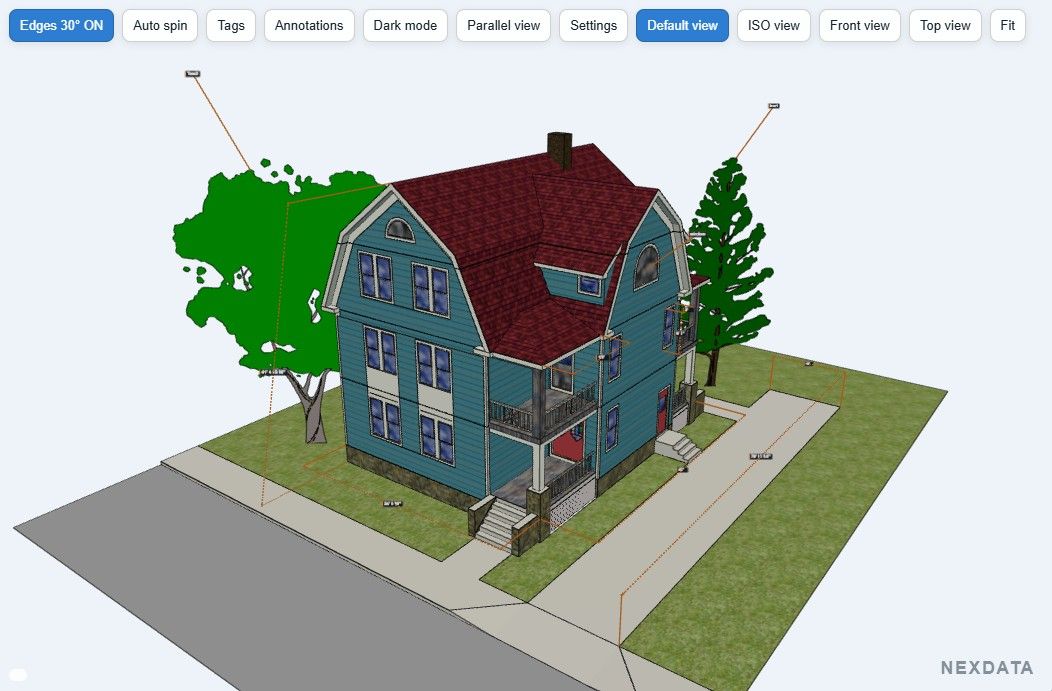
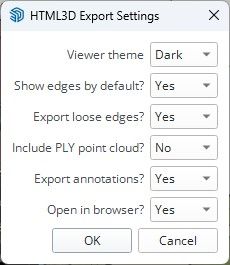
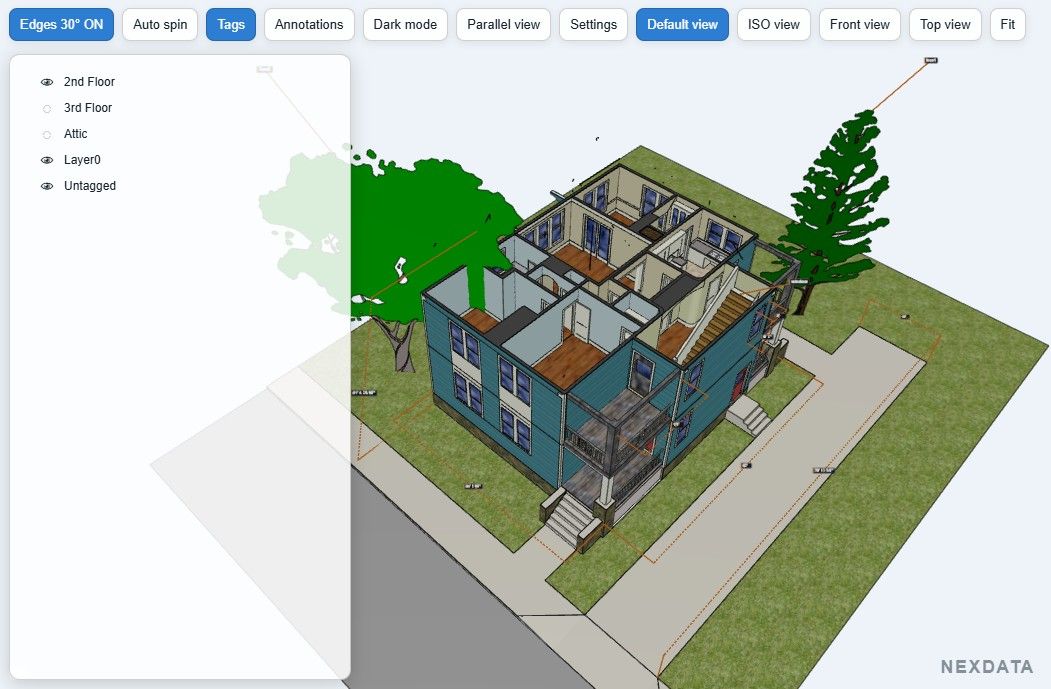
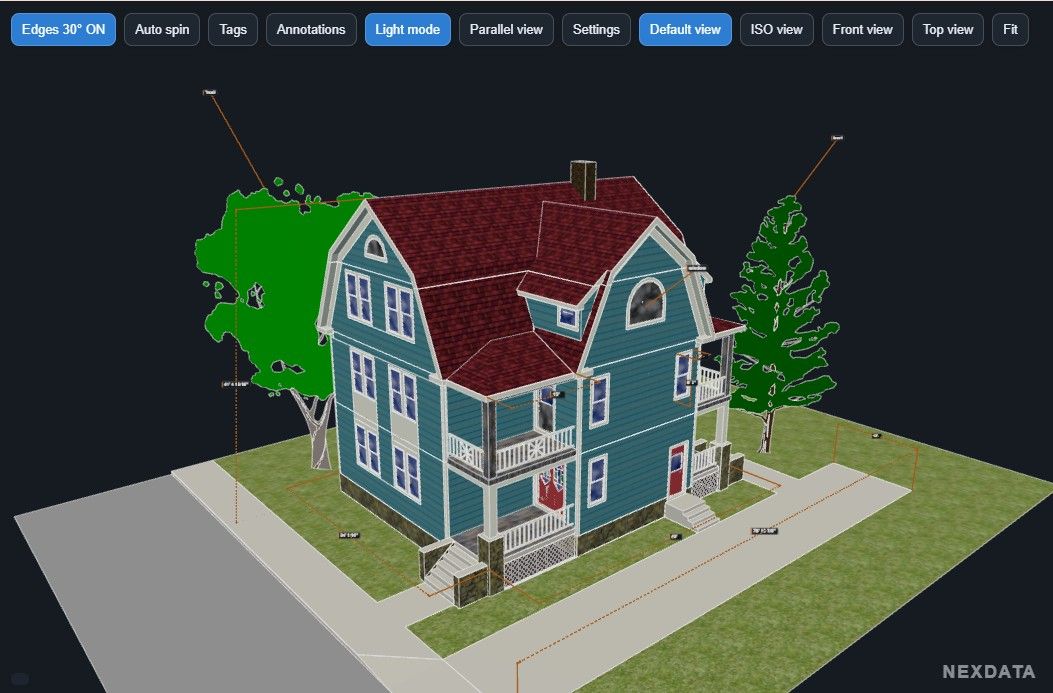
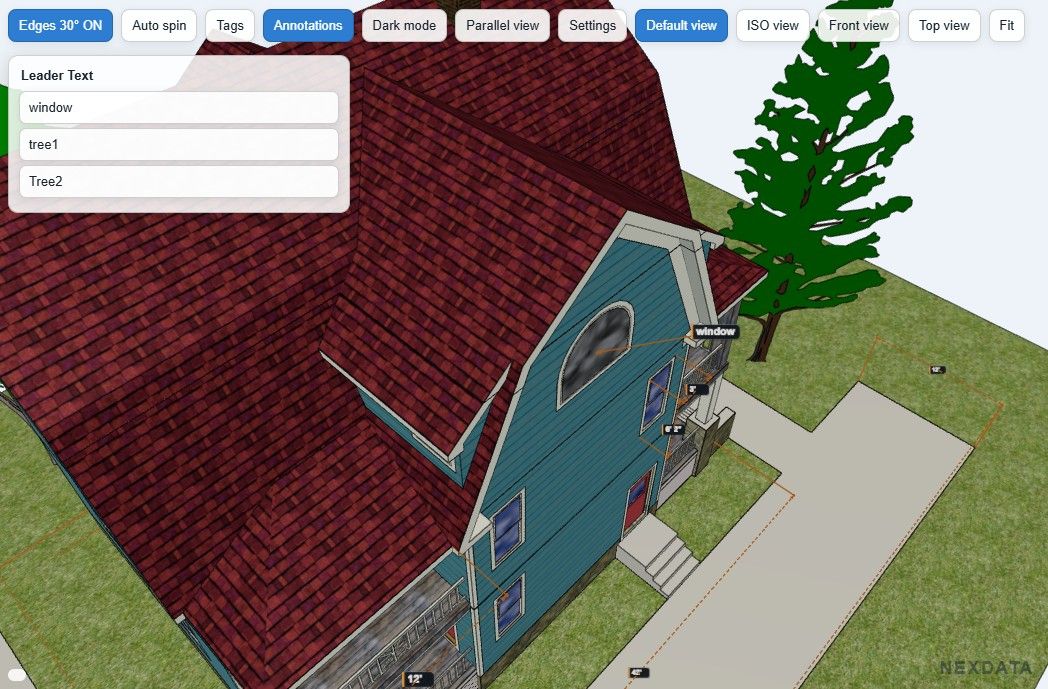
The current version exports SketchUp materials and textures and includes a few tools in the HTML viewer: Tags with Visible / Transparent / Hidden states, Light/Dark mode, edges, standard views and parallel/perspective viewing.
I’ve also added support for native SketchUp Dimensions and Leader Text. Leader Text annotations appear in an Annotations panel and clicking one takes you directly to that area of the model.
An optional colored PLY point cloud can also be embedded in the same HTML file. This was particularly useful for my own work with scan data (like iPhone Lidar) and SketchUp models.
Everything needed by the viewer, including Three.js, is embedded in the generated HTML, so the exported file is completely standalone and works offline.
This is the first Free release, so I’m interested in seeing how it behaves with other SketchUp models and hardware. If you try it and find something that doesn’t export or display correctly, let me know.
Just downloaded it and visited your site for more info.
Was wondering if one can embed the file in a website to showcase online?
[edit1]
Just installed it and exported the first file to html to to test the embed-ability
Would be nice if one could also export the sketchup scenes, hope you can add such a feature.
For the Free version, I really want to keep the plugin extremely simple.
To be transparent about how it works, I’m currently using SketchUp Pro’s own GLB export. The plugin takes that GLB, encodes it in Base64 and embeds it directly into the HTML file. From there, Three.js takes over on the client side.
I’ve already experimented with exporting SketchUp scenes. The problem is that with my current method, each scene basically becomes another complete GLB, so the HTML file gets very large very quickly.
I don’t really have control over the way SketchUp generates the GLB, so there isn’t much I can optimize at that level.
However, I’m currently working on another version with my own exporter instead of relying on SketchUp’s GLB export. That should give me much more freedom — scenes, visibility, materials, model structure, etc.
But it’s also becoming a much more complex project… at least on my side
The original idea behind HTML3D Exporter Free was really: one click, one standalone HTML file, done.
I’m SO loving this! Though it seems to reverse the faces, or at least on default painted faces.
LEFT (As displayed in your viewer):
Faces reversed to display textures used to gather data. RIGHT:
Faces normalised, material controlled by Dynamic Component Attributes.
I’m so excited by this! Maybe you could launch the current as the FREE version, and your coming update as a PAID version. We’re more than happy to pay if it contains enough functionality to become useful for our purpose!
What is the typical file size like for HTML 3D? For a complex model I’m wondering if it would grow to be too big. HTML is like JSON, it is very verbose.
The 3D data is actually a binary GLB encoded in Base64 inside the HTML, so it’s not stored as verbose HTML or JSON. Base64 adds roughly 33% to the original GLB size.
In my tests, I’ve had HTML files around 200 MB, including point clouds with up to 5 million colored points, and they still run surprisingly well even on fairly old, basic office laptops.
Of course, geometry and especially textures have the biggest impact on file size.
That said, file size remains a real challenge, and reducing it will be one of my main focuses for a more advanced version of the exporter.
You should give it a try with one of your really large models and let me know how it goes. That kind of real-world feedback would be very useful.
Great idea, and thank you for sharing. I’ve been working on something similar. I created an HTML file where you can upload the actual GLB model exported from SketchUp. In my version, you can also move around the model using a character.

 I’ll give it a go when I’m not so busy with mechanical designs’


