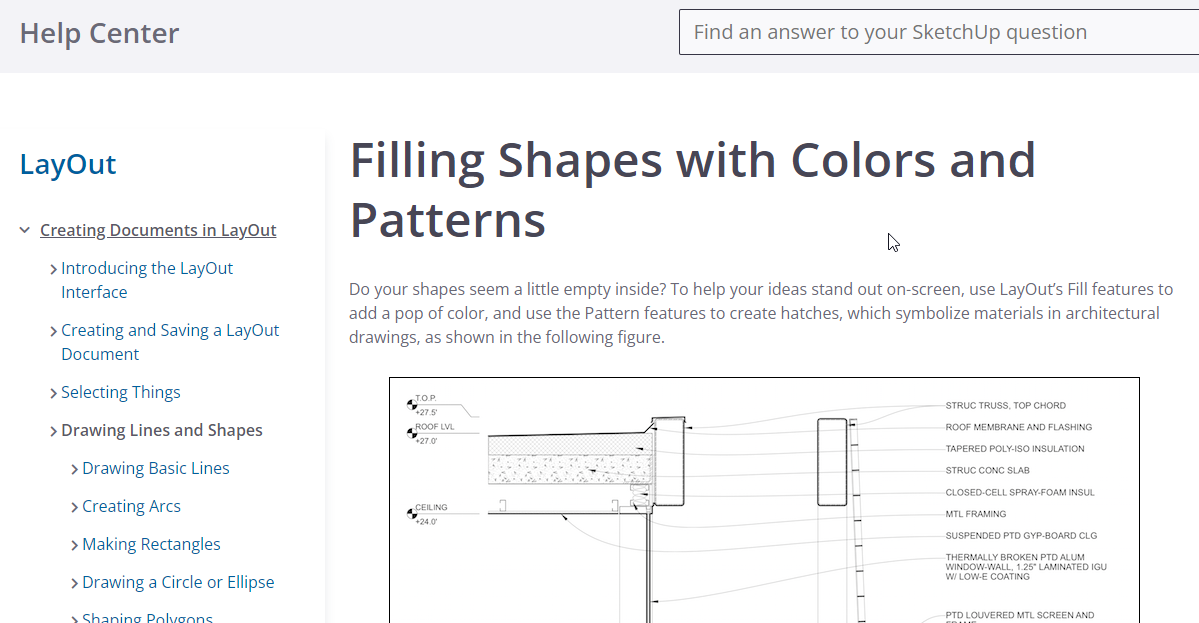
This is a screenshot of the tray, from Filling Shapes with Colors and Patterns | SketchUp Help
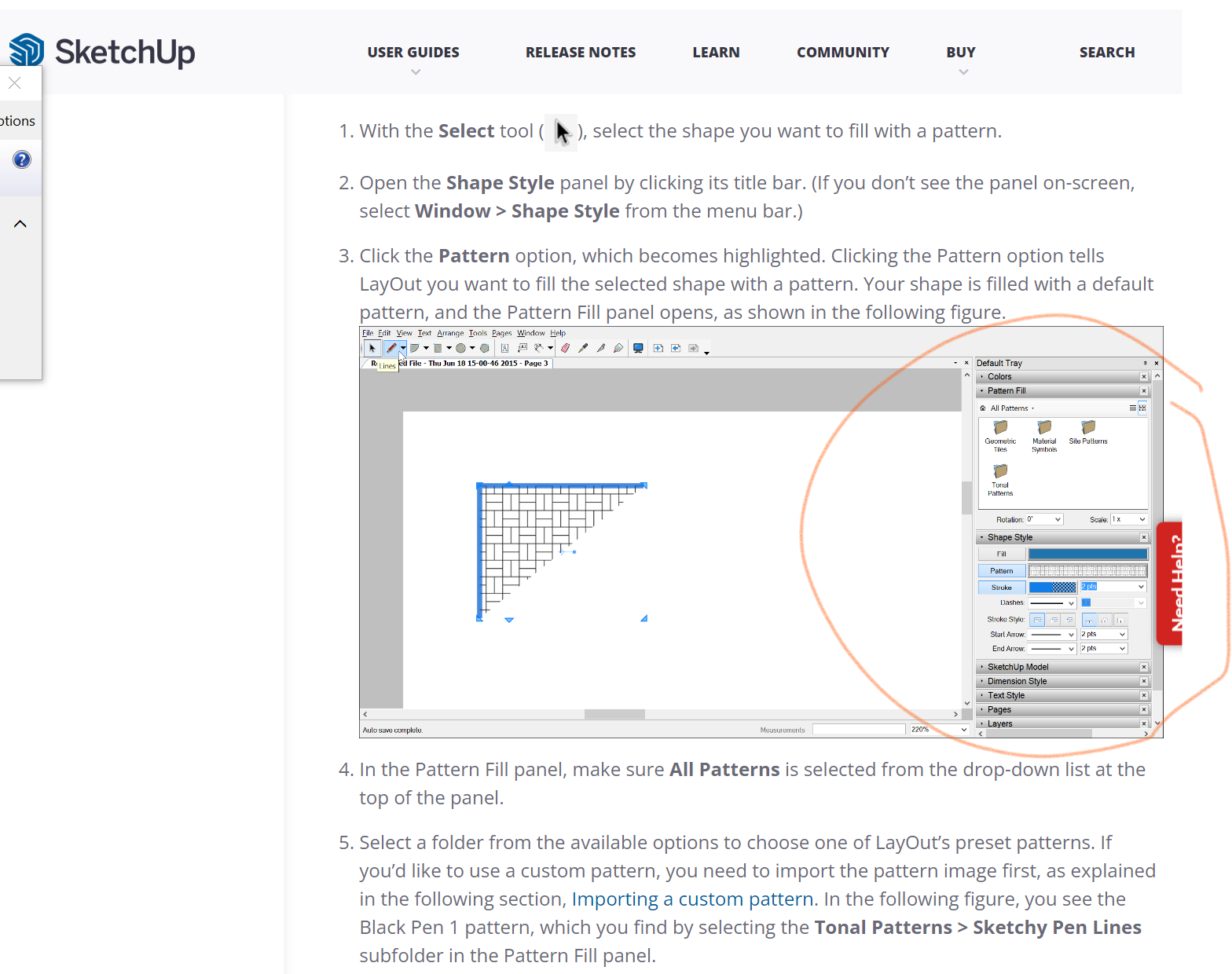
My default tray has none these options.
I need to find out how to fill my objects with color or patterns or both. Help!
This is a screenshot of the tray, from Filling Shapes with Colors and Patterns | SketchUp Help
My default tray has none these options.
I need to find out how to fill my objects with color or patterns or both. Help!
OK thanks for that. How do i get it done in Sketchup?
Add textures using the Materials panel. It might be that you’ll need to create your own materials, however. Depends on what you need.
OK i got it. Thank you!