Thanks for mentioning that. I actually tested the Up extension before starting work on FORM3D. They do have an impressive library, but when I tried the 3D AI feature I found the user experience quite difficult. Even though I switched the language to English, most of the interface still showed up in French, which made it super hard to navigate. Combined with the extra steps in the workflow, it just didn’t feel smooth enough to use day-to-day.
That’s really what pushed me to explore building FORM3D, focusing on keeping the process simple and intuitive so designers can get usable models quickly without the obstacles.
Ultimately, SketchUp struggles to handle this kind of content effectively, and users who rely on current AI-generated models will encounter the same performance issues they’ve always faced.
It’s like photogrammetry — but even worse.
Then comes the realization that the models aren’t editable.
Then the dimensions turn out to be off, and they don’t fit the intended space.
Then users discover they can’t render them properly either.
Yet the AI hype train is still making stops at every American tech company.
If this kind of extension is running on some freely available model and dataset, you can bet SketchUp already has a version of it in development internally — and it’ll likely be rolled into the subscription model before long.
And let’s face it: the 3D Warehouse is going to be flooded with these AI-generated assets soon enough, so there won’t be any need to waste resources generating one yourself.
Like the many “sketchup” models that were modelled in other programs and converted into skp files
It’s like taking a picture of something complicated, putting it through a bunch of filters, and show and telling everyone what a great artist they are to be able to draw such complicated things “by hand”
Haha right now the models aren’t being extracted with product dimensions, so they can definitely come in at funny scales.
This first version is all about testing the workflow, but making sure pieces import true to scale with proper dimensions is definitely something we’re working toward! Thanks for testing it out and sharing feedback
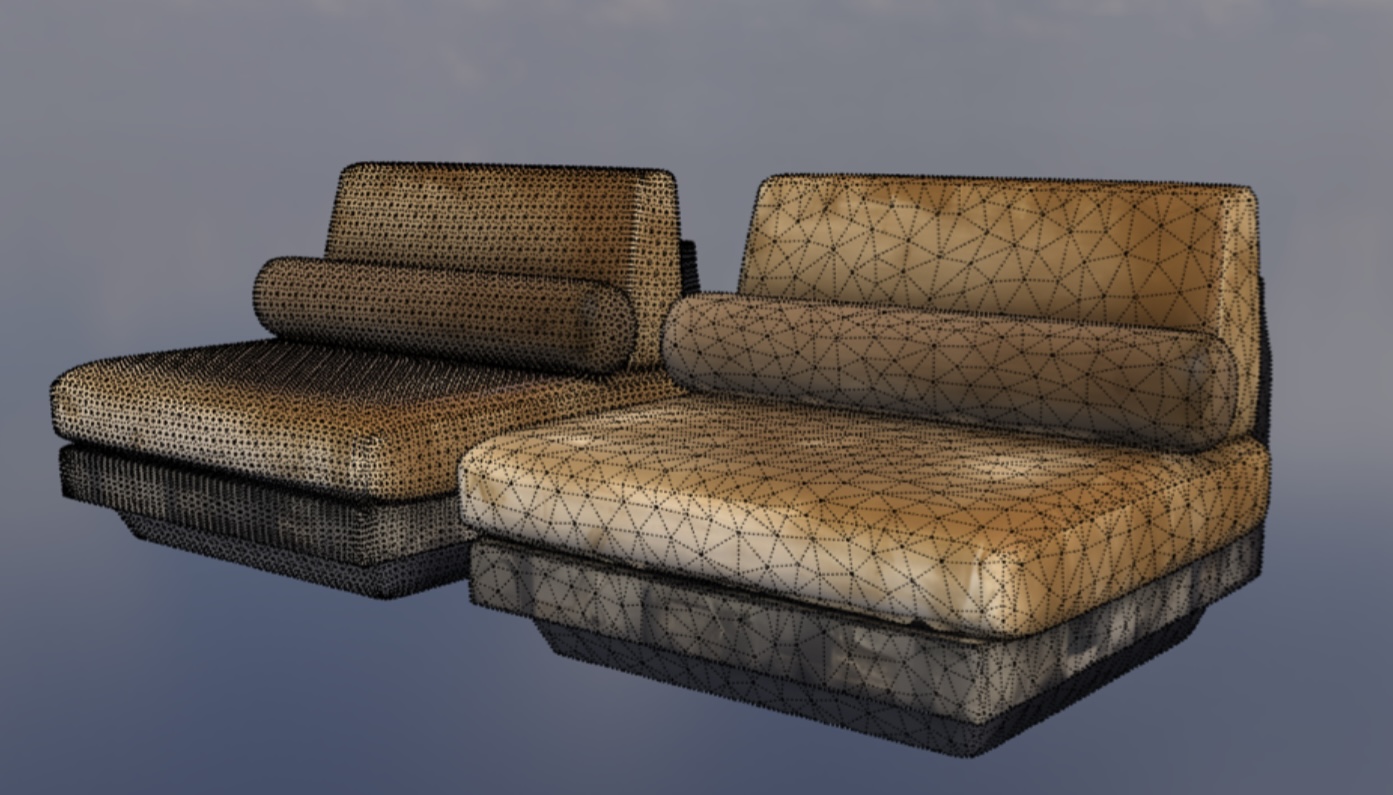
I was going to mention this. Like OPs apparent (I haven’t tested/verified) high face count this is a very promising tool. These are great for when you’re looking to just fill the space but that face count is going to be a limiting factor.
I dropped a screen shot of this bed into the prompt and then typed a description into the text to 3D option. The results for both are below, left being the image and right the text.
Simplifying mesh objects is certainly possible, even just within SketchUp if you use things like Vertex Tools. But for things like this - for me - it’s easier to manually model them.
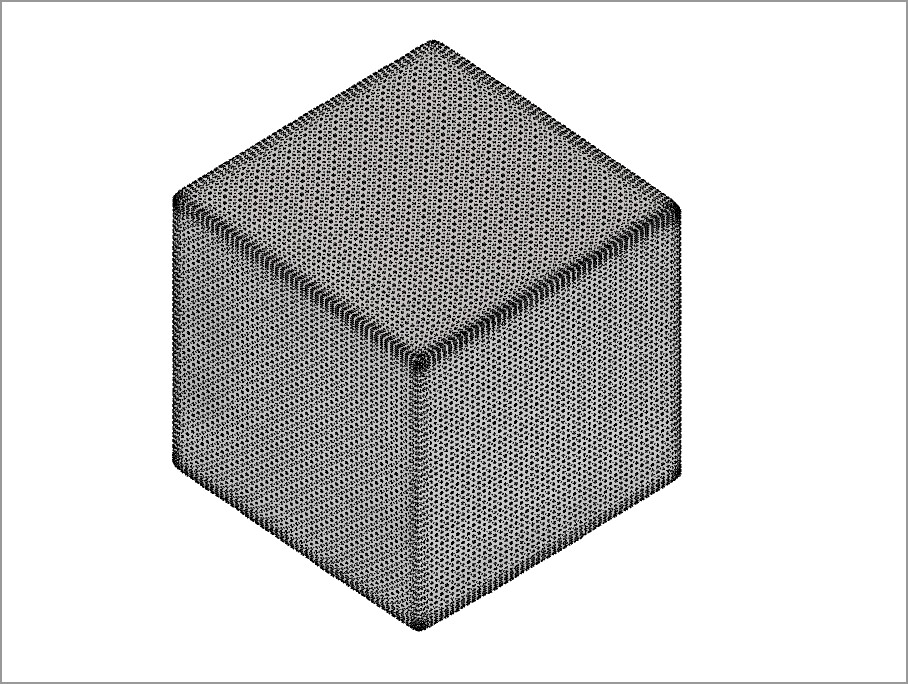
ask for a cube. a simple cube. if it gives you a cube made of 6 faces, congratulations. if you get fewer than 100 faces, I’ll be impressed. I tried another tool recently, and got something like 200K faces for a cube.
In the latest version (Text & Image to 3D SKP), we have also added the simplify mesh option which would generate a simplified version. The simplification is not to the extent of 100 faces for a cube yet, but few thousand faces.
We do have dimension incorporated while generating and importing the mesh.
If the dimensions are specified in the prompt (along with image), the generation will follow it
If not specified in prompt, a real world dimension matching the given object in the image would be used
You can also add multiple images of an object capturing multiple views.
Let us know what you think.


 right now the models aren’t being extracted with product dimensions, so they can definitely come in at funny scales.