So I see a few things that could cause issues for you. I went through my standard steps. First I fixed incorrect tag usage. Not as much as I usually see but all edges and faces should be untagged.
Your model was purged of unused components and materials which was also a pleasant surprise.
There are a bunch of excessively large texture images in the model. There’s no benefit to those large textures but they do create overhead that can bog down your graphics card.
The leaf textures don’t need to be anywhere near the size they are unless your entire “story” is about the plant those textures are used on. In some cases you could stand to replace textures with simple colors. For example the wine bottle label textures on the bottles in the wine fridge can’t really be seen so the texture is only causing file bloat.
You have your model spread out over a very large area. The visible parts look like this. From looking at the scenes in your model there appears to be a lot of unneeded content. Get rid of that unneeded conent so LayOut doesn’t have to “think” about it while rendering viewports when you update the reference. You should also move the model to the origin Having it placed at a distance like it is can created graphical issues.
There’s also some stuff located at a huge distance from the main part of the model. Hitting Zoom Extents makes the main part disappear because it’s too small relative to the extents of the model. The main part of the model is the dark spot at the origin in this next screenshot.
That distant stuff ought to be removed.
You also have a number of overly detailed components in your model like the chair in the living room. A simpler version of that would help.
The couch has the same problem of too many polygons but it’s missing the back of one of the back cushions and it looks like lots of dust motes floating in the air above the couch.
You’re using AO in all of your scenes. That will add to the load on your graphics card. While you are setting up the LO project, use a style that doesn’t include Ambient Occlusion. You don’t need to see it while you are working. Once you have all the viewports set up along with dimensions and labels and such, edit the style in SketchUp to include AO and then update the reference in LO.
So reducing the load your computer has to deal with when updating the references seems to help. One thing you could try is turning off Auto render in the SketchUp Model panel and then render viewports one at a time by selecting a viewport and then clicking on the Render button. That way you can also render just the viewports that are affected by your updates. Render all of them before export.
That wouldn’t be my first suggestion. Instead I would work on making your SketchUp models more streamlined and efficient. Don’t use such overly detailed components and reduce the texture sizes so they make sense. Don’t leave all kind of unneeded furniture and appliances hanging around the model space. It looks like you bought new furniture and appliances and just dragged the old stuff out into the yard instead of hauling it away. Once you get to the point where your models are slim and trim you’ll likely find your computer doesn’t choke on them.
I’ll send you back the file after I finish with it. Look for a private message with the link to it.
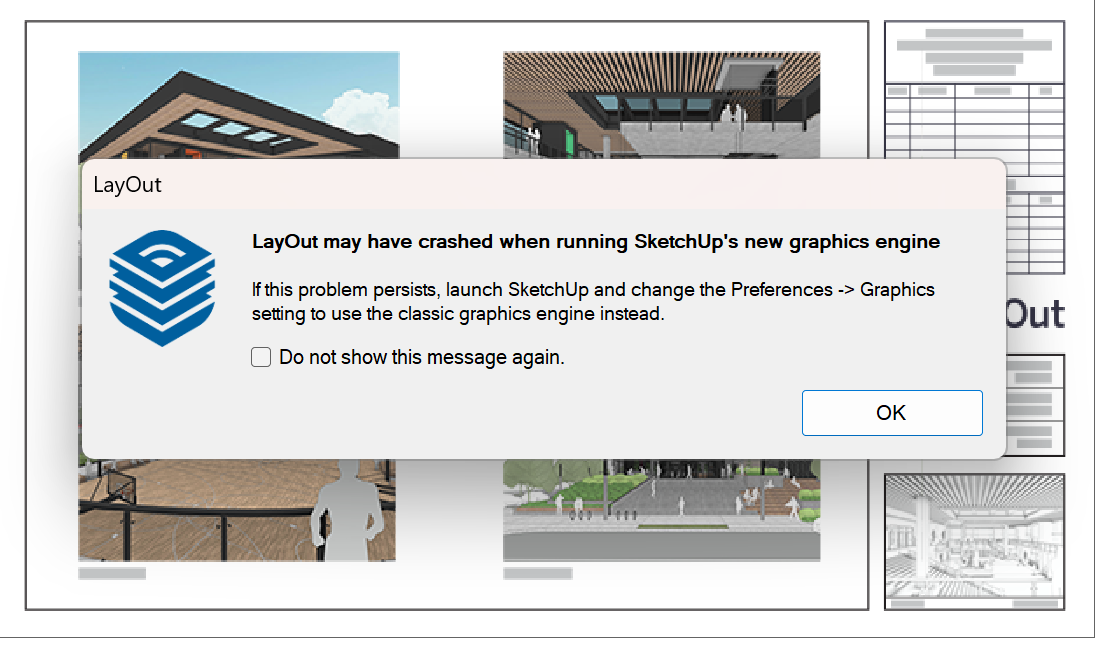


 I have a fairly straightforward wall section detail for a sales office display. AO is important to retain. I’m running an NVIDIA RTX A4000 Laptop. Do we know if SketchUp is working on a solution to support the new graphics vs. classic? I’ve attached an image of the model/ file.

