well, if they give a bevel tool in exchange, I’m sure it’ll make sketchup 200% better.
I already flagged this thread for pruning, from Push’s message on. it really polluted the message.
well, if they give a bevel tool in exchange, I’m sure it’ll make sketchup 200% better.
I already flagged this thread for pruning, from Push’s message on. it really polluted the message.
Are you going to extensively use this neat feature? Sorry I didn’t mean to hurt your feelings
Add some emojis
You must lead a very boring life with no space for harmless fun…
Wait until they see the Asteroids thread!
Is pretty much what I get from reading his posts.
(post deleted by author)
You just need to copy-paste an emoji in question from such a reference web page like:
https://en.wikipedia.org/wiki/List_of_emojis
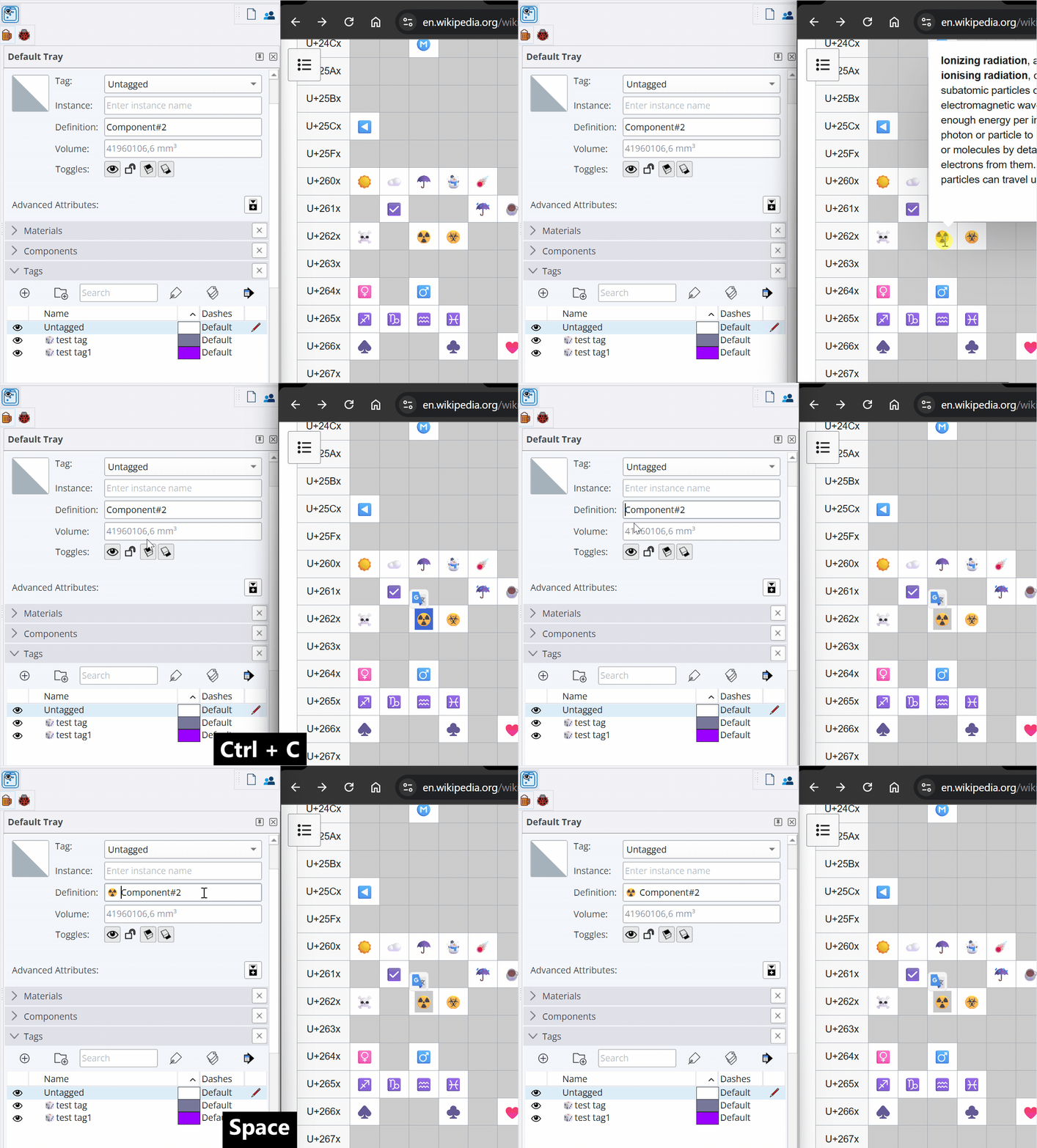
As you see, you can also use in almost every name field, component, tag…etc.
I’m using emojis in my extension names, menus… even in VCB, for a while.
The tag names in the animation above created using this code in Ruby Console:
Sketchup.active_model.layers.add "\u{1F3B2}test tag"
Sketchup.active_model.layers.add "🎲test tag1"
actually yeah, I thought about tags.
I know some people make empty tags (and empty layers in layout) to physically separate categories. that could be of use. especially in contrast to sketchup’s… low contrast 
I don’t think I’ll put emojis everywhere, too old for that (muhahaha) but also, they appear kinda small. But really, the coloured circles and squares plus a couple others could be useful as indicators.
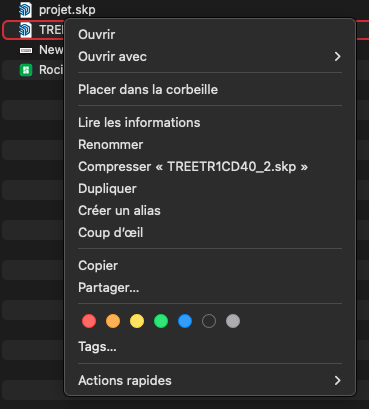
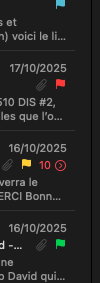
the same way you can flag your emails with colours or your folders in mac os. it helps to make some element pop out. (again, sketchup’s new UI and its amazing contrast)
the random color of my userpic is perfectly harmonizing with the color of the substance in your interaural box