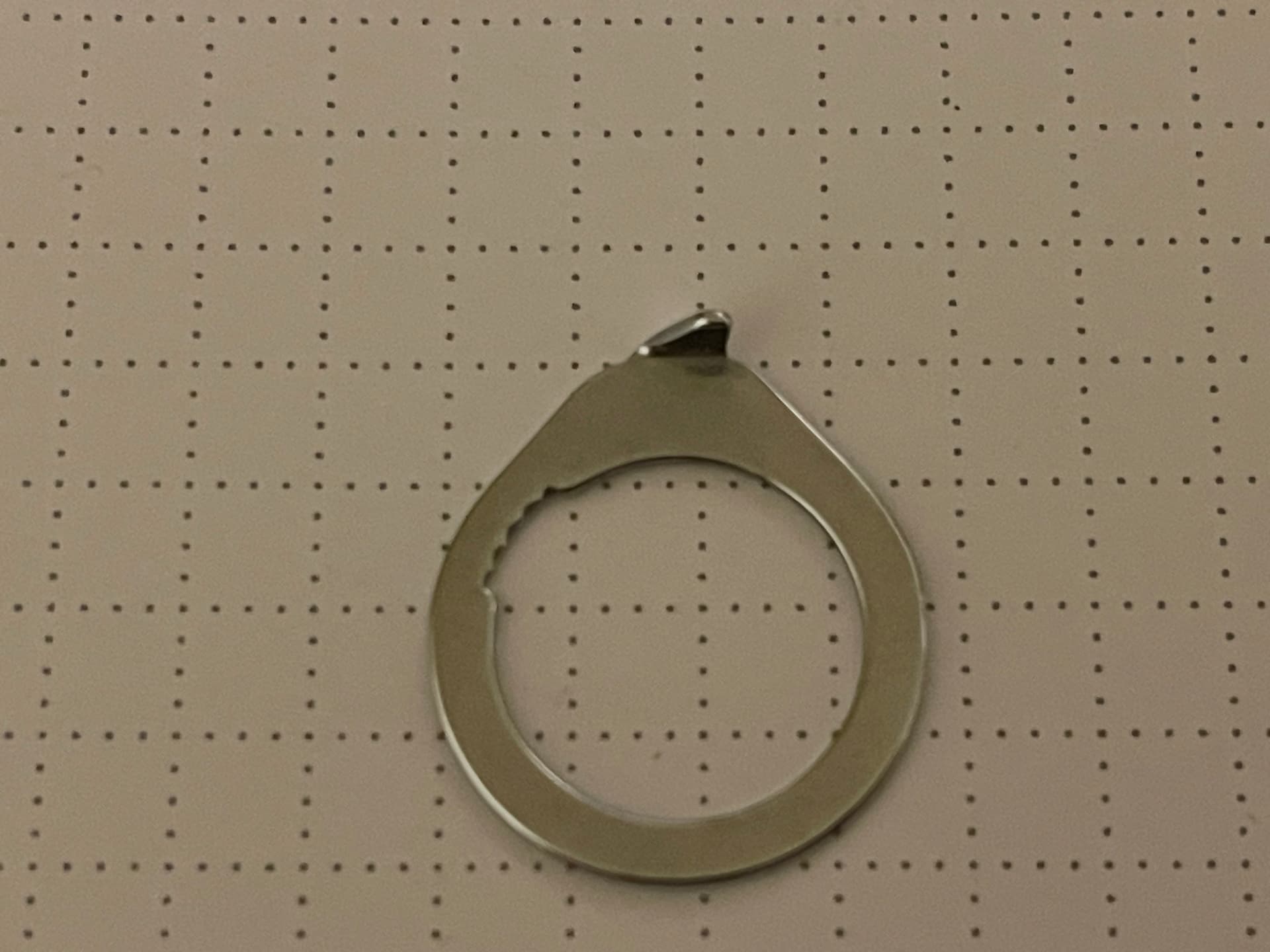
Is there a technique for drawing a cam lobe profile onto a circle. I’m trying to replicate a part for a sewing machine. It has a cam lobe shape although it doesn’t actually function as a cam.
I have drawn the major parts in the following skip but I’d like a cam lobe profile for the top. The arc tools don’t seem to do it for me. Is there another way> Kenmore set ring.skp (113.4 KB)
Thanks Box. That’s what I’m trying to do. Interesting to see you were able to accomplish with it the basic tools. I’ll be reviewing this several times to learn how you did it.
Do you know if there’s a way for me to to step through it? Every time I pause it, it ends up going back to the start instead of continuing on from the pause. I’m just trying to figure out all of your tool selections and how you position them.
I recorded another version which you should be able to pause.
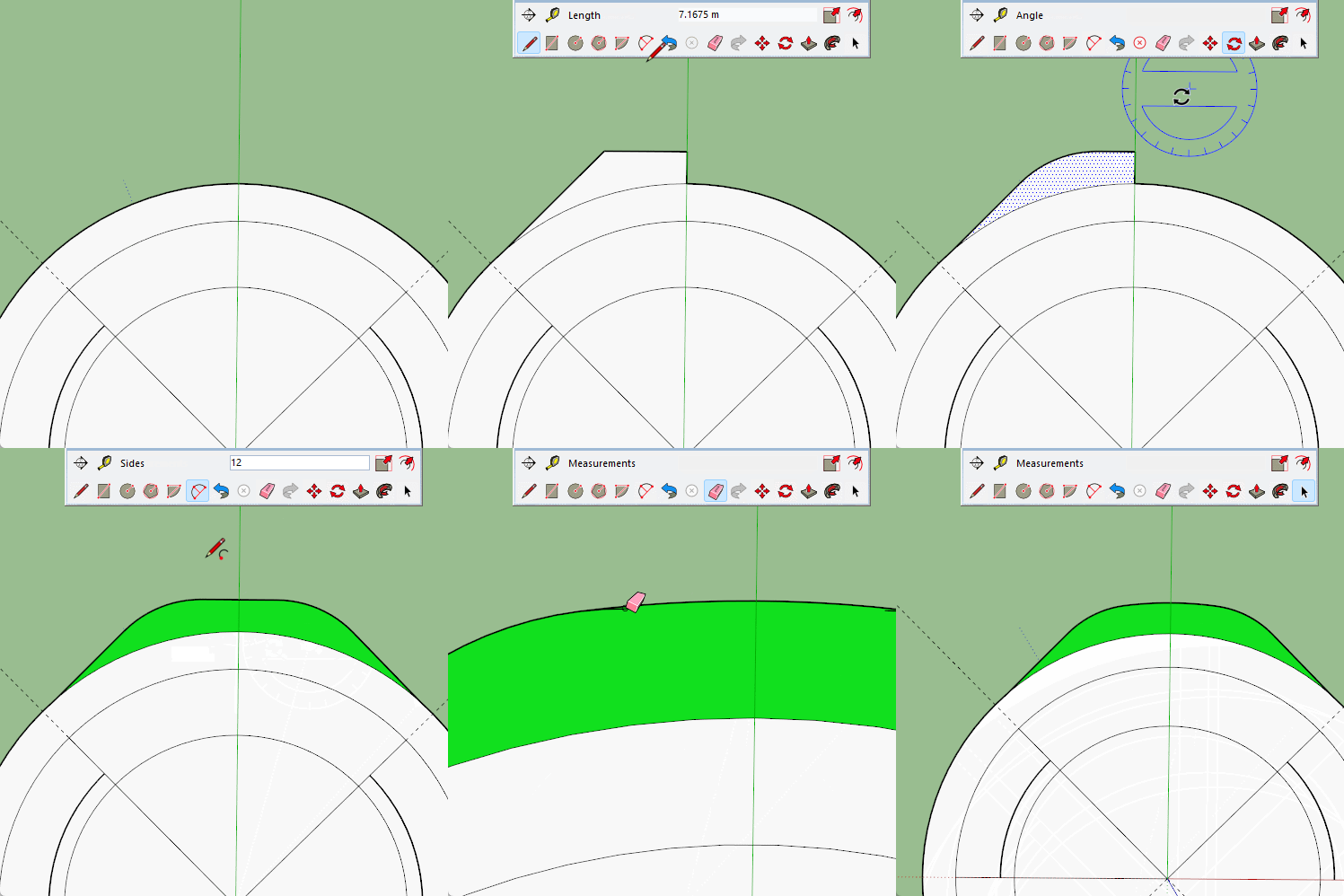
But it is really just the line tool and the 2 point arc. The ‘mirror’ is just copy/rotate.
This time I made the edge tangent to the circle. You can play around with it to get the exact shape you want, you could even use the image to trace it.
Thanks again Box. I’m often guilty of thinking there’s some magic tool out there to solve my problem. You have shown me that mastery of basic tools is sufficient to solve this particular problem. I know I’ll be looking into that mirroring operation, where you copied the left side over to the right. I’ve seen that done before but I haven’t got comfortable with it yet.
Box, I’ve used your techniques to draw the shape I want. But I’ve ended up with an open bottom. Solid Inspector shows a lot of red but do you have any suggestions on how to go about making this solid,(or how to avoid ending up with open surfaces). Kenmore set ring open bottom.skp (167.4 KB)
This is normal behavour for PushPull if you are pulling a face that is attached to another face.
I don’t see an attached face in your drawing but you could have erased some edges after the PushPull…
If you ensure it is 1 face before you Pull it should have a bottom!
You didn’t need to redraw it, just tracing an edge will form a face if it is flat, and another edge just to break the inner ring, delete and it is solid.
That is something I can’t say I have noticed before, when there is a hole in the face you need to go all the way across for it to work. I guess I never noticed because I usually trace an edge.
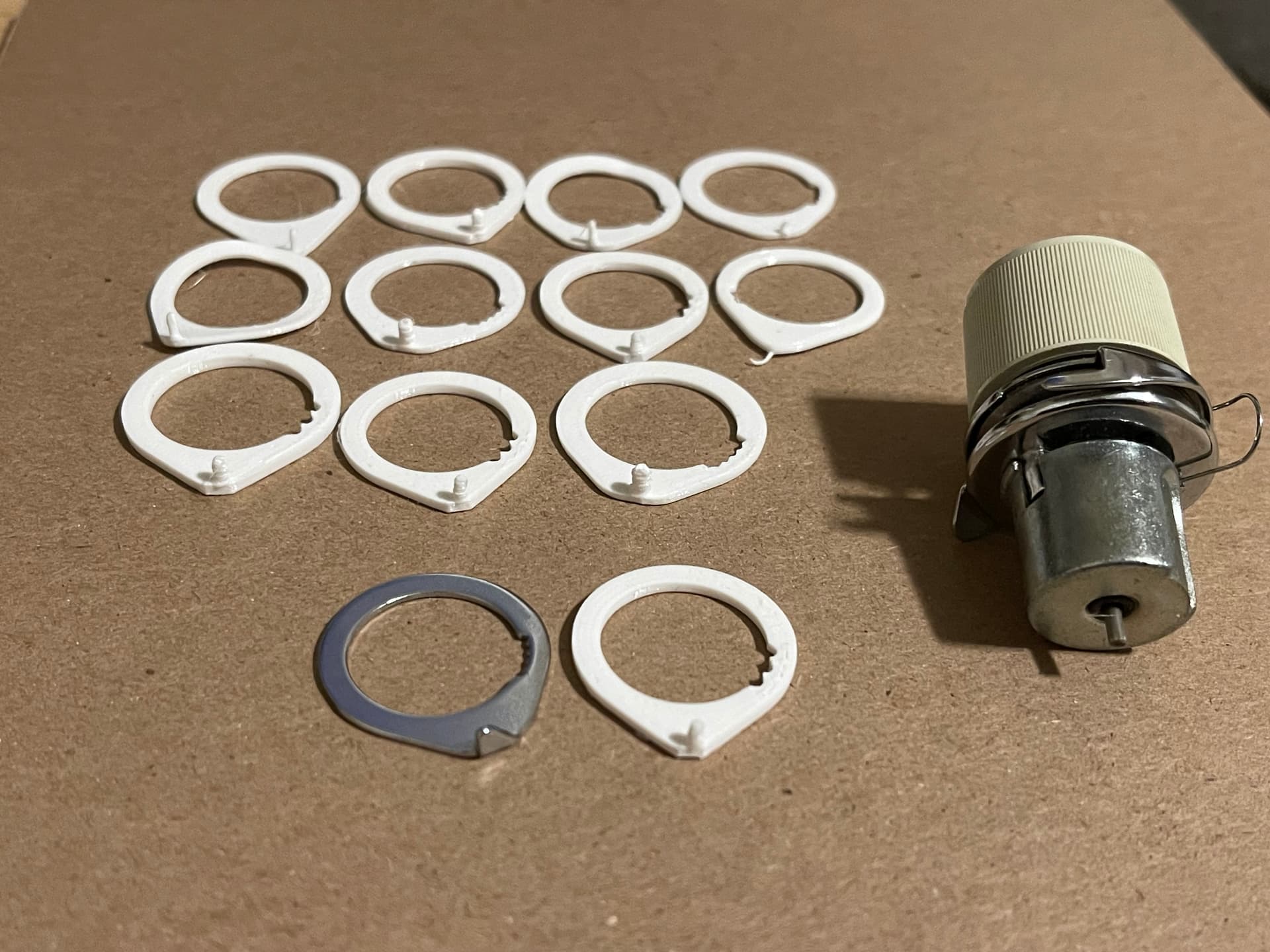
It took a few tries but I think I finally got something that will be useful. I learned a lot getting to this point and I have to thank this forum for being so helpful.