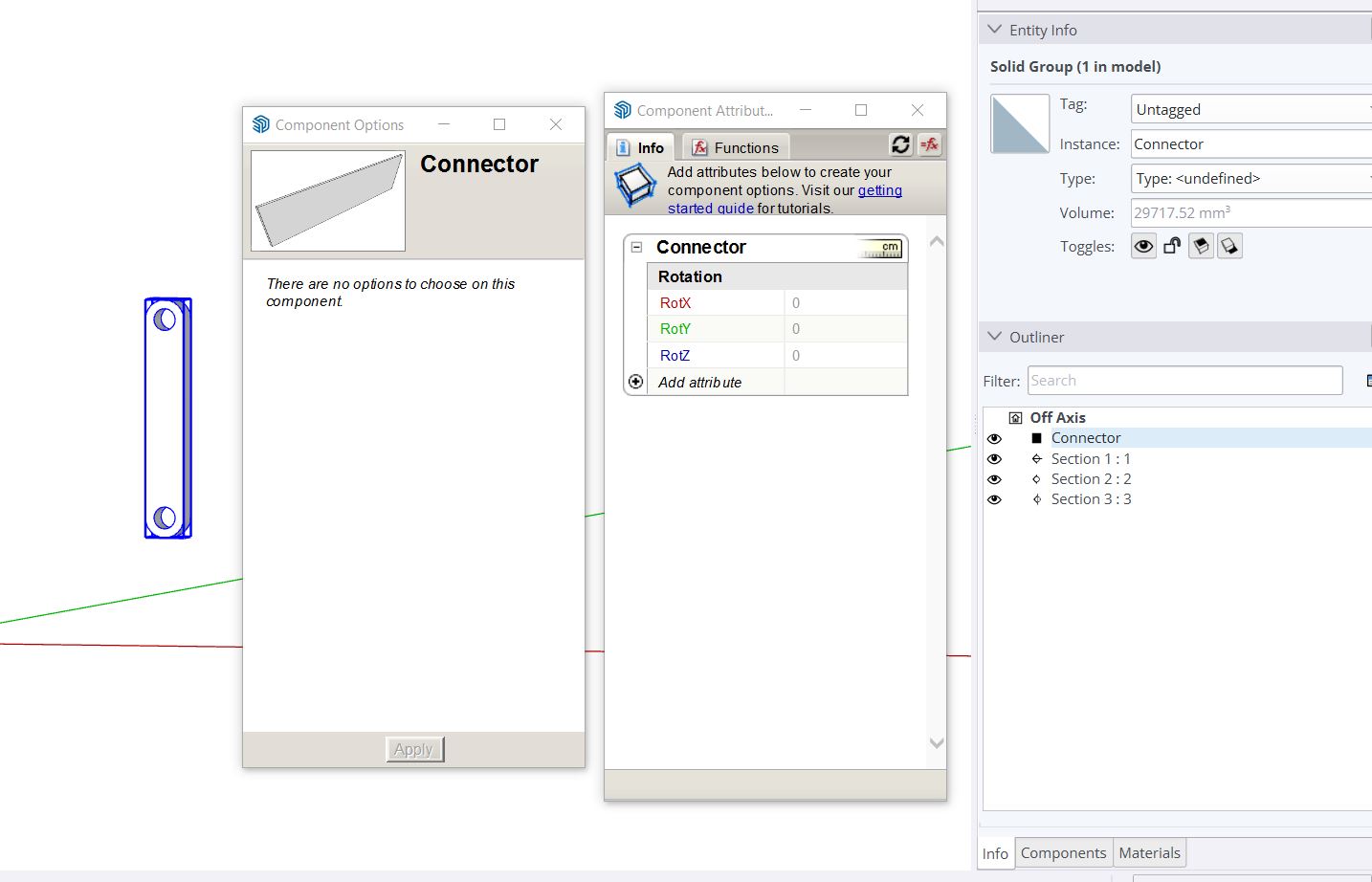
Sometimes you know there’s a way to do something but your mind just goes blank
I was experimenting with the MSPhysics Plugin earlier but saved my model without resetting the geometry. On reopening the model, one piece was off axis, and I cannot think of a way to reposition it without altering the model’s axis. I know I could redraw it in a few minutes, but I am interested to learn if there is an alternative method of getting it square again. I don’t even mind which way is up as long as it’s all square
Thanks - there are some very clever people on here
The method shown by @Box was what I had in mind but I just couldn’t get it to work. I had no idea you could do that with the Move Tool & Angle snapping
Random question - does anybody have a decent knowledge of the MSPhysics plugin?