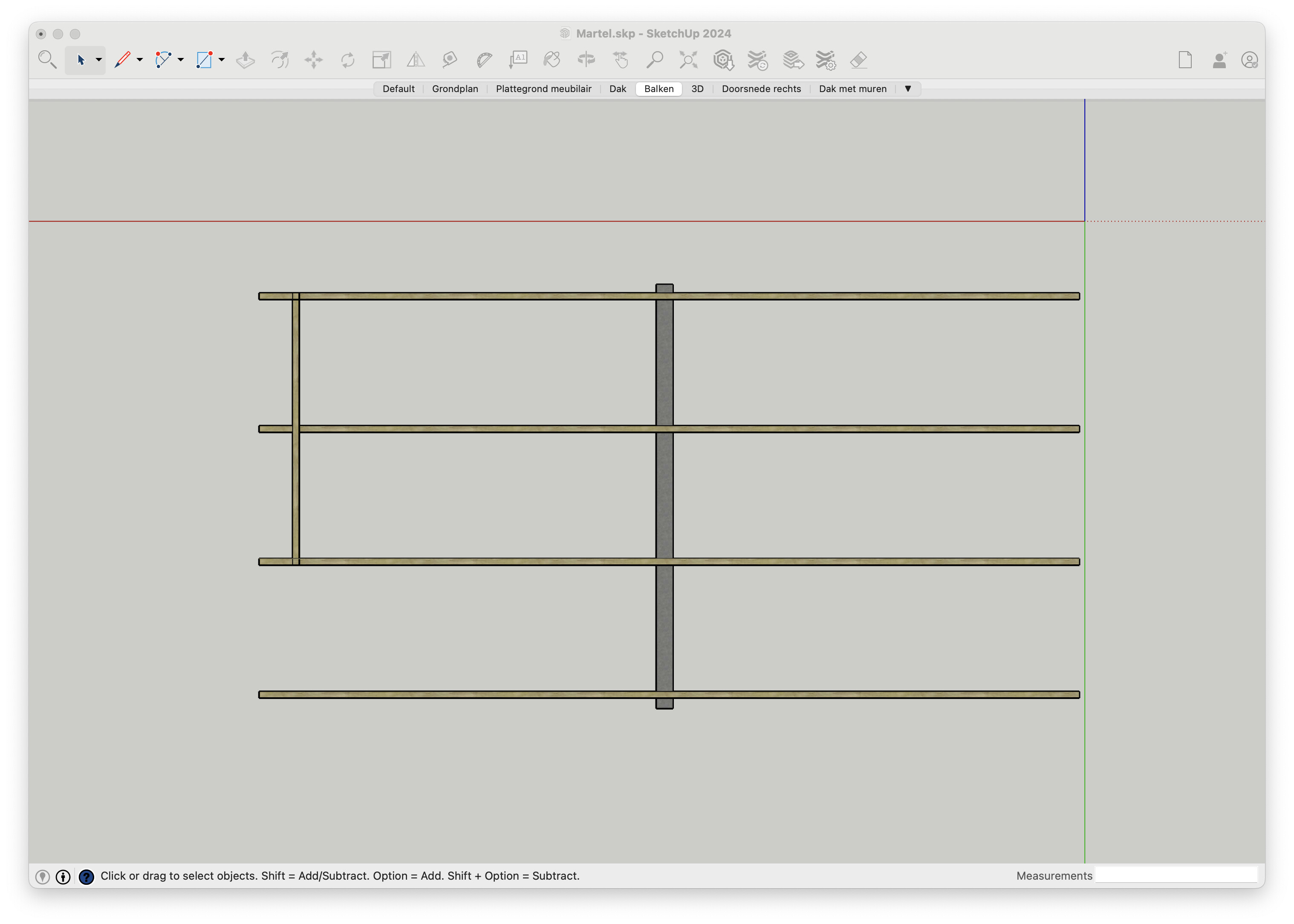
I have a sloped roof surface that I want to align the view to (folow the angle looking on it from the top). This allows me to have exact measurements inbetween the beams supporting the roof, as otherwise Layout would be measuring along the axis on the model, not the roof. This works, however when I do Align View on the top of the roof surface, it rotates 180 degrees, and the left side of my model is now on the right side. I can flip this in Layout to fix it, however I’d like to know why this happens and if I can fix it. I tried changing the axis of the roof but it does not seem to change.
When I select Camera > Front or Camera > Back it is correct however.
The standard top view aligns the camera so the red axis runs horizontally across the screen from left to right. Change the model axes to suit the view you need before you select the Standard Top View.
The red axis is horizontal across the screen. However, it’s flipped (left to right). I tried changing the axis so the dotted red line is on the other side of the model without success. I’m right clicking the top of the roof and selecting Align View. This is “almost” Top View, but it’s slightly angled because the roof is angled.
Blue axis is pointing up. When I select Align View with the grey beam in the center, it does everything correctly however the left side is actually the Standard Right View.
EDIT: It looks like it prefers to have it slope up. The way it aligns is with the roof upwards, while the front has the highest point.
Ok, so I cannot have it “reversed”? Well, I “fixed” it by just flipping it in Layout, however the animation in Sketchup does a whole 180 when switching to that scene.