This is the process that I have followed. Can anybody see what I have done wrong?
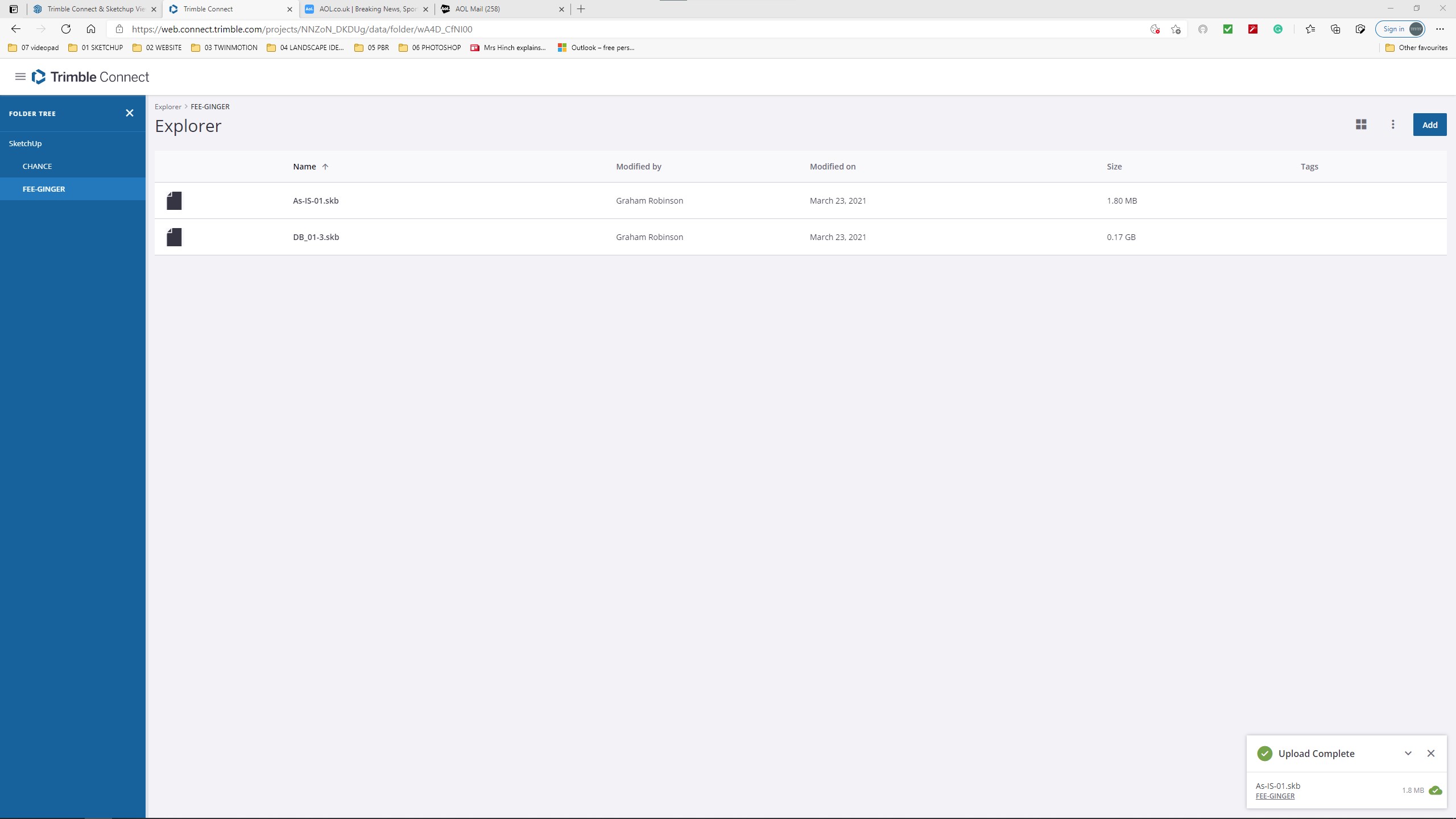

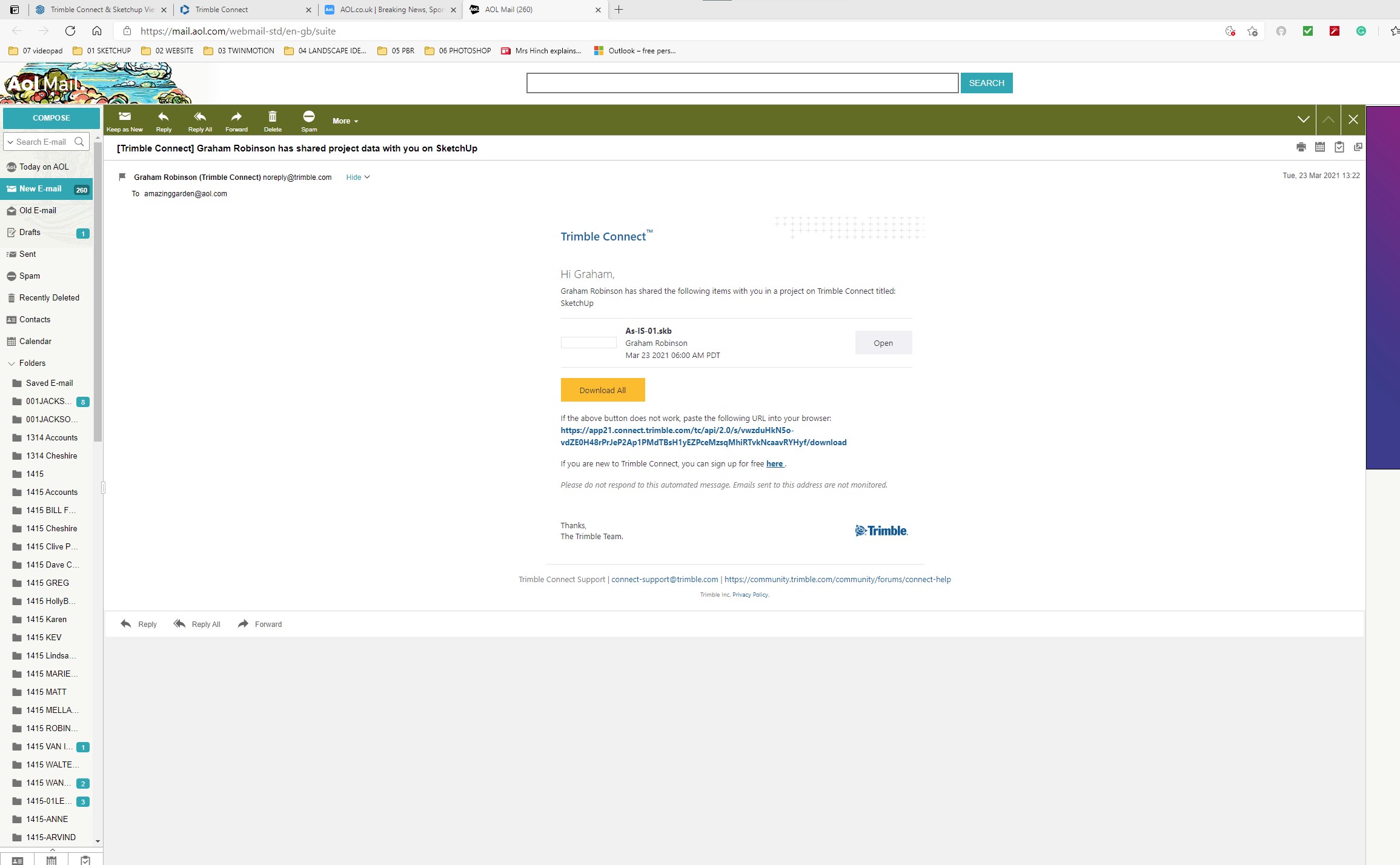


You’ve been uploading the .skb files, not the .skp files.
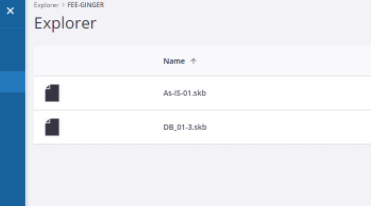
Try uploading the actual .skp files not the backup files.
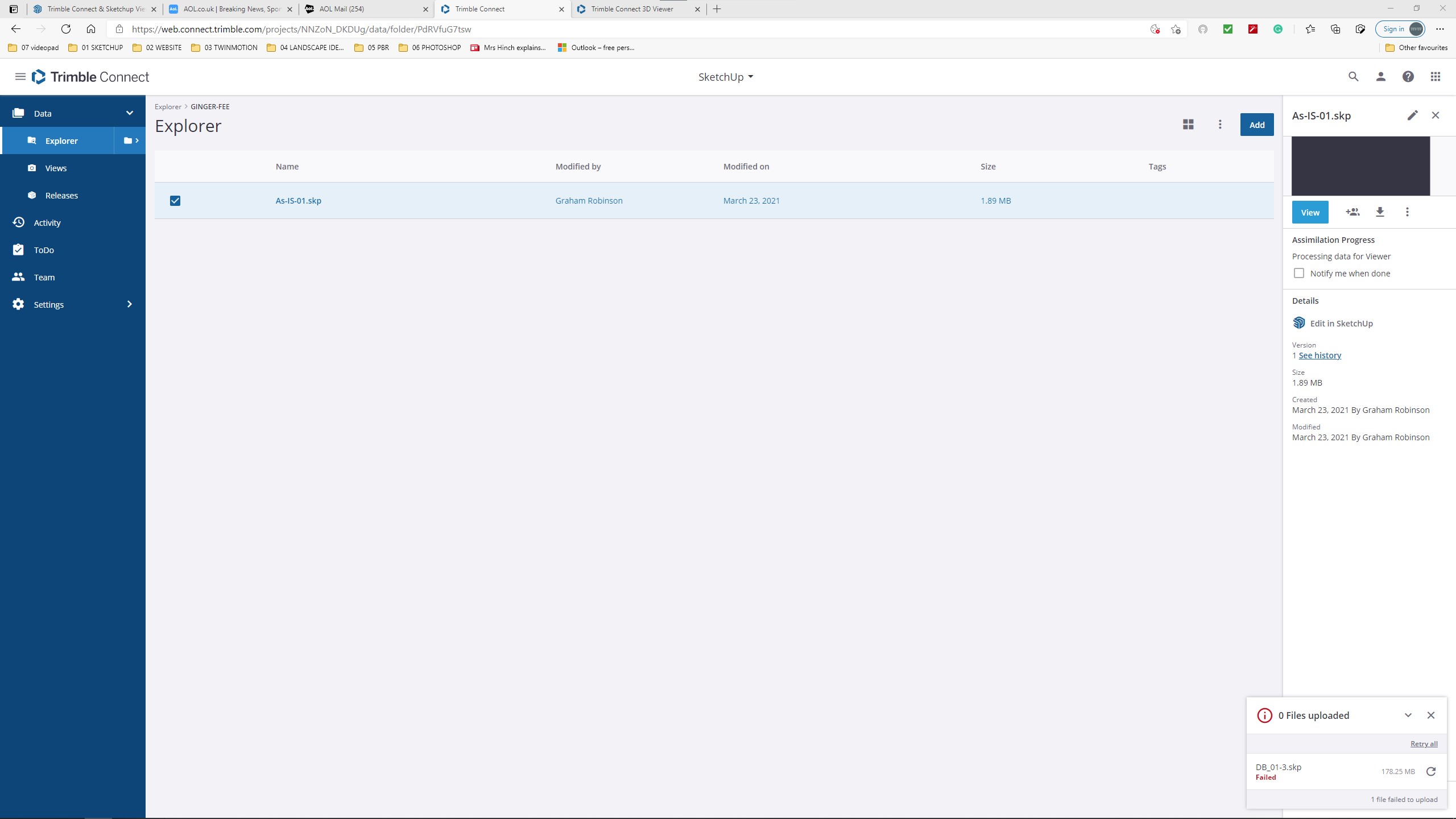
So what happens when you click the Share icon on the right?
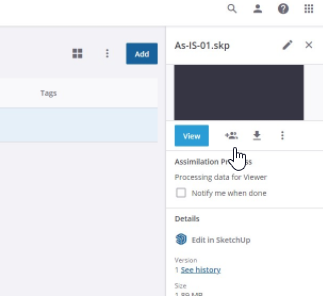
The small model works fine but the larger model will not even load into the directory.
Hi Dave,
I have just found that thread via Google that says there is a limit on 100MB on file size.
Once again may I thank you for your invaluable help.
1 Like
That’s for the hololens, the max upload for the plan you have is 10GB (Prosubscription)
I haven’t seen size limitations in the 3D Viewer apart from that.
This file is 710MB (0,71GB)
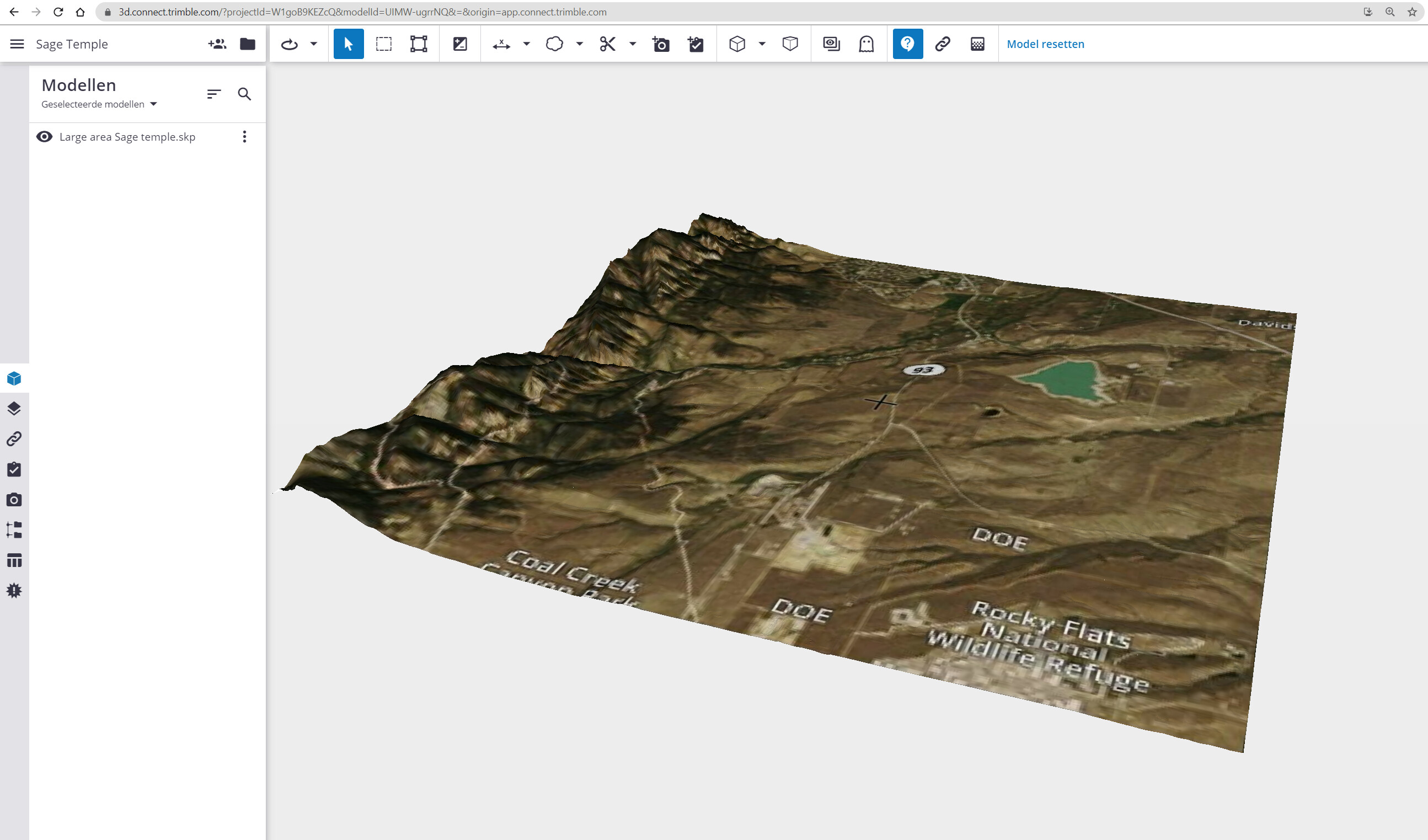
I tried again today. Same file with no changes. It got further today than yesterday but this is the error I now get. This does not fill me with confidence.
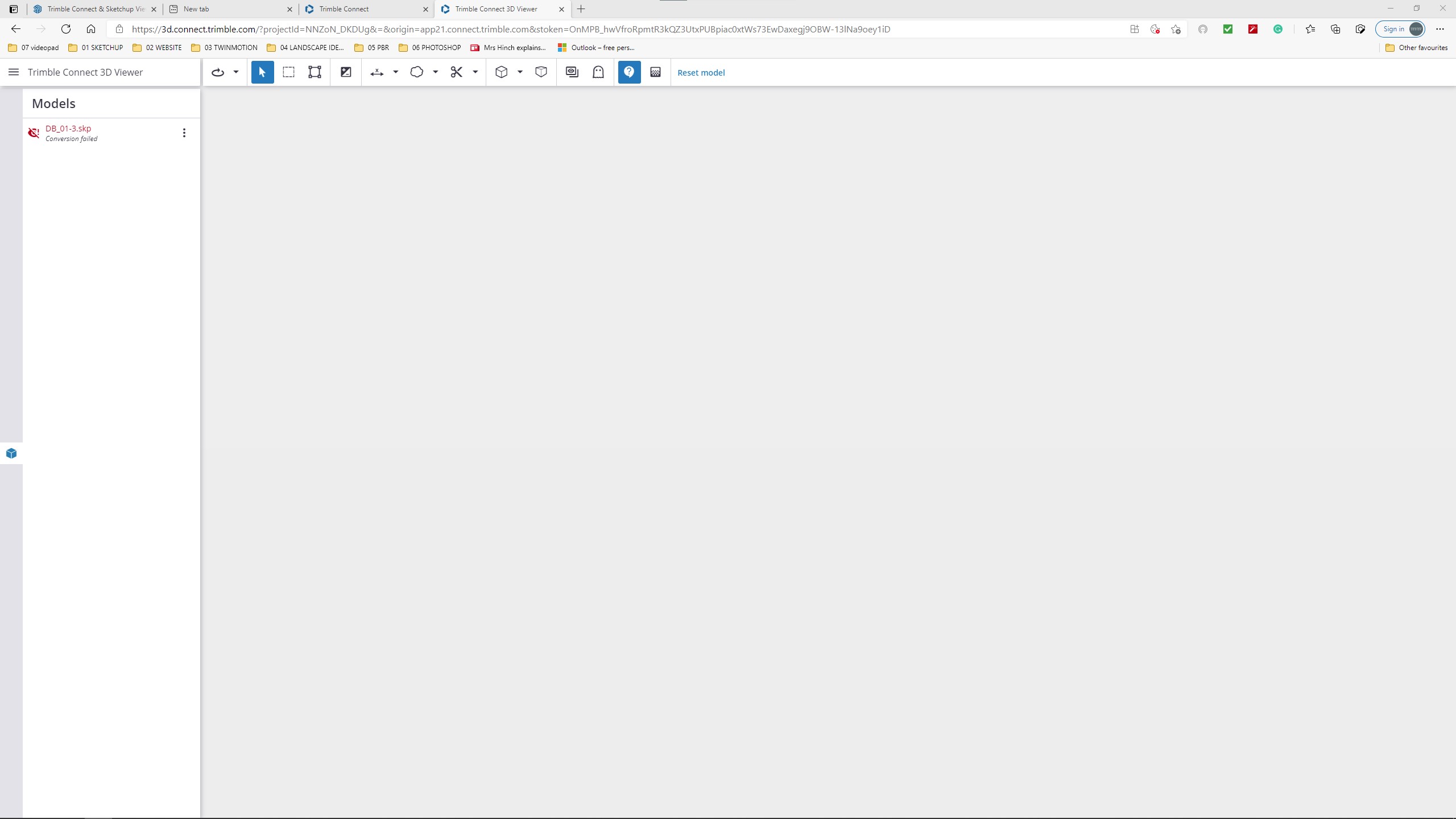
Maybe the file got corrupted. You might have a classic license? Or do you have a subscription?
With the classic license, there is a storage limit of 10Gb.
What happens if you open the file with the desktop version ?
From there, try to publish it through [menu] File> Trimble Connect > Publish Model
Hi Mike,
I have tried these options. The file opens fine in Sketchup. I have a Pro license so the file size is ok apparently.
Does anybody know the process for reporting a bug to Trimble???