Hello,
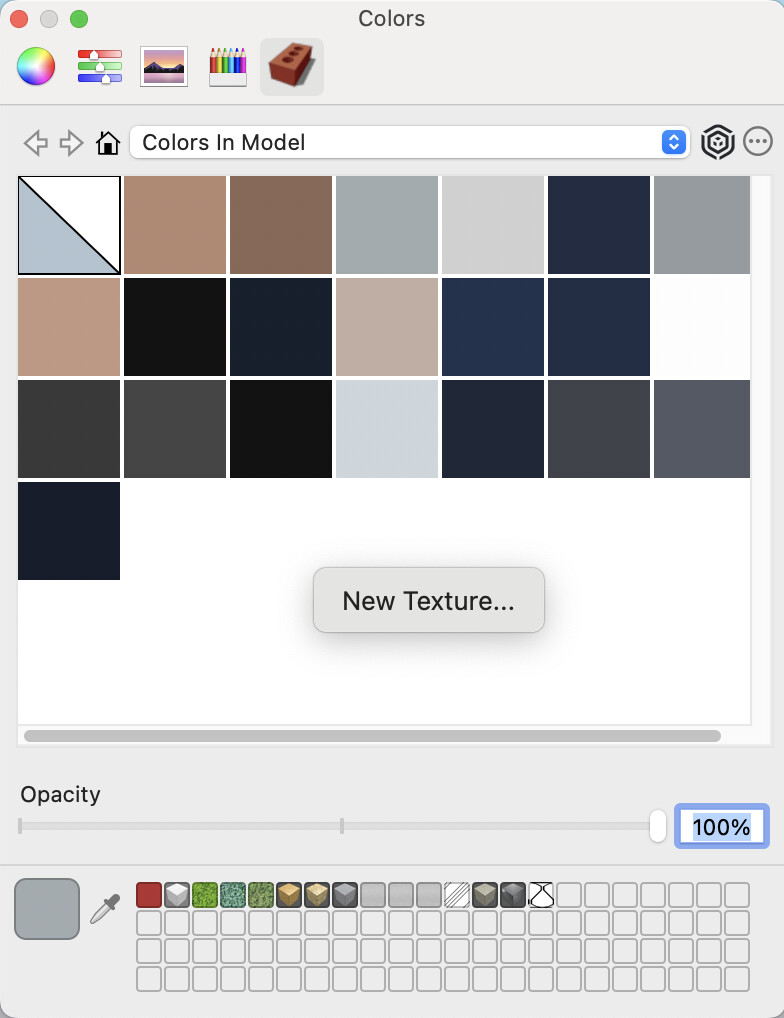
For texture editing on Mac: no “use texture image” option?
What alternative is there on Mac to this very useful option available on PC?
Thank you in advance,
Best regards,
Hervé
Hello,
For texture editing on Mac: no “use texture image” option?
What alternative is there on Mac to this very useful option available on PC?
Thank you in advance,
Best regards,
Hervé
On Mac, when editing a material, there is a menu you use to say what the material is based on. If you choose Load from that menu you can load in a new texture image:
Also, if you right-click in an empty part of the Colors palette, Colors in Model, you can make a new material. That then immediately asks for the texture file: