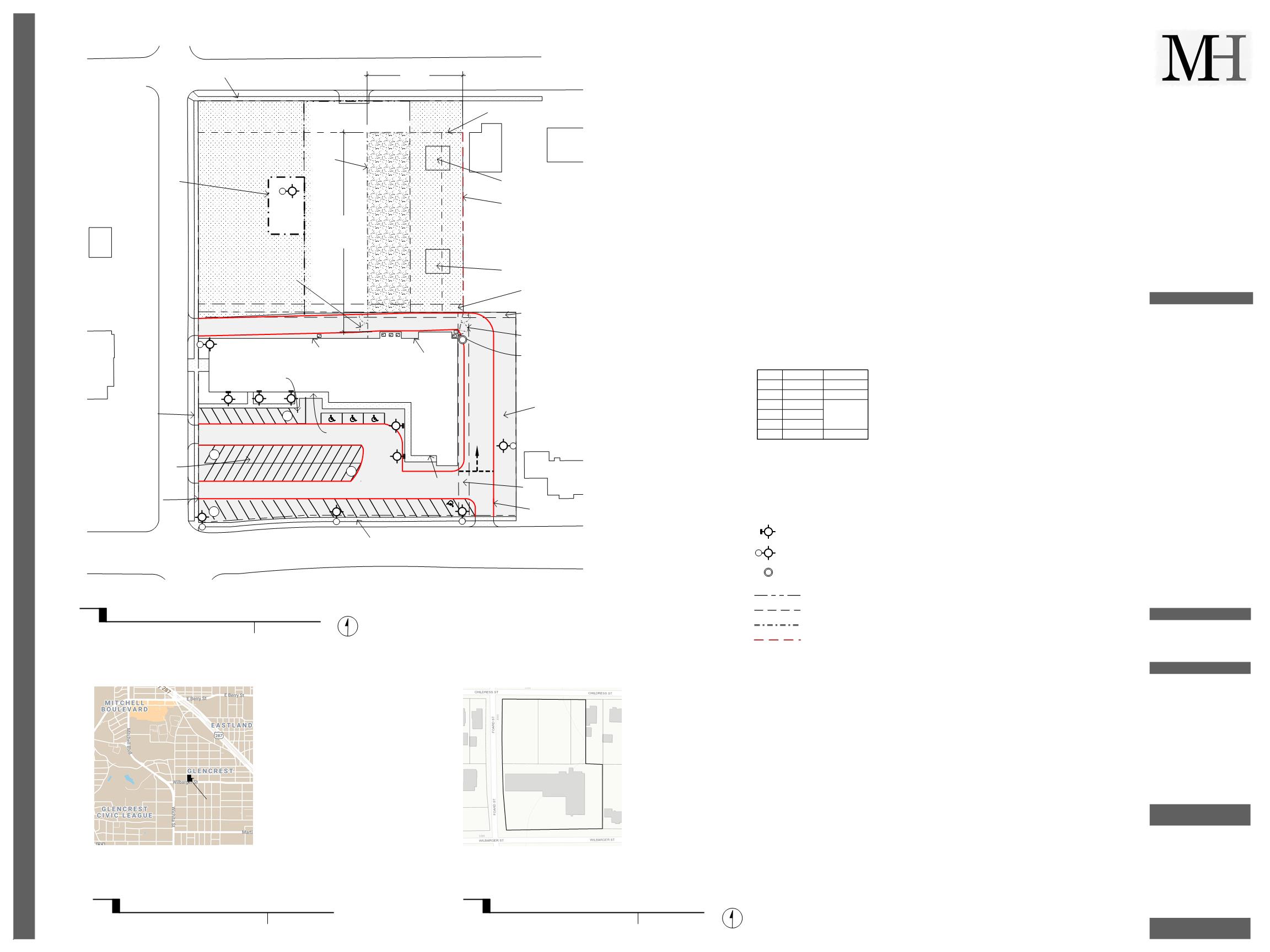
Output is on the left. Layout on the right.
just tried on another file that wasn’t working and it worked perfectly
Output is on the left. Layout on the right.
just tried on another file that wasn’t working and it worked perfectly
Weird.
I wonder if layout uses some sort of screen grab when it exports. if the text is no there at the time it tries to export that page it would miss it. I noticed that during the export the missing text flickers on and off.
I guess I don’t know how it does the image export. @adam might have some insight.
we could do with somebody else that is having the same problem try zooming in and seeing if it resolves it
It is interesting that it seems to be different between computers. Makes it look like a hardware thing.
I suppose it could be down to the graphics card. I’m using a GeForce 2080 on the latest version of Windows 10.
I have a 10-series card in my notebook and an old 960 or something in my desktop PC. One would think the 2080 would do things better but who knows?
I’ll keep trying the work around. At least I can get my project done. However, I still have an issue with the hybrid render. I will reduce the model size tomorrow to see if that makes a difference.
That might help. Be brutal.
Hi, I’m experiencing the same problem when I do export to jpeg or png, plus most of the time LO crashes when trying to export to these formats (LO 2020 and 2021), exporting to pdf works fine.
After reading this thread, I tried 3 things, export when zoom extents, zoom in to only text on my screen and zoom in to no text on screen, I got 3 different results as follows:
I would like to point out that the font on the jpeg doesn’t look like the font I’m using in LO.
This example is from a one page LO file with one SU model viewport only.
I have been experimenting with this. The work around of zooming really tight to display text works 95% of the time. It still has problems. It always seems not to work when you really have to get a drawing exported for a client!!!
TRIMBLE - spend less on logos and fix real problems please.
Has this been fixed in SU2022? I’m still experiencing this and periodic crashes on export in SU2021. The zooming prior to export has worked the couple times I tried it, but it would be nice not to have to remember to do that every time.
Can you share an example LO file in which this is happening?
Unfortunately I can’t share the LO file. The descriptions posted here of text disappearing when exporting to PNG or JPG are consistent with the behavior in SU2021 when it wasn’t happening in SU2019. Layout will also periodically crash when attempting to export.
Does it happen with a specific font? There are some known freeware fonts that don’t play well.
I’m only using built-in fonts, but I tried switching everything to Arial and that didn’t fix it. The zoom trick also produces inconsistent results with the dimensioning text showing up depending on zoom level - sometimes all appear, sometimes few do, and sometimes it’s mixed, but zooming in very closely doesn’t always result in all annotations appearing in the export. I can’t trust I’ll catch when a single dimension is missing so the only way to consistently get results is to export to PDF and then export to PNG from Acrobat. Also, crashing during export seems to happen when zooming out from the page in LO.