I have been using sketchup for some time on Windows but I’m experimenting with it on my iPad. I did something and now when I draw a rectangle it draws from the centre. It’s a key combination to change this on Mac or Windows but these keys are not accessible on an iPad and nothing I try seems to swap it back so it’s now unusable!
Look in the options for the tool. The left one controls whether the rectangle is drawn from the center,
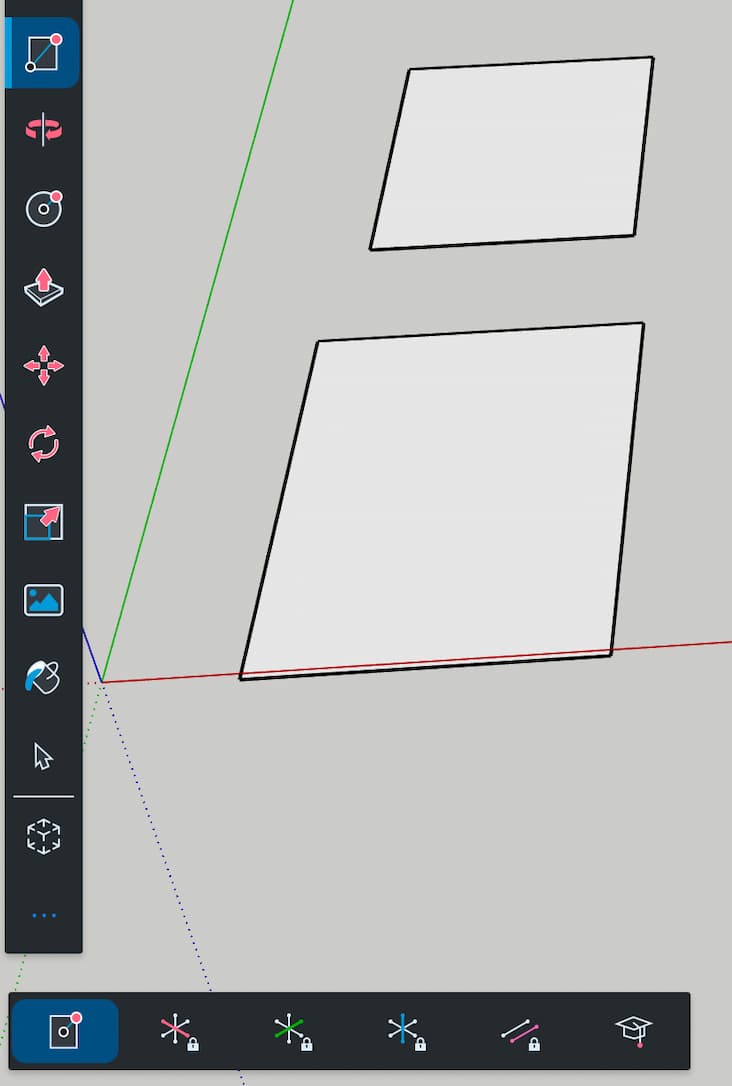

This icon is a toggle, if it is more blue(ish) then you will draw rectangles starting at the center point rather than a corner. Click on it to change back and forth
Got that now, brilliant thank you both.