Hi All,
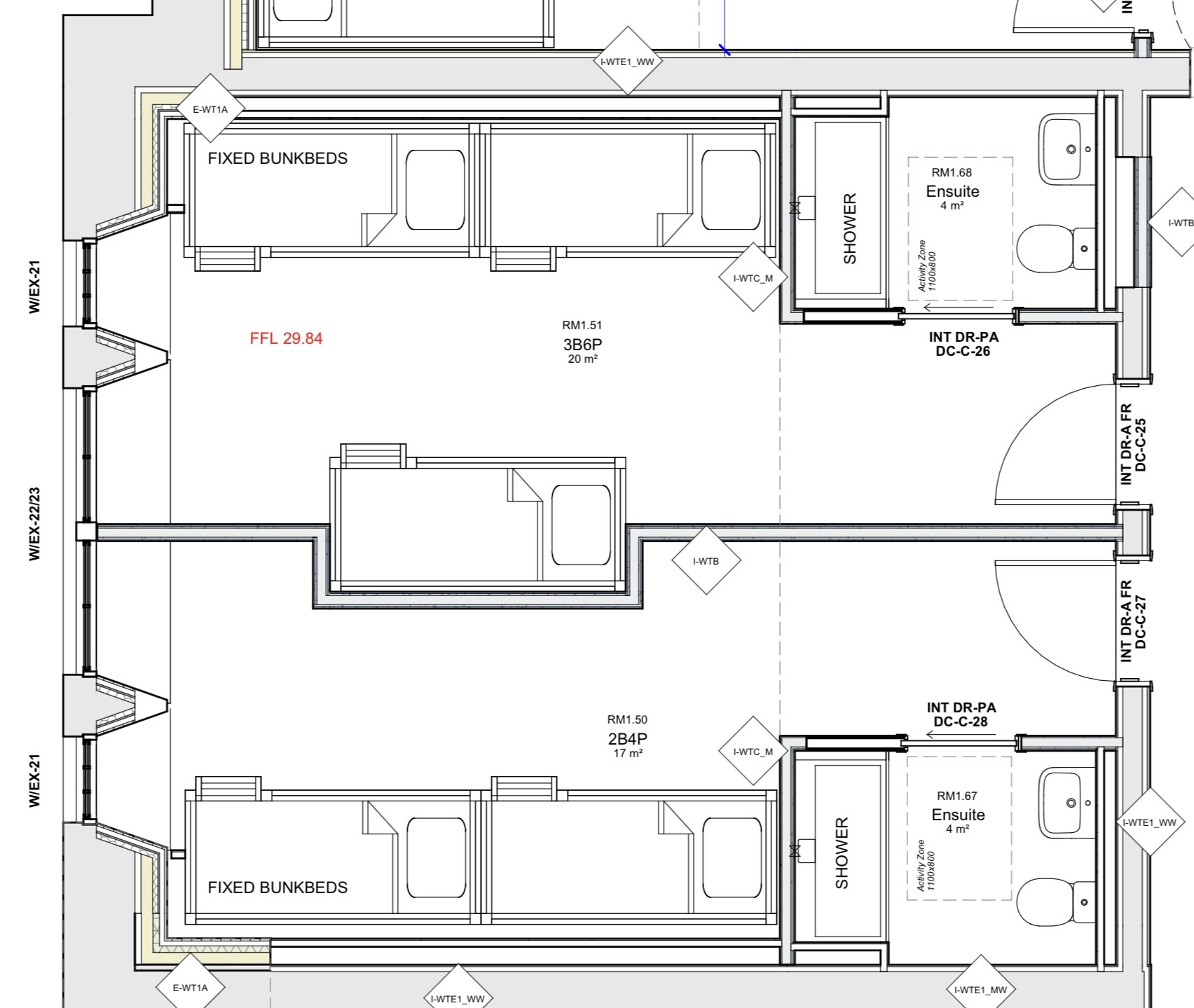
I’m working on an interior project with rooms with butts/alcoves in them, please see attached image. I need to create a presentation set of elevation drawings to hand to the decorating team to show them how i want the walls to be painted. The project features mural walls with different shapes on them. My issue is, navigating the walls that have butts/alcove in them. I am finding using the section plane and position camera tools difficult.
Would I be better to copy and paste each wall section outside of the model and put in a clockwise wall order ie Wall 1, Wall 2, Wall 3 (butt wall) Wall 4 (alcove wall) Wall 5 (butt wall) etc?
I’m struggling to show the best way to do it and I have 10 of these rooms, please help! Has anyone done elevations before with multiple walls?
Thanks
technical documents are overrated 
how many different paint / finishes do you have ? are they always the same?
I mean, in room A, do you have say Red, white stripes and blue bubbles. and same in room B, and room C…
if, so, you could simply provide isometrics / perspective views of the rooms with annotations.
4 views + annotations showing what is red, what is brick…
or do you need proper elevations of each wall piece ?
Thank you for coming back to me! Because it’s mural shapes (curves and geometric style shapes that cross over from one wall to the next and also onto the ceiling) I need every wall. How would you recommend best doing this?
then probably that I guess.
copy all the wall faces together next to your project. and using “unwrap and flatten” free plugin, unwrap it all.
you might have to move around some of the walls so they all have the same logic, for example, you could start with the wall that contains the door, and move to the right or left of it.
but overall, it’s just unwrapping the whole wall.
You could also make sections but with 2 points perspective instead of parallel projection like the usual construction documents. I understand this are not drawings that must be approved right?