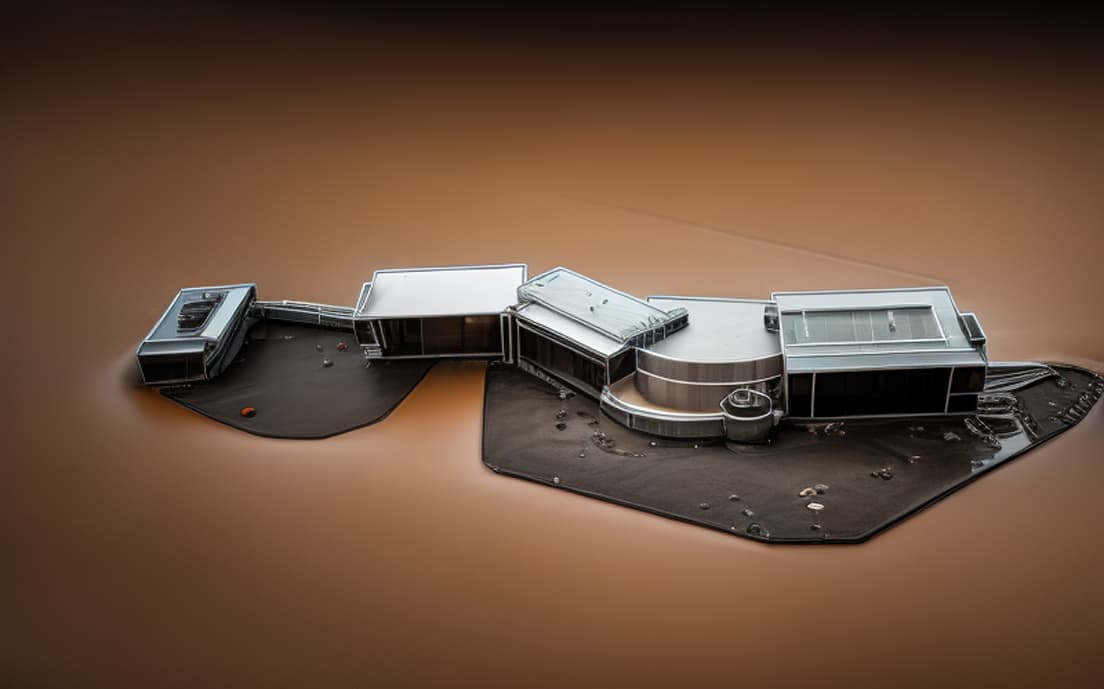
Tried: The building is modern architecture consisting mostly of brick buildings, with metal, glass accents. The building is on a sprawling lot with walkways and green lawns.
Agreed.
Ive been an AI user (mostly midjourney) since early days and, while the images are impressive and creative, it is very difficult to use the results in a professional capacity except for use as inspiration/creative exploration.
Where SketchUp could be a gamechanger is in the material, lighting and object labels. I.e. AI enhanced rendering.
Much like a renderer will detect materials named “grass” or "lawn), AI can be programmed to do the same.
Lighting and shadow settings in AI are usually wrong, so adopting sketchup’s sun position would be a big improvement.
Even location setting could be used to give region-spexific style (eg people of different ethnicities, vehicle and abt types common to a region).
When we give prompts to human illustrators we start with a base image and write notes on it like “add cars to the street” or “this building has a large billboard advert on the wall” or “make the cafe look busy”
So its much like promting an AI but using leader text instead of just one sentence.
Essentally, professionals need more control over the AI and less “intelligence”.
Yes and it’s a bit frustrating thatbafter getting the image with the right mood we cant change some aspects of it as the next image is totally dofferent again.
We can’t iterate it’s always new.
Adding small stuff while keeping what we like, as you’ve described, would be a great process
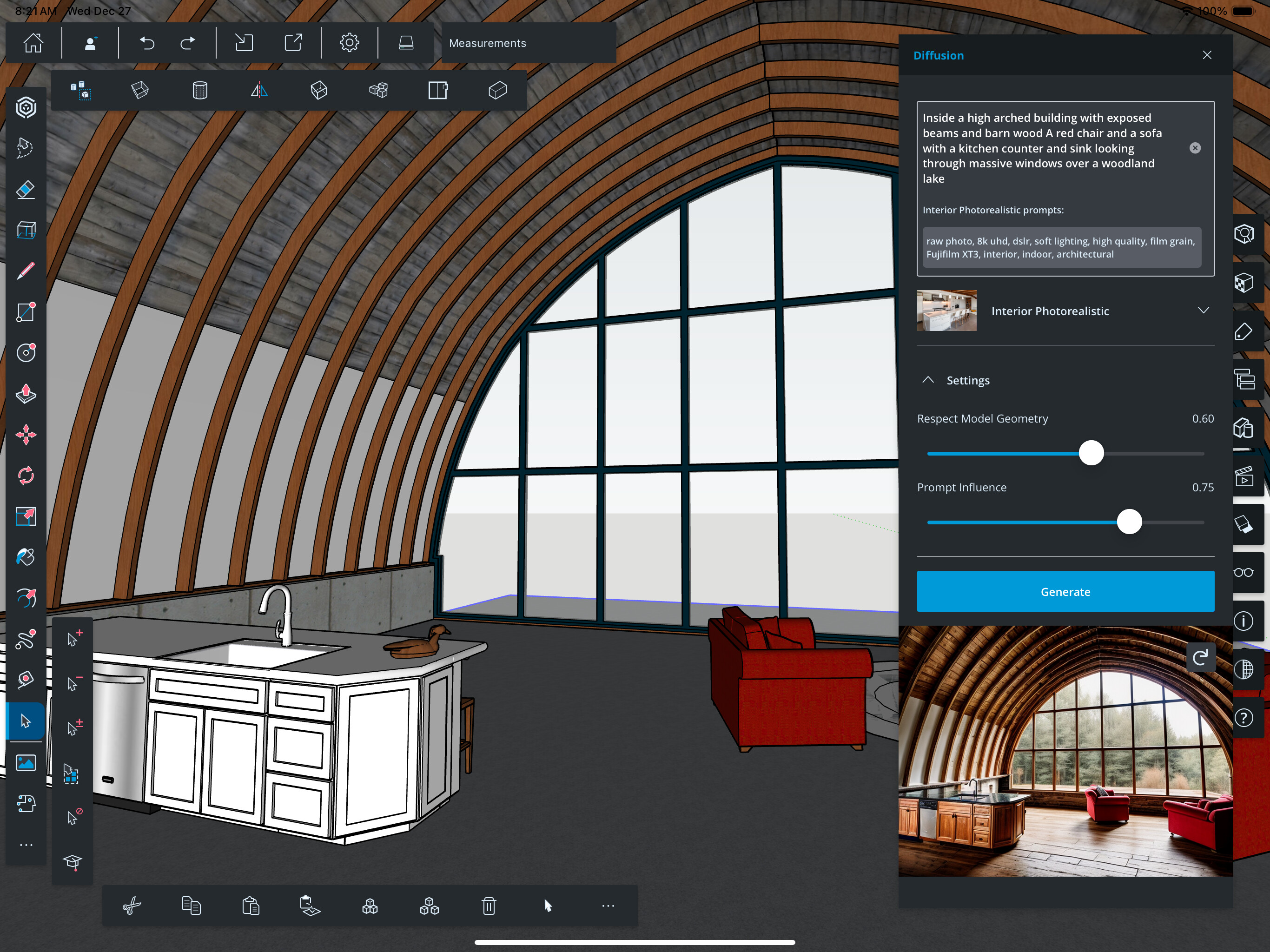
Obviously still not perfect, but I wanted to try this on a model that I care about. It’s easy enough to throw in one of the many that I’ve made and then go ‘huh, interesting it did with the sofa’ … but it’s a completely different game when I cannot get it to understand the nuances in whether the retaining wall is cabinets or concrete or a strange sofa with a sink in the top. Ha!
What I would find helpful would be the ability to train the AI per image. So a tool where one could sketch over the generated image and label that area, so the AI knows what it actually is. An example would be - if there is a courtyard open to sky, the AI sometimes interprets the sky as being roofed and the overhang being sky. So to be able to sketch onto the generated image and clarify what is sky and what is roof, then ask it to supply a fresh iteration with the additional inputs.
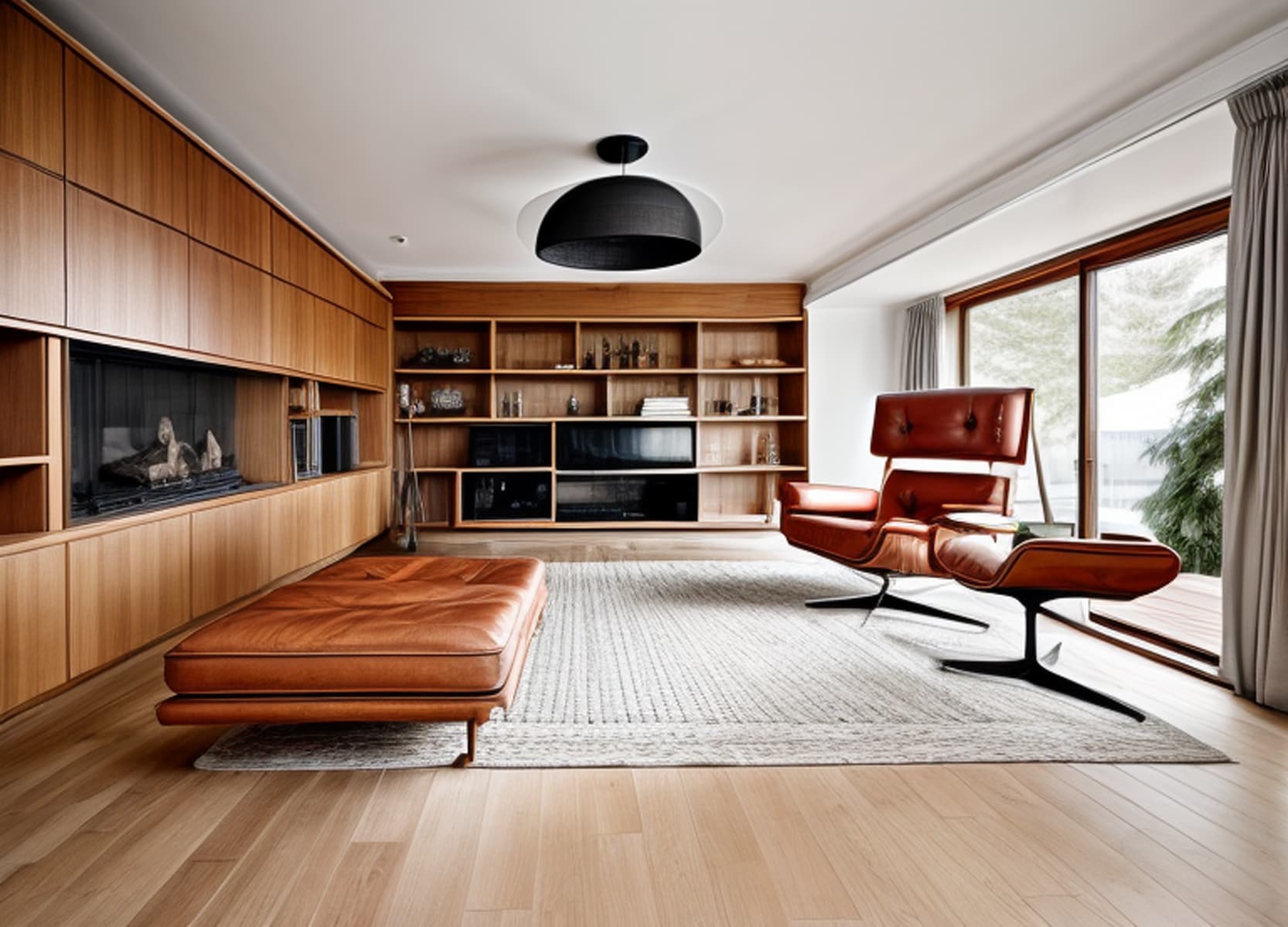
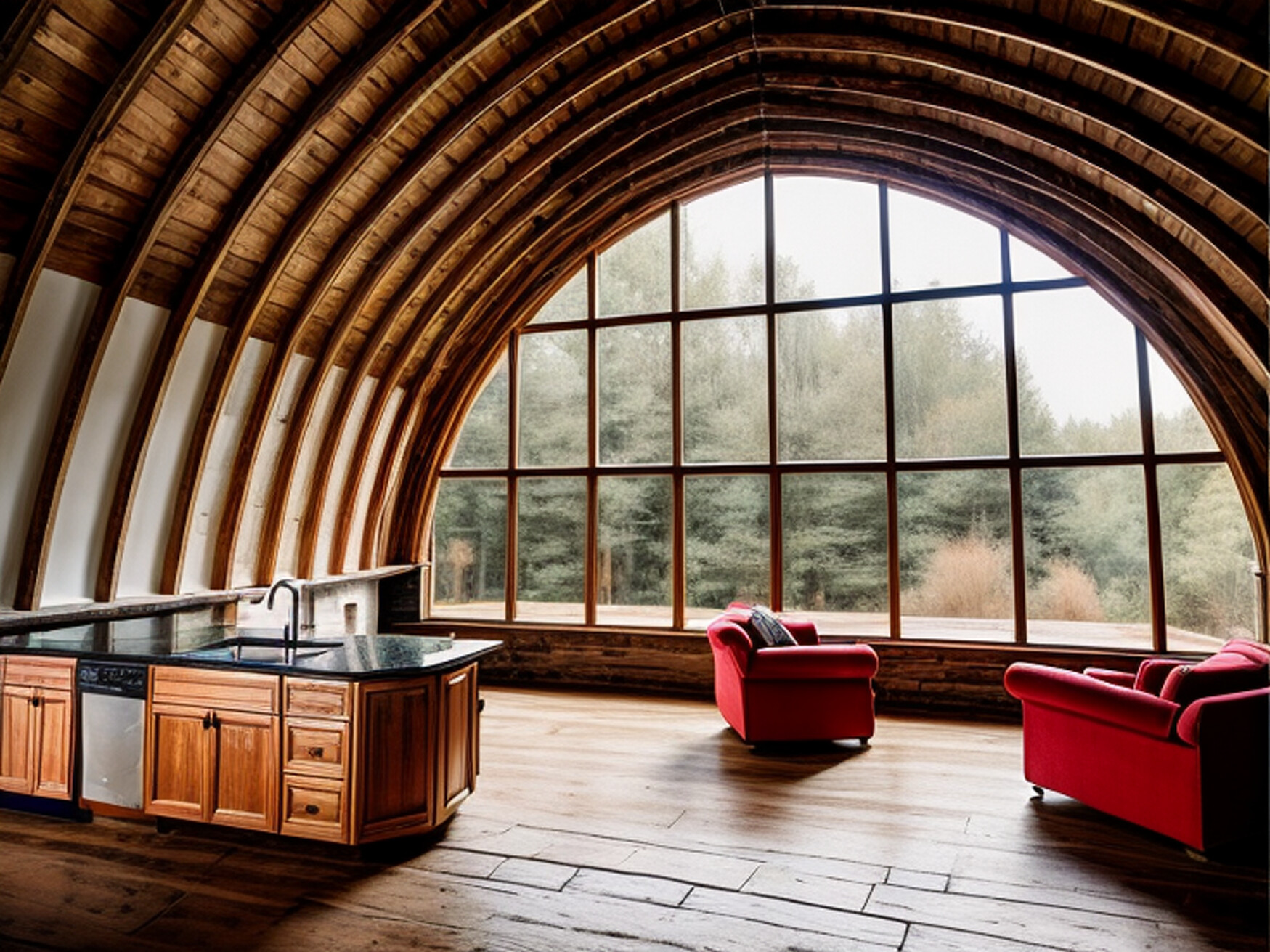
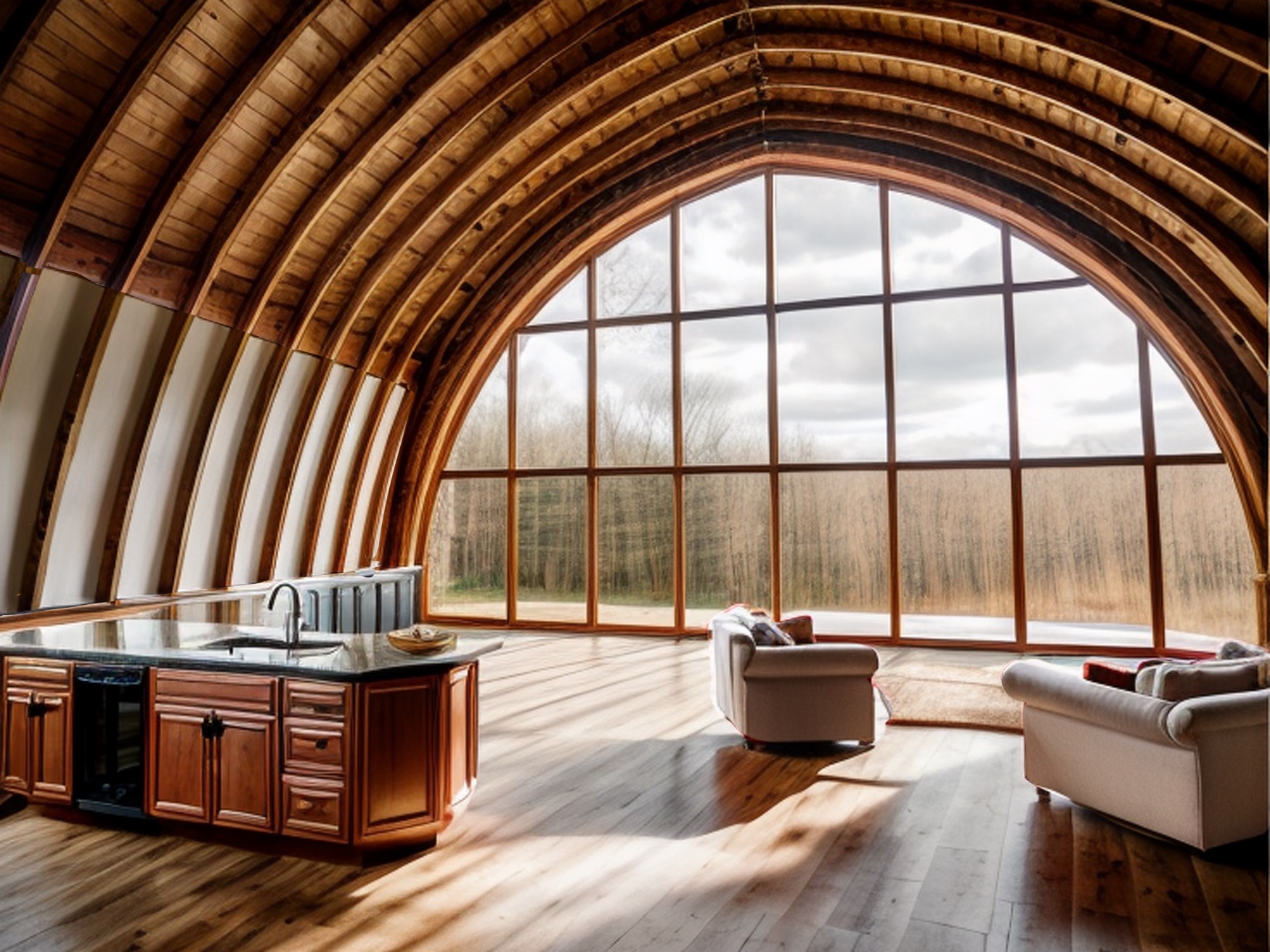
The image of the room above, started to be very badly interpreted until the AI started understanding what it was via prompts. I kept going for a few days.
After a month I returned to the project and the first generated image was already correct. So, somehow, Stable Diffusion already knew what I was talking about.
Your suggestion is much more sophisticated though. It would be cool if it was possible.
If you sketch your areas with colors for materials. This can be done in Diffusion already. Also, if you paint an area for inpaint you can tell what that specific area of the project shoud be featuring.
I think it would be a matter of UI, to allow multiple material zones and inpaint areas to be hand drawn on top of an image.
However, writing and labelling, I think Diffusion would read them as part of the image. It might be harder to interprete.
Interesting. So You closed Diffusion and SketchUp…opened both up again after a month, didn’t use any additional prompts and it recognised either “the project” or had learned from previous prompts. Is that about right? Would be interesting to know if it had learned OR if it recognised the project.
I’m not against giving it prompts but I would like to accelerate the AI’s learning and taking time to prompt and prompt and prompt and prompt could be a bit of a slow method to assist it’s ML processes. Hence the idea to sketch over one of it’s own outputs and re-submit it again.
I tried adding text “prompts” straight into SU (in other words SU 3D text) as the original feeder image and Diffusion viewed them as objects, so sure that didn’t help but worth an experiment.
I can’t answer that, maybe someone better versed at Stable Diffusion could tell.
Anyway, having a way of feeding images and prompts of our own, in order to make the AI learn what we want is also a possibility on Stavle Diffusion. It’s sort of an advanced workflow but it might be interesting to explore by Sketchup.
I suspected that’s what would happen. I haven’t seen a way on Stable Diffusion to separate image from overlayed info, except areas for inpaint.