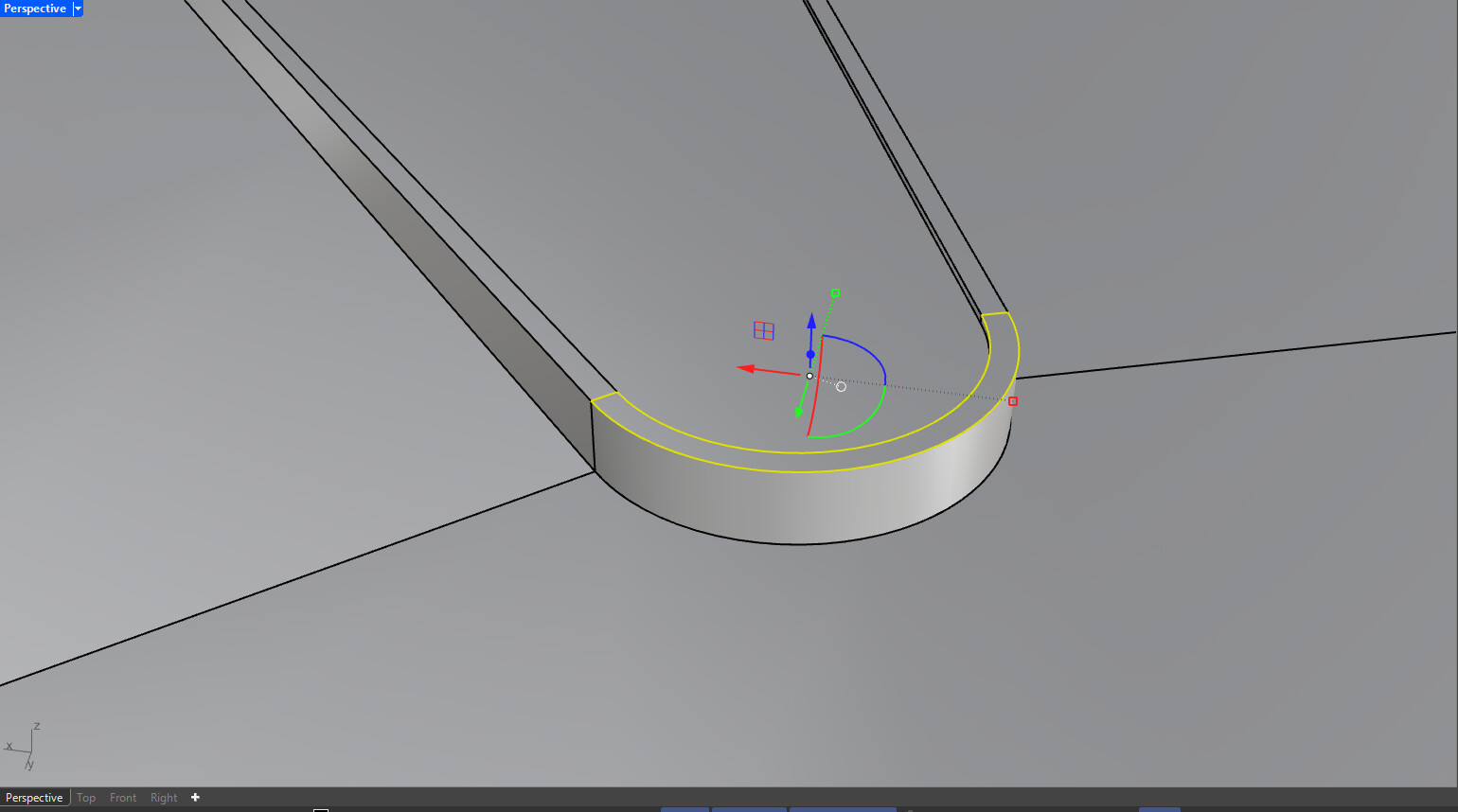
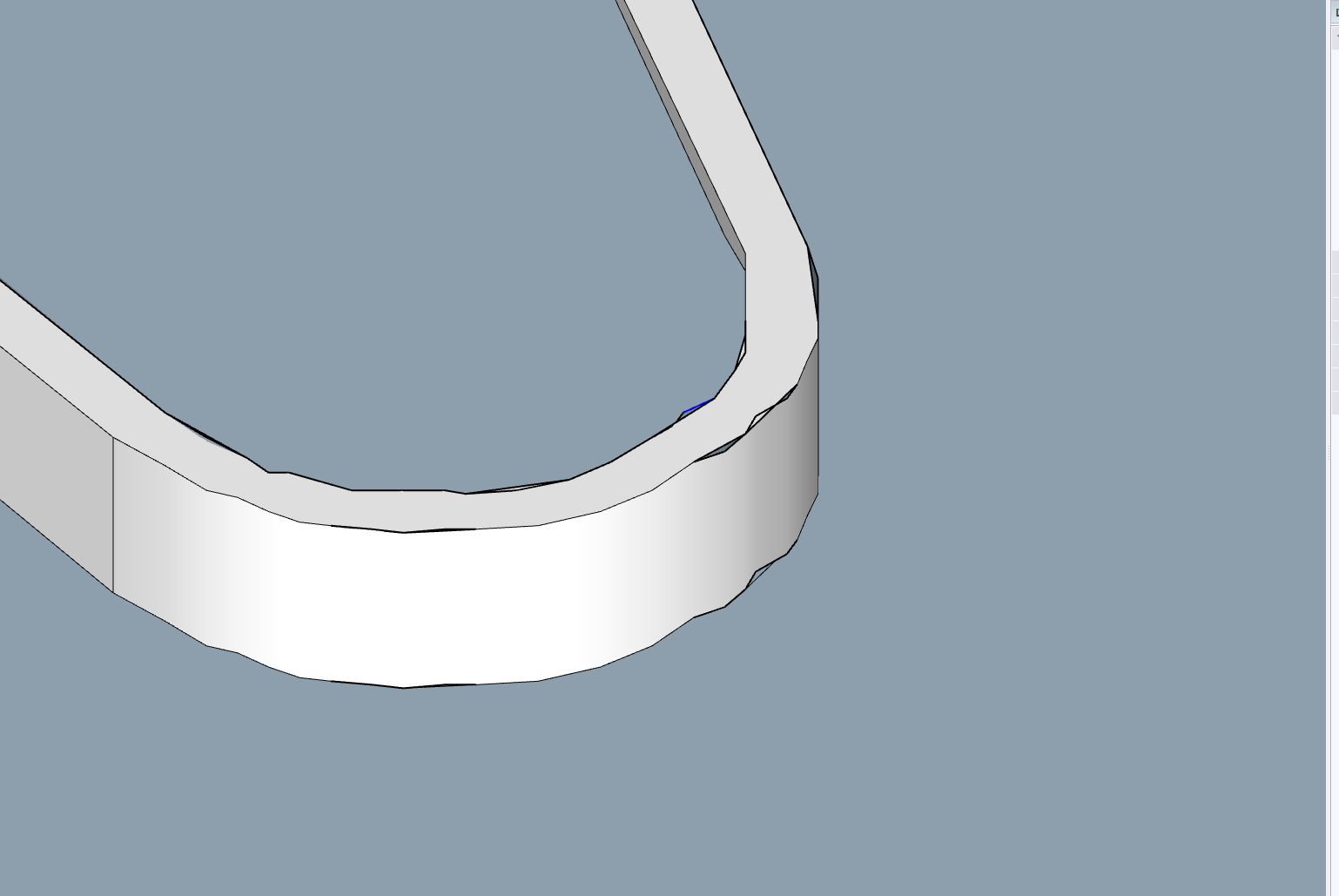
I move quickly when modeling in Rhino then export to sketchup to populate my model with components. However, once I export my surfaces from rhino (rhino 8) to sketch up (2024) the curves break down.
my export/ import process goes as follows:
RHINO
select all surfaces to be exported. “Export”
select file type as .SKP. “save”
export dialog box appears. select “export planar regions as polygons”
save file
SKETCH UP
open new sketch up model
file>import
browse to file exported from rhino as .skp file.
This is where I notice curves have broken down and the smooth geometry is not preserved as shown in the two screenshots
Re-upload screenshots. Nothing showing. And this sounds like normal behaviour. SketchUp converts curves to ‘faceted’ series of straight edges. That’s the difference between a Nurbs-based (Rhino) and surface modeler (SketchUp). There may some simple steps to help correct, starting with ‘softening/smooth’ faces to hide the visible geometry along curved faces. Hard to give specific solutions without seeing screenshots/ upload model.
Can you post a Rhino file and the SketchUp file that displays this behaviour?
What do you see when you display Hidden Geometry and Hidden Objects in SketchUp?
Is the model very, very small?
Is the model far from the SketchUp model origin or are its extents very large? Your nickname suggests that you are modelling landscapes - are you starting from a map file in CAD format?