hi,
i have a problem with my Sketchup, every time I try to save a project it loads for hours, doesn’t save or crashes. any one that knows whats up ,
hi,
i have a problem with my Sketchup, every time I try to save a project it loads for hours, doesn’t save or crashes. any one that knows whats up ,
What file location are you saving to?
i’m not so technical where can I find this ?
Where are you saving the file - generally you have to tell it where to save.
Are you saving to a cloud drive? iCloud, DropBox, OneDrive? Or to your local hard drive?
Have you tried doing ‘Save As…’ and picking a location such as your desktop or Documents folder?
When i do ‘save as ..’ nothing comes up it just stops or keeps loading …
start a new project. copy all from the problematic project, and paste it in the new one. can you then save?
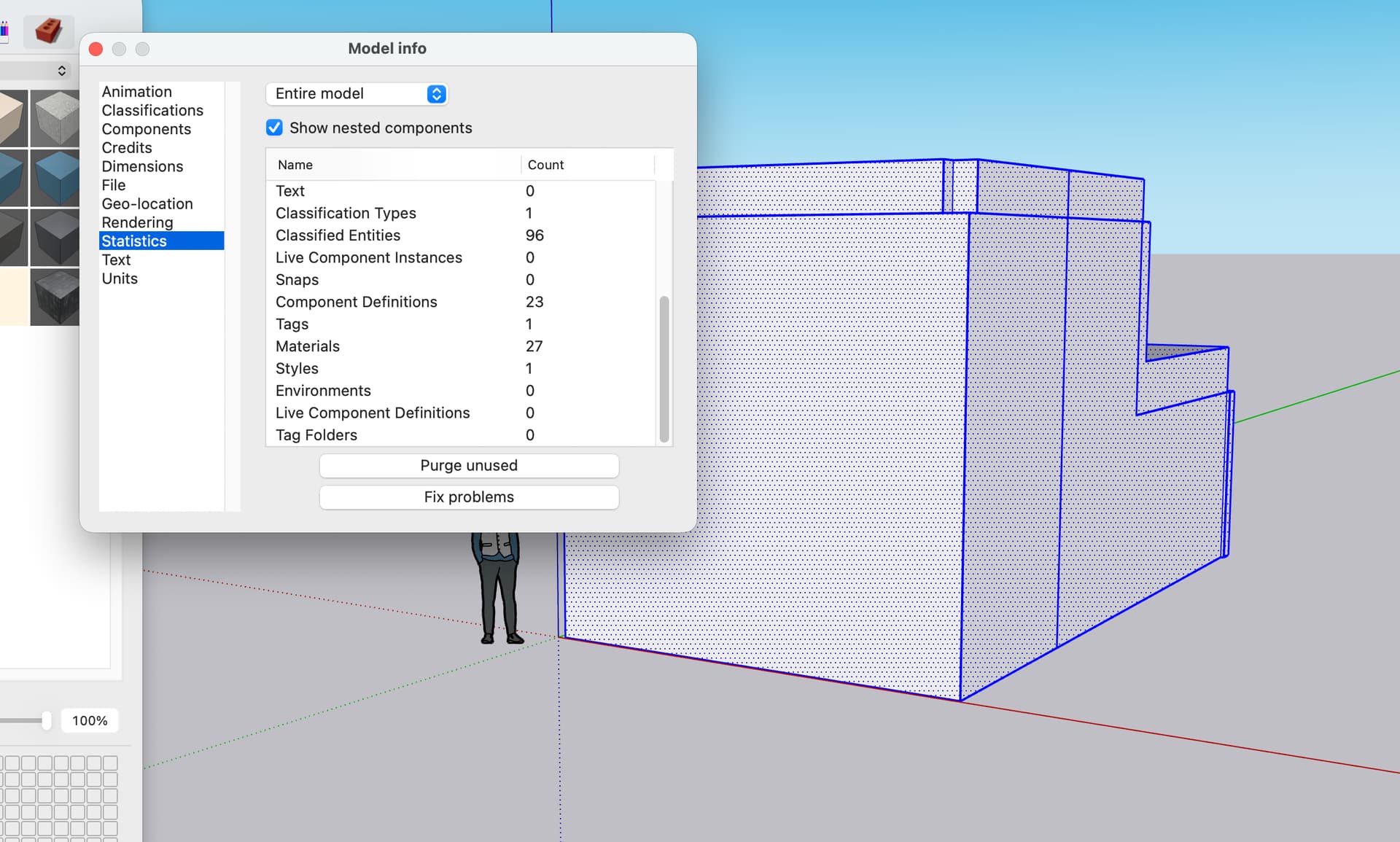
second idea, go to window / model info / statistics. tick the develop thing at the top (bottom?)
can you give us the first two numbers ? lines and faces ?
Even new projects with nothing in it has the same issue, if i open a previous project that already has been saved i don’t have this problem ( even if i make new changes it saves normally).