Hello, I am quite a neewby to Sketchup.
I have designed a part for tap extender Hansgrohe Metris Select M71 (73817000). Can be found attaached.
However, there are a few problems with my model.
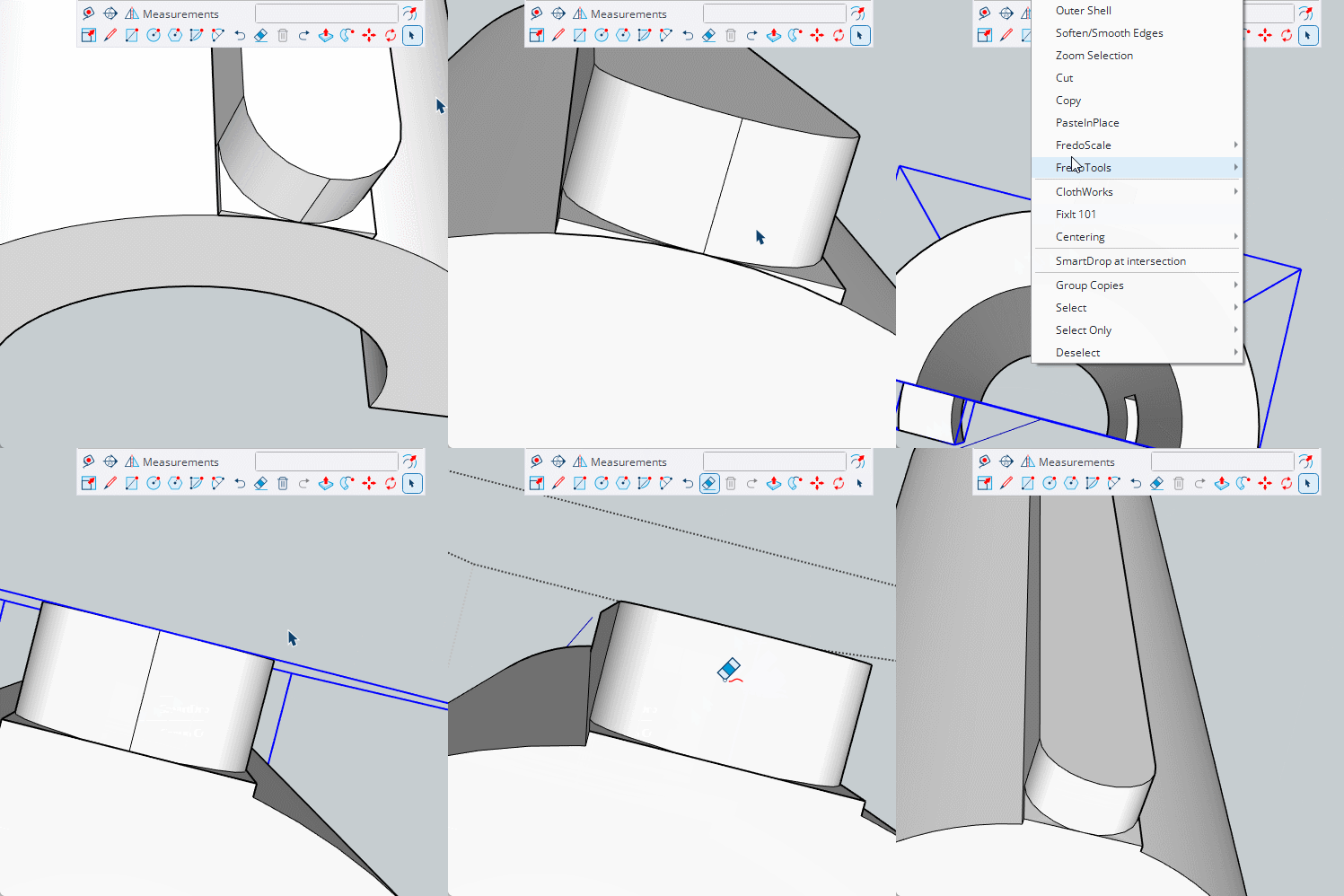
There is a lip that I can’t manage to smooth down, since it is not even surface. Attahced screenshot.
As well, when I want to print it, I gen an error that “Multi-shells detected”. How to I make my whole part as SOLID part fully? didn’t manage to do that as well. .
Appraciate the support from communcty, or point me out where I can learn how to do that.
There appears to be an issue with your link.
Best to attach the model directly or if over 16mb upload to dropbox or similar and add a link to the file there, making sure you allow access to it.
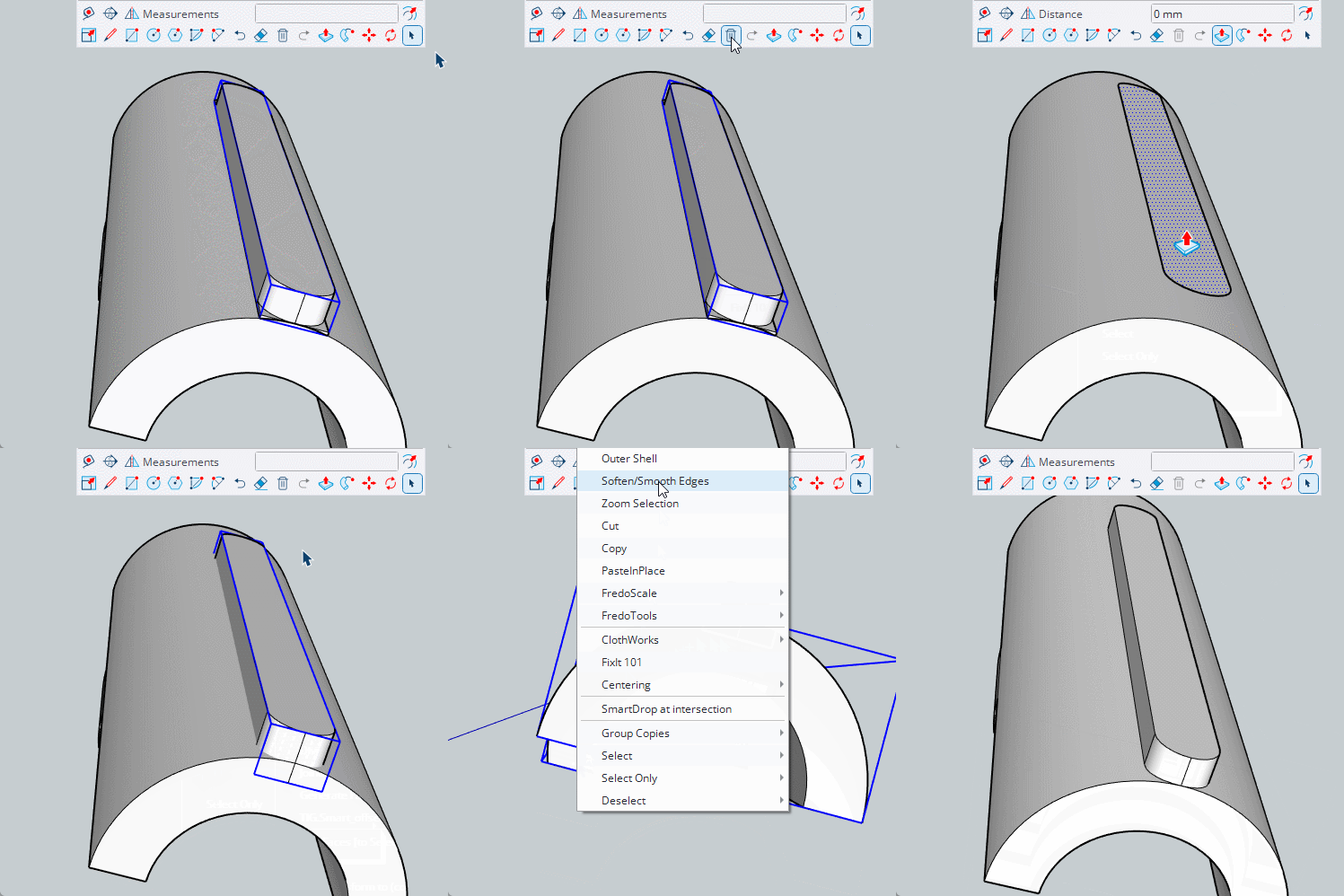
You have three separate solids ‘nested’ together. If you explode the outer group, you will release on solid from the nest, explode the second group and you will release the other two, leaving you with 3 solids. Select them all and use outershell or union and you will have a single solid.
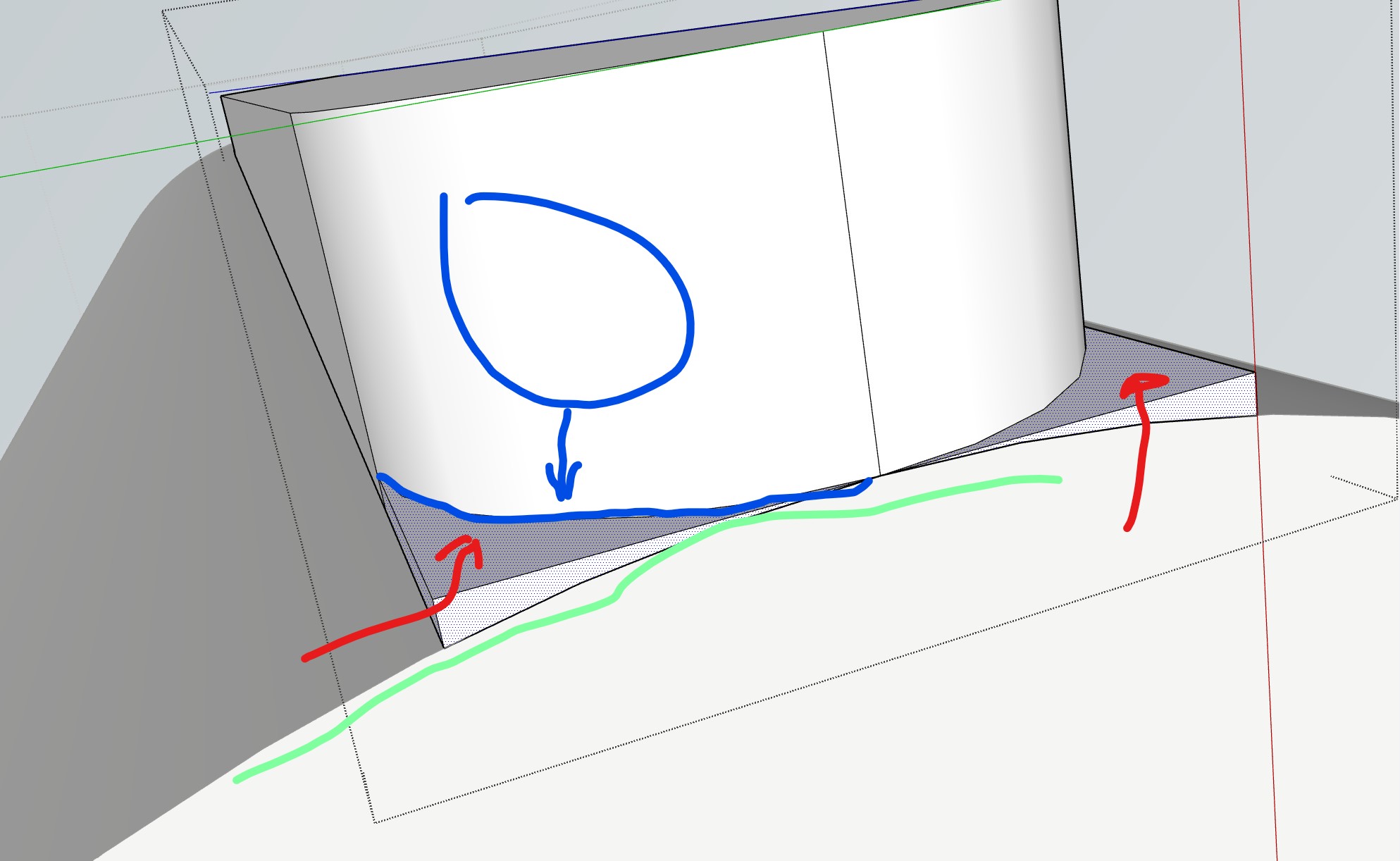
@Box I would like to remove the small “leftovers” which are marked in red.
and the rounded part which is marked in Blue, to be directly aligning with the Green part.
But since that are many different angles, rounded parts, I can seem to manage to do it by “pulling” or even delete it segment by segment - then it createa “hole” which I am not managing to fill in.